Learning built into the workspace: home cards, Learn tab and help menu
Count puts getting-started videos on Home, a full Learn section in the main nav and a layered help menu one click away.
Home
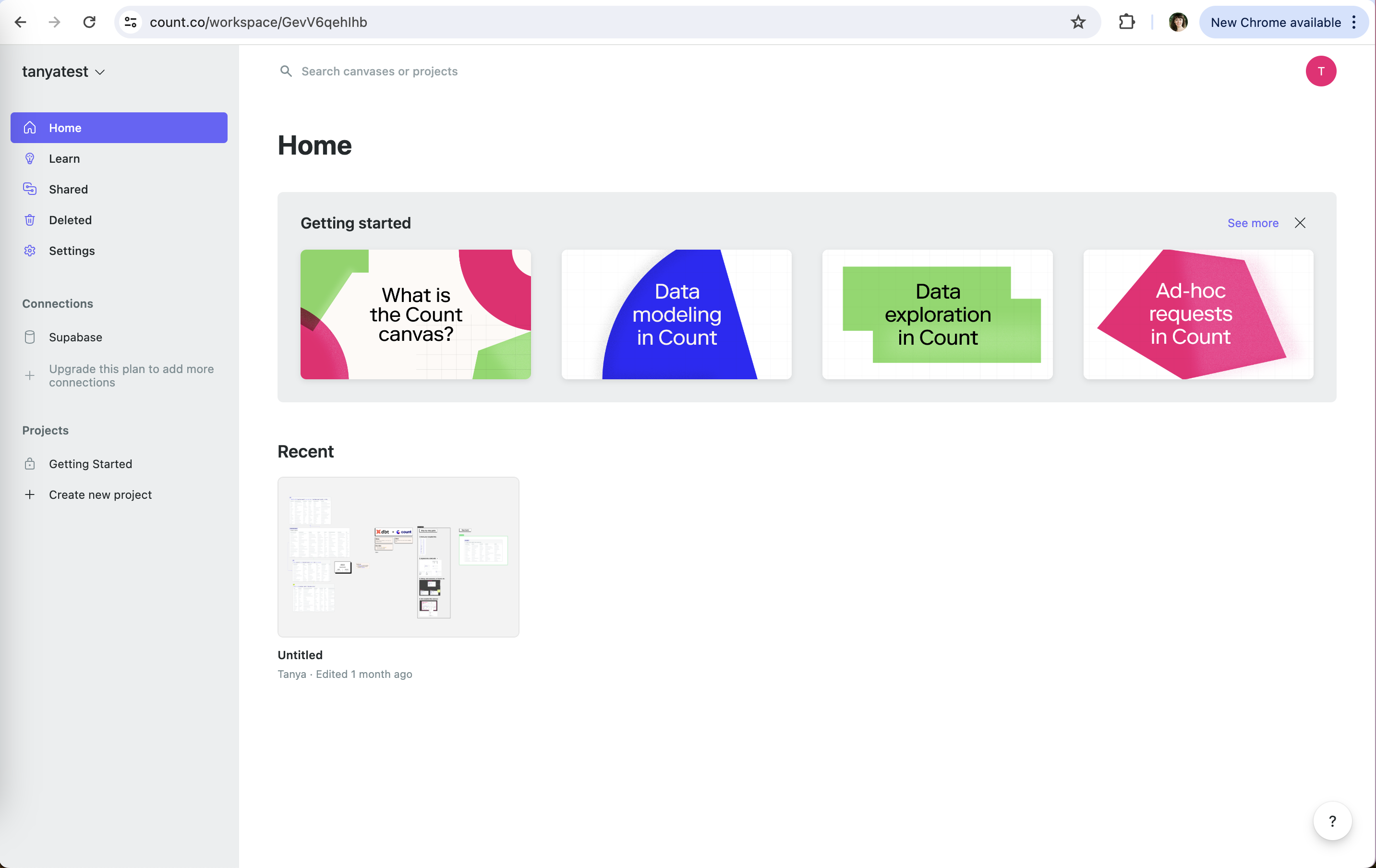
The workspace home leads with getting-started content above recent canvases.
-
1
Learn in the main nav (working)
Learn sits right under Home, not hidden in a help menu.
-
2
Upsell where the limit is (working)
"Upgrade this plan to add more connections" sits in the Connections list.
-
3
Dismissable (working)
"See more" and a close X let the cards go once you're done.
-
4
Getting started cards (working)
Four videos from "What is the Count canvas?" to use cases.
- 5
Help menu
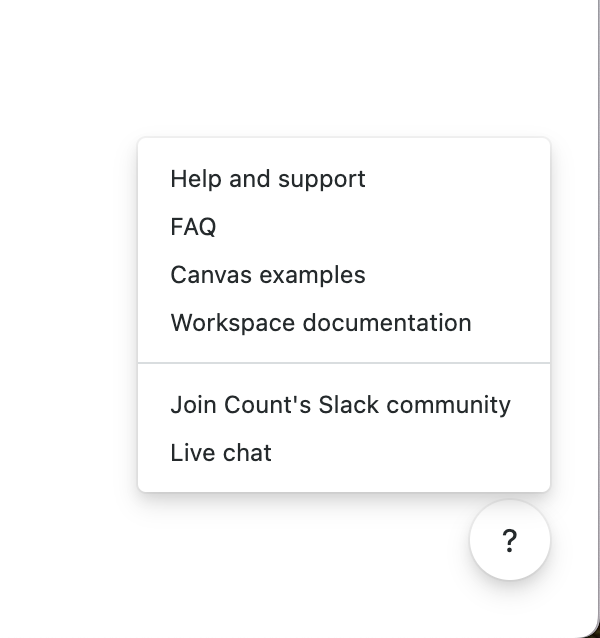
The help button opens self-serve options first, then people.
- 6
- 7
- 8
Learn
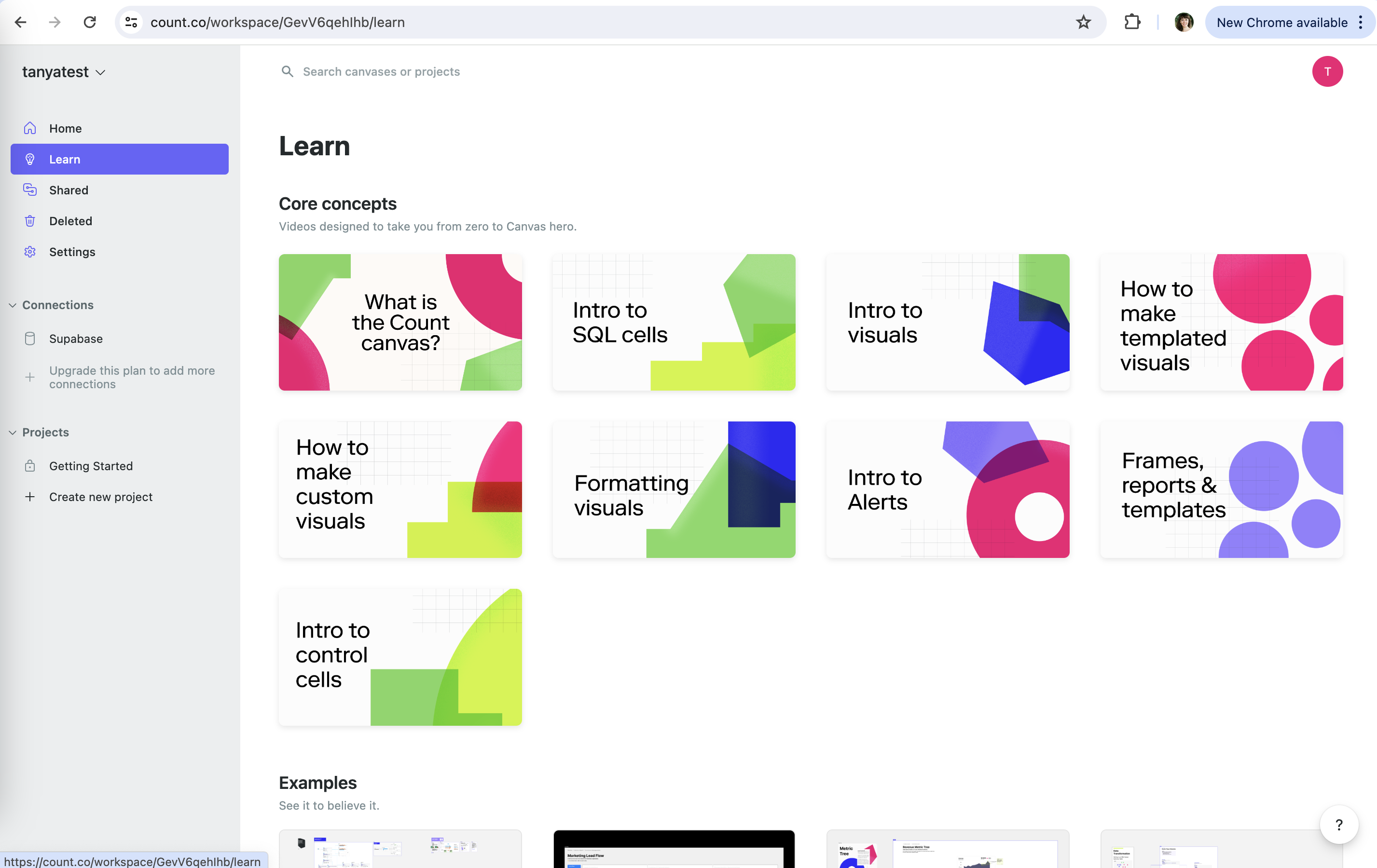
A full learning section inside the app: core concept videos and example canvases.
- 9
-
10
No progress or length (not working)
Nine video cards with no duration or watched state, so you can't track where you are.
-
11
Examples to copy (working)
"See it to believe it." leads into finished example canvases.
Takeaways from Count
- Make learning a first-class nav item when the product needs a new mental model.
- Order help from self-serve to human, and keep it one click away on every screen.
- Show length and watched state on learning content so users can pace themselves.