Product pattern

Contextual timing

Show an offer, request or prompt when the user's current task makes it relevant, not on a fixed schedule.

Contextual timing The same upgrade offer at two moments. On the left it pops up over a dashboard that is still loading, before the user has seen anything. On the right it appears right after the user taps Export PDF, a Pro feature, so it answers the need they just had. Offer on first open Sales dashboard Loading… Upgrade to Pro Export your reports as PDF Upgrade “I haven't even seen it yet” Offer right after the need Sales dashboard Export PDF PDF export is on Pro Upgrade to Pro Not now Same offer, at the moment of need Interruptions at a natural break annoy less (Adamczyk and Bailey, 2004)
The same upgrade offer shown over a dashboard that is still loading, and shown right after the user taps the Pro feature it unlocks.

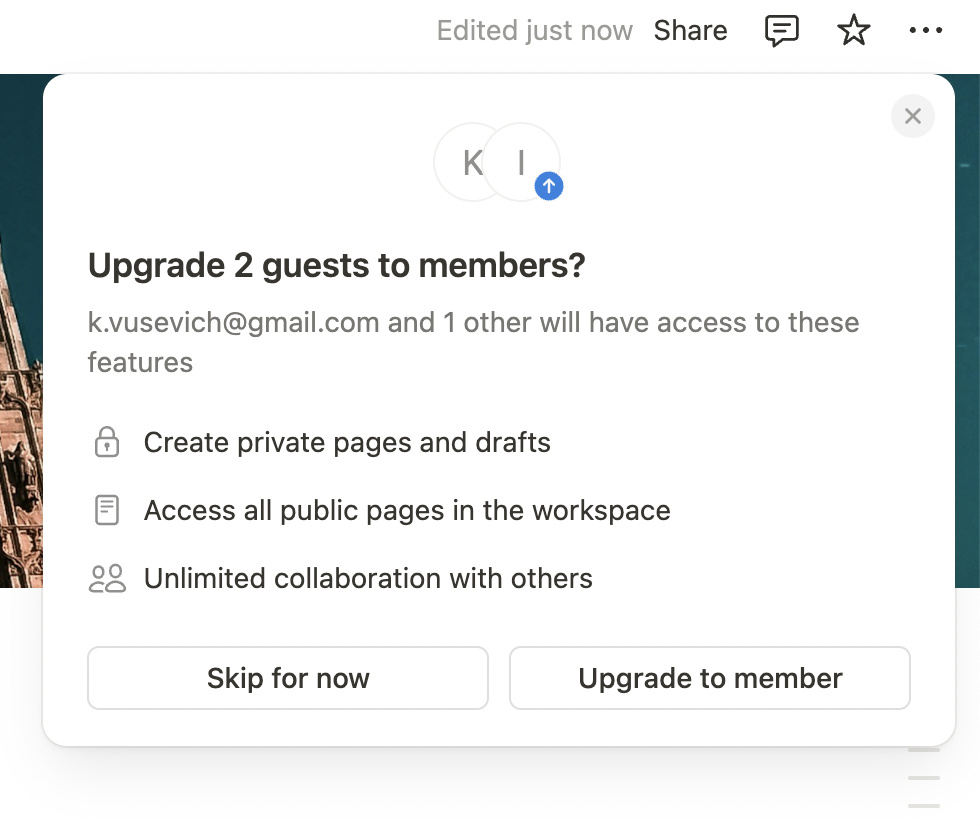
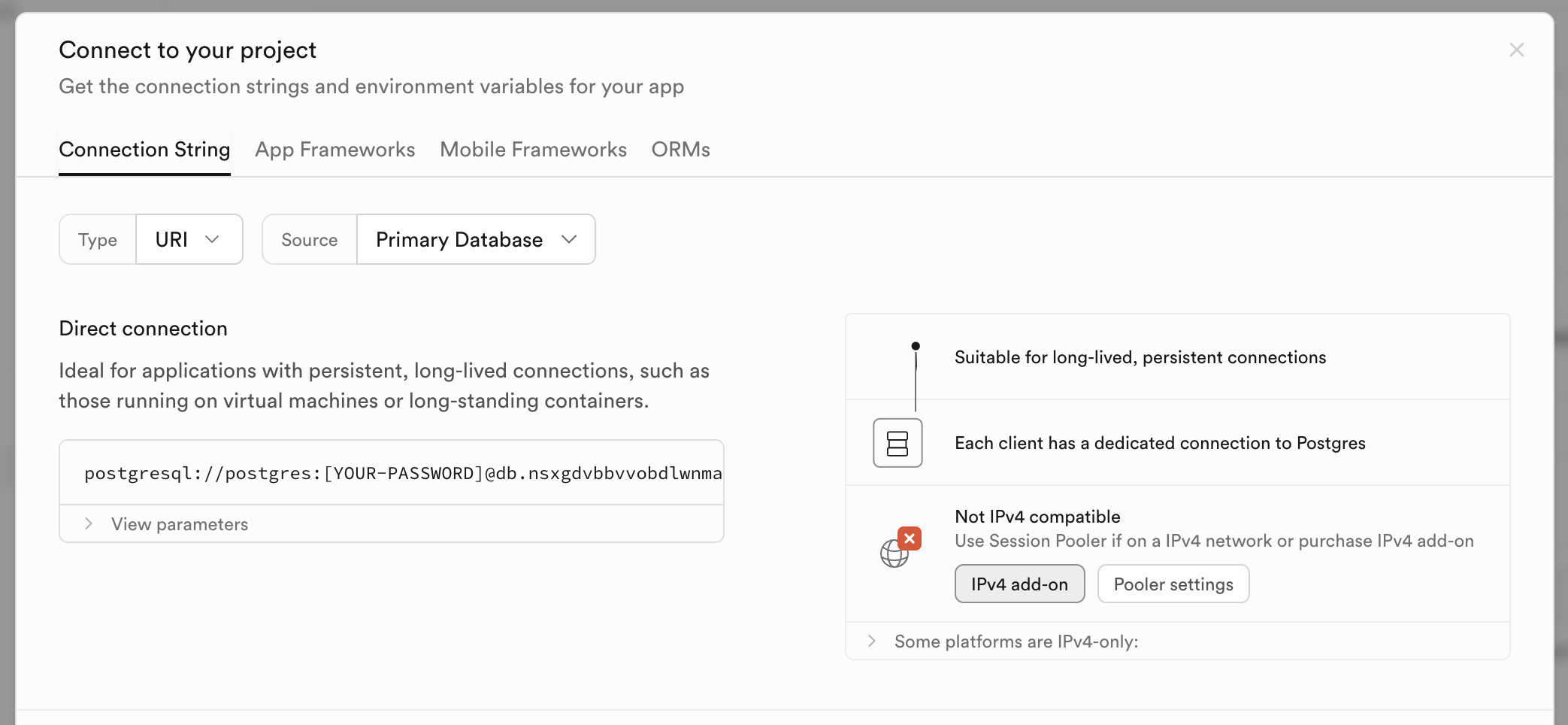
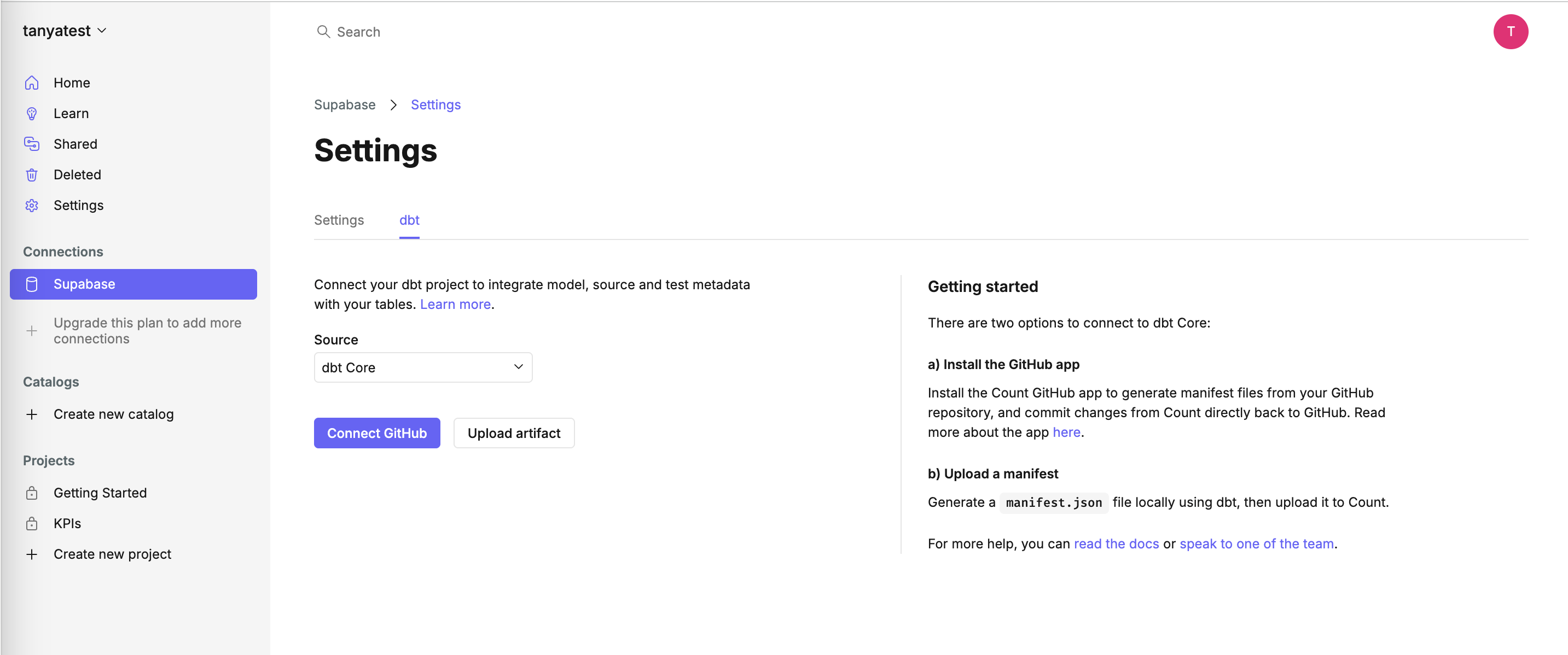
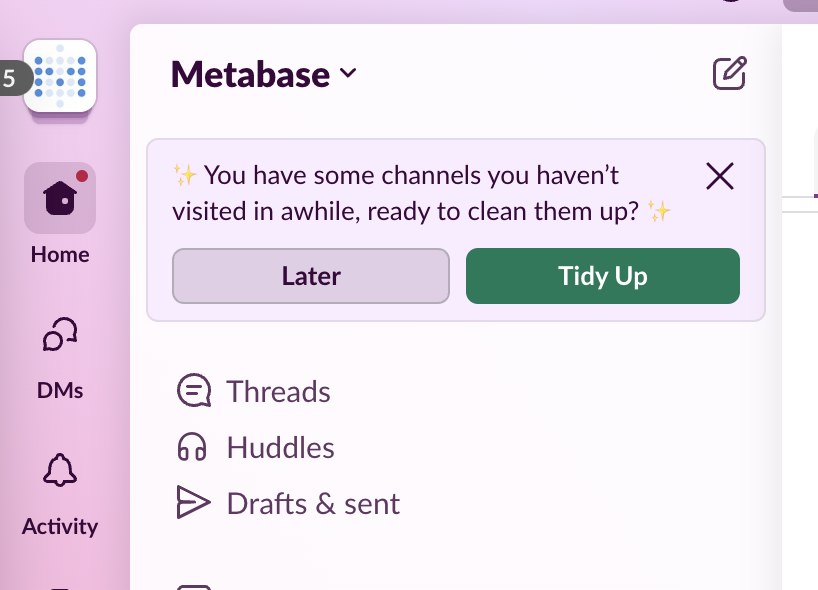
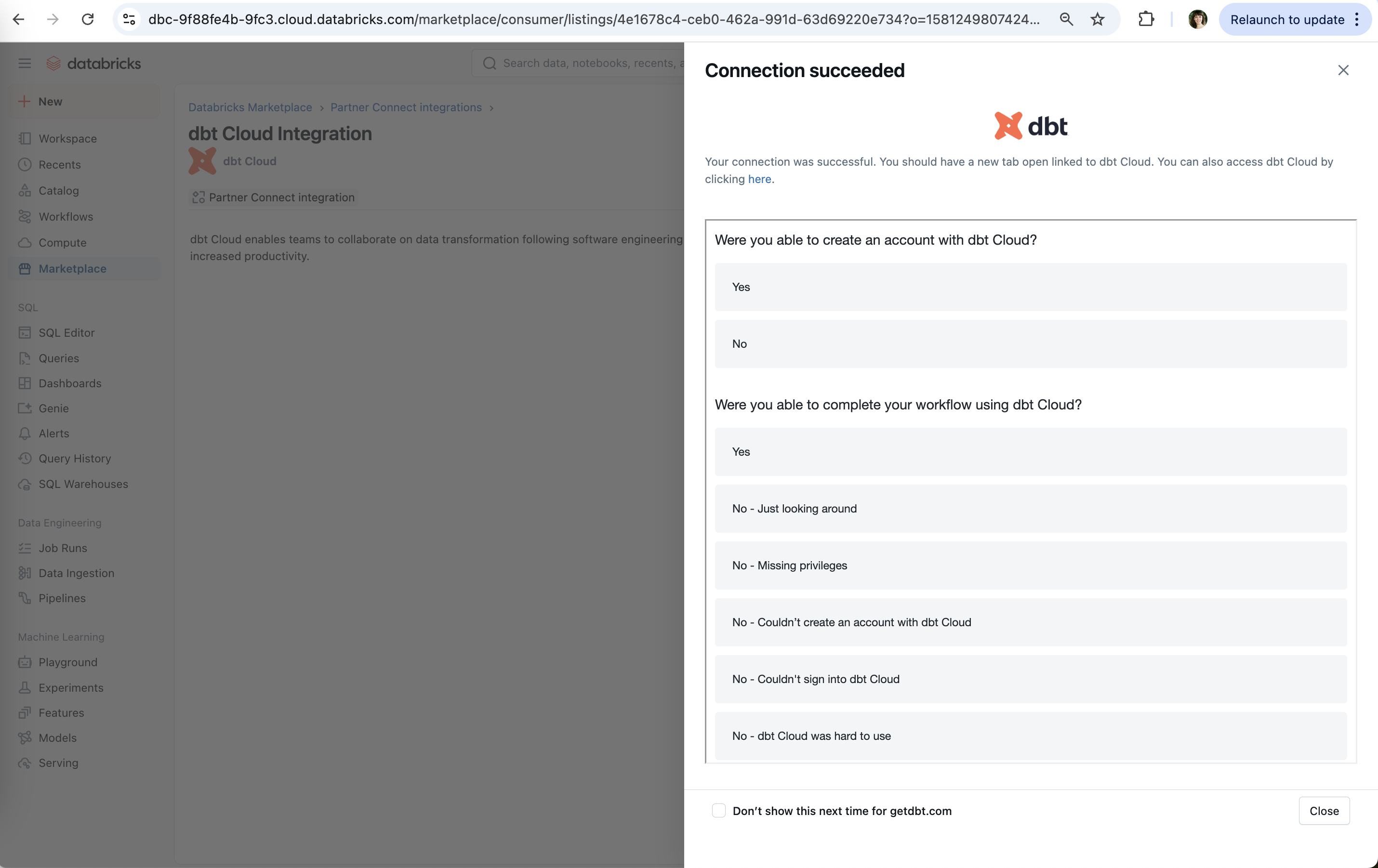
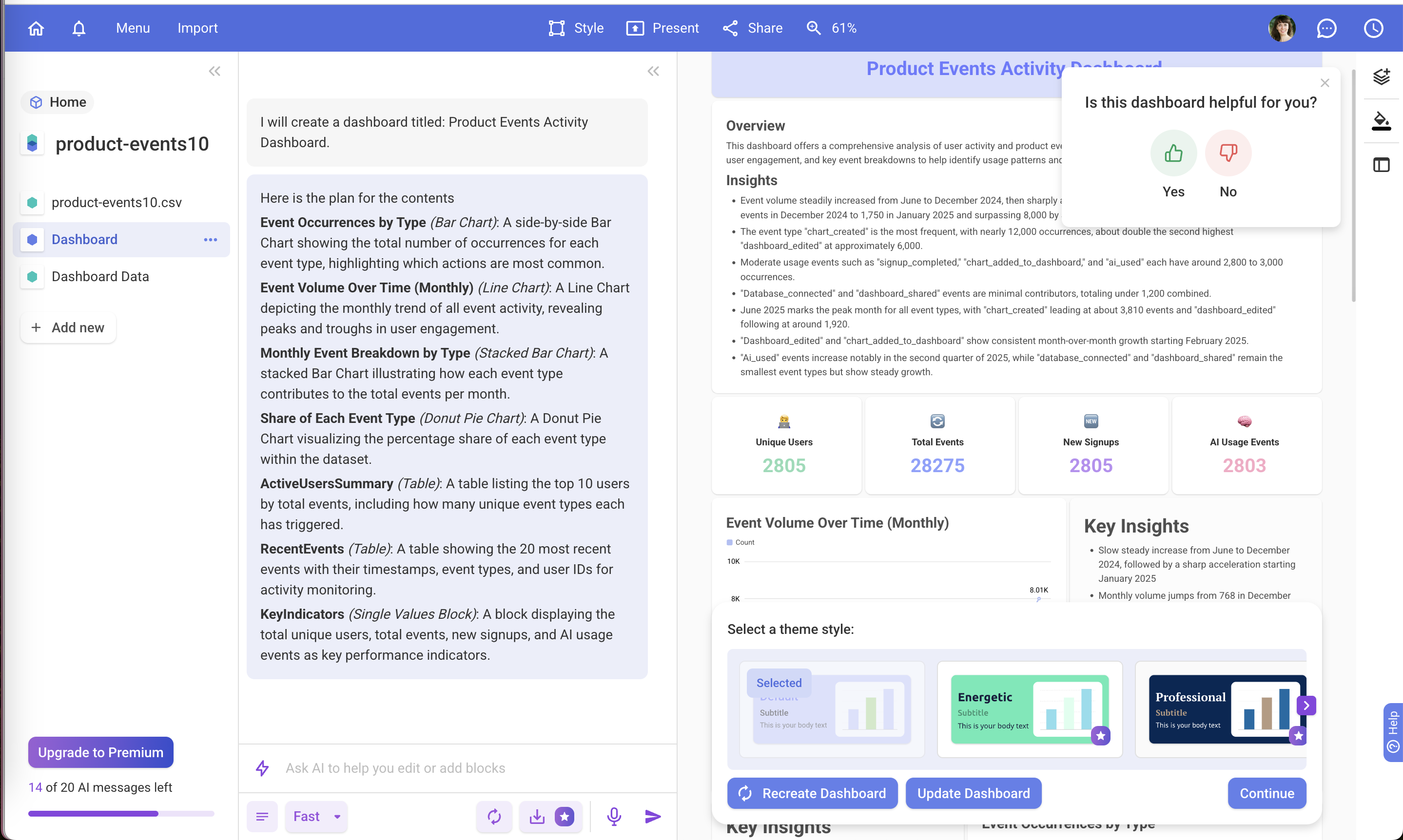
The same upsell or question can help or annoy depending on when it appears. On this site contextual timing covers in-context upsells (premium themes marked inside a picker you're already using, a guest-to-member upgrade naming the colleague you just worked with), cross-sells in quiet moments, and the failures: a feedback survey covering a dashboard before you've seen it, or a demo offered only after setup is done.

Research on interruptions shows timing changes the cost. Piotr Adamczyk and Brian Bailey (CHI 2004) found that interruptions at better moments within a task, such as between subtasks, led to less annoyance and frustration than those at worse moments. Shamsi Iqbal and Bailey (CHI 2008) found that holding notifications until natural breakpoints reduced frustration and reaction time compared with delivering them right away. NN/g's Maria Rosala applies this to permissions: requests triggered by a related action are less surprising than prompts at launch.

For growth teams the practical rule is that an offer converts best right after the user hits the need it solves, and costs the most goodwill when it interrupts the task that would create that need.

How to use it

  • Trigger upgrades from the moment of need: a limit reached, a locked feature tapped, a collaborator invited.
  • Ask for feedback or ratings after the user has seen the result, at a task boundary, not on first render.
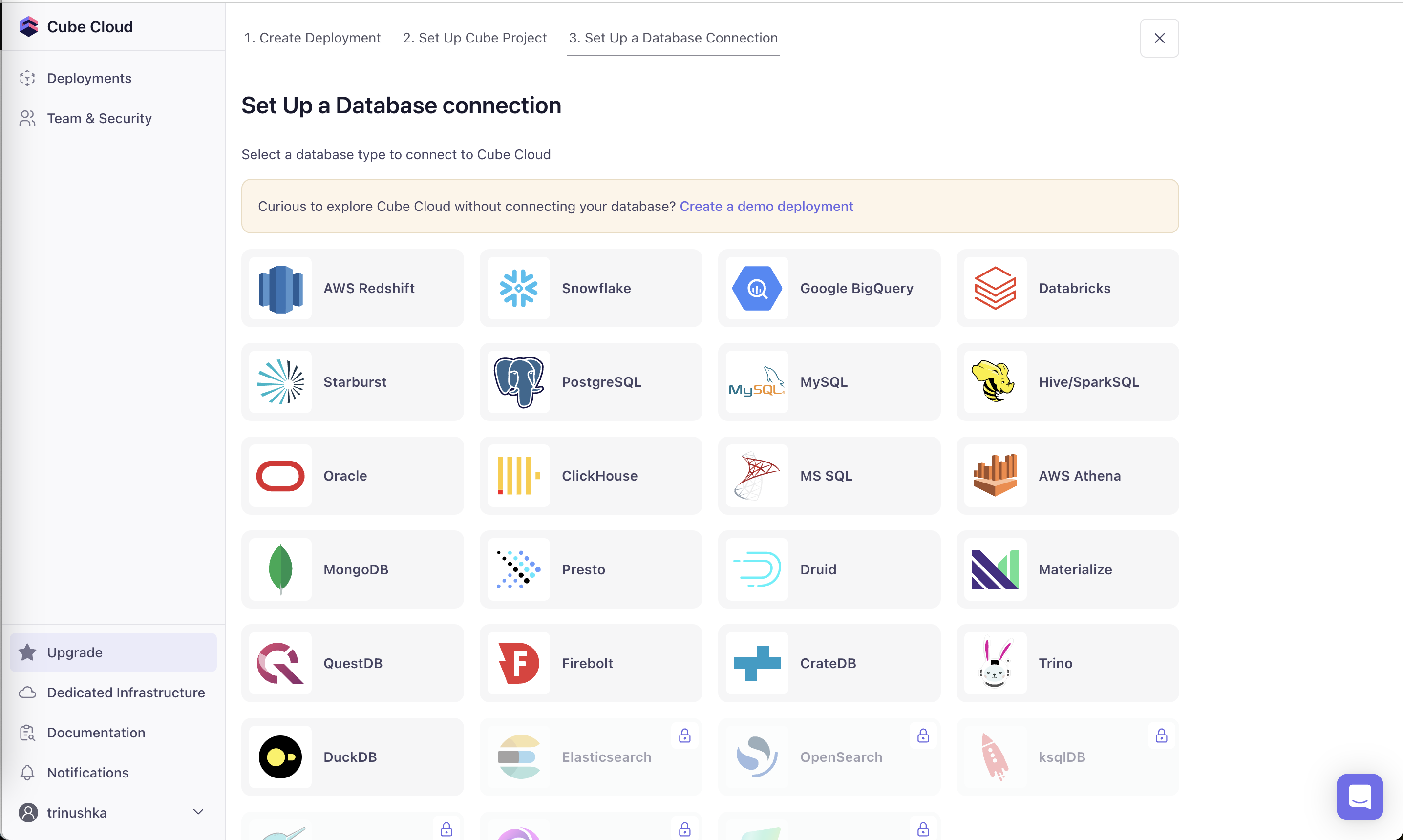
  • Offer shortcuts like demo data or templates at the first step, before setup effort is spent.

Watch out

  • Firing offers at every possible trigger turns relevance into nagging.
  • Interrupting a task in progress, for example a modal over content that is still loading, reads as the product caring more about the sale than the user.
Related

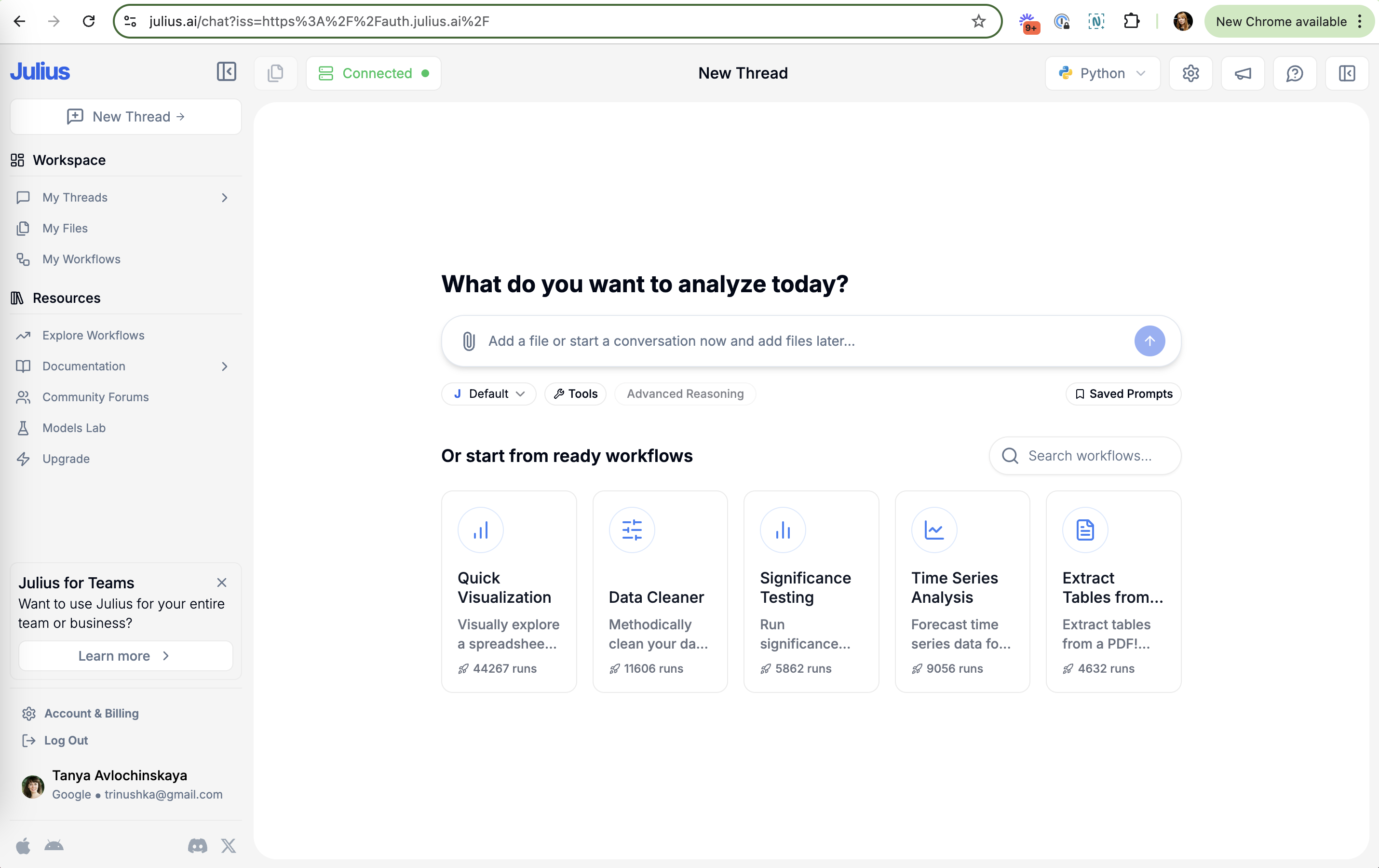
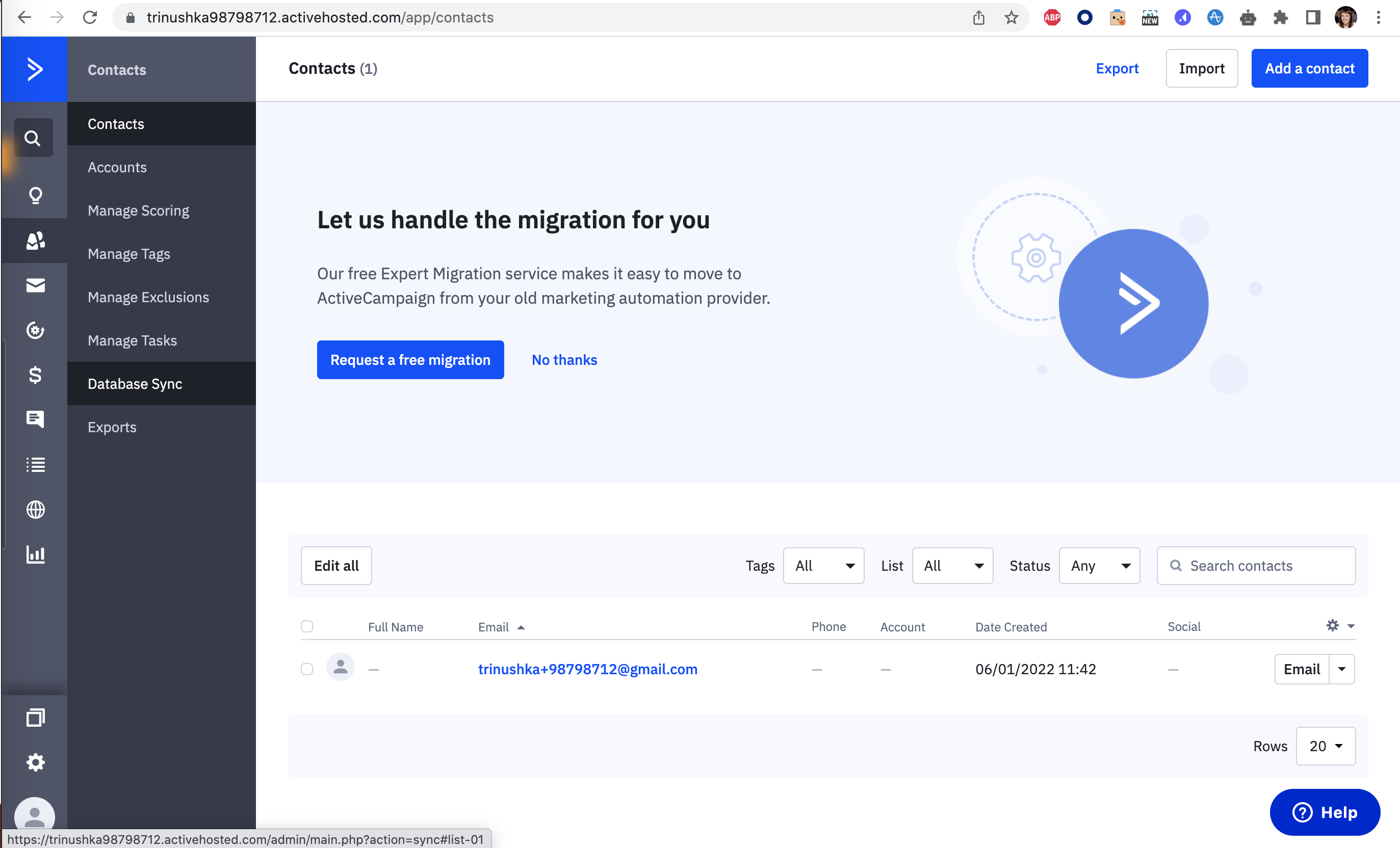
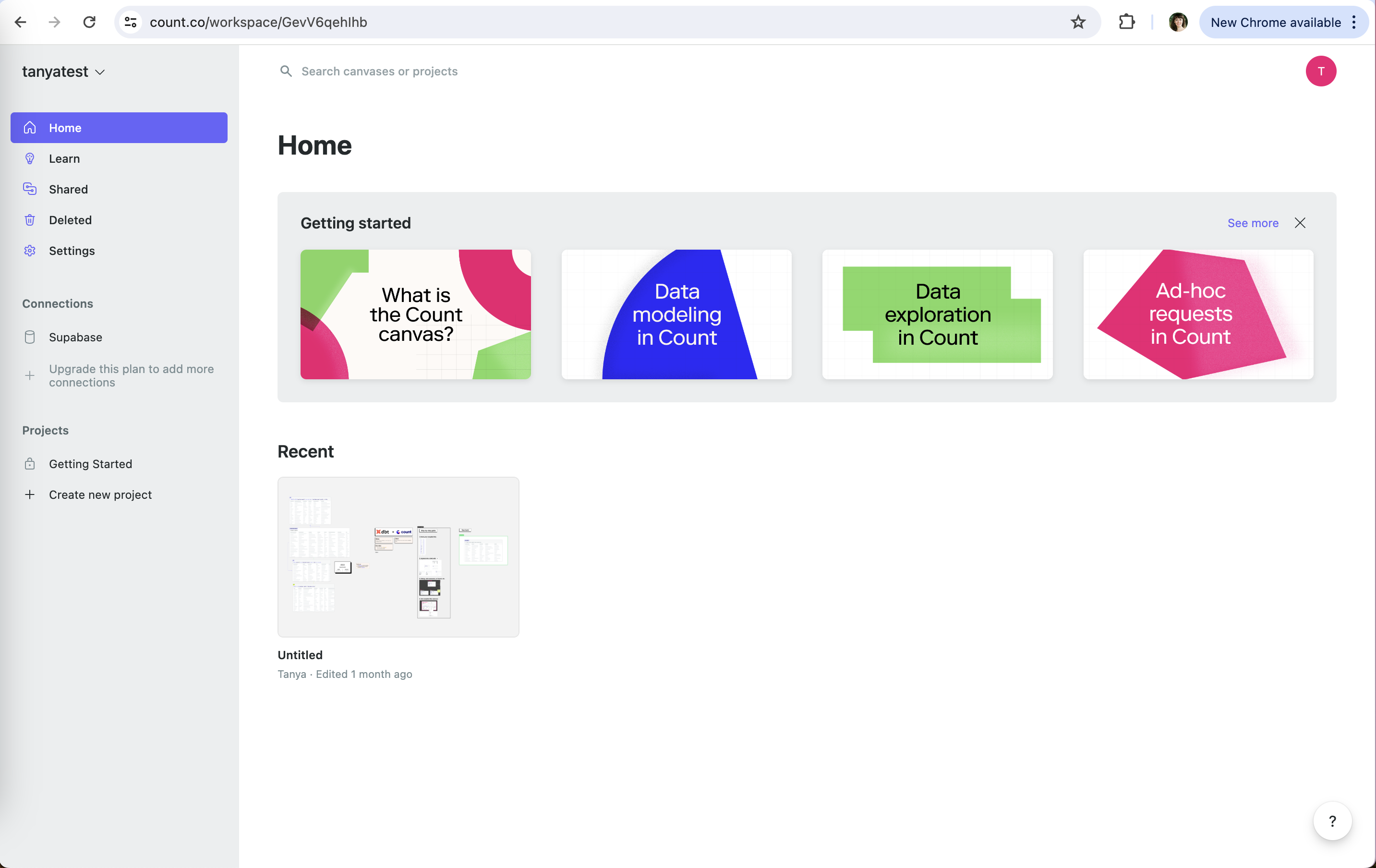
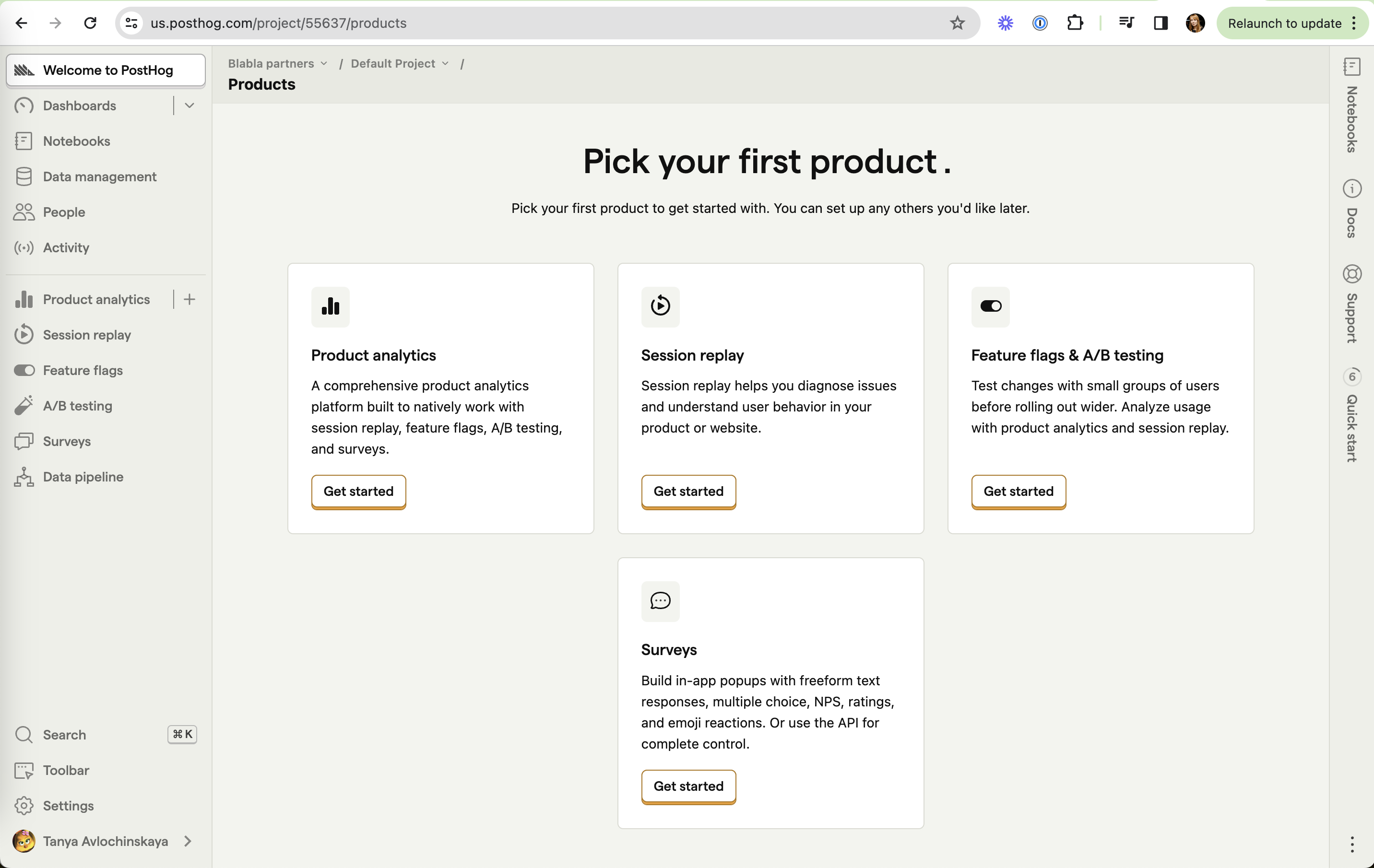
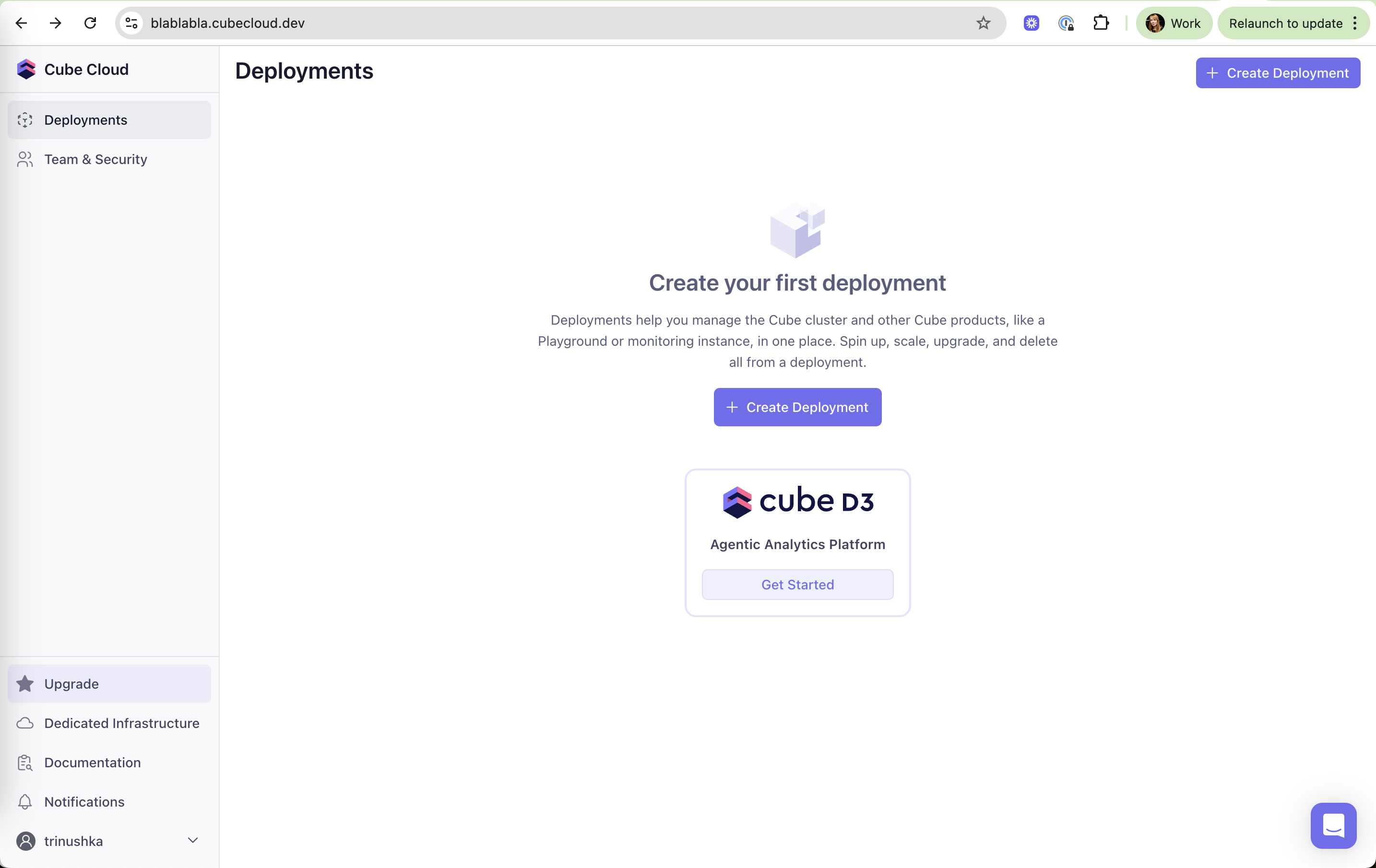
Contextual timing in real products 10 working · 3 not

Cube Cloud: New product in the empty space Cube Cloud (working) New product in the empty space The cube D3 logo card uses the quietest page for the newest product. Bricks: Premium themes marked Bricks (working) Premium themes marked Energetic and Professional carry a star, a soft upsell inside a choice you're already making. Notion: Names who benefits Notion (working) Names who benefits "k.vusevich@gmail.com and 1 other" ties the offer to a real collaborator you just worked with. Supabase: Problem flagged in context Supabase (working) Problem flagged in context "Not IPv4 compatible" with a red icon appears next to the connection string you are about to copy. Count: Upsell where you add sources Count (working) Upsell where you add sources "Upgrade this plan to add more connections" sits in the Connections list, where the limit is felt. Slack: Later, not never Slack (working) Later, not never "Later" snoozes the prompt instead of forcing a yes or no now. Julius: Teams upsell in the sidebar Julius (working) Teams upsell in the sidebar "Julius for Teams" is a small dismissible card, not a modal. ActiveCampaign: Shown at the empty state ActiveCampaign (working) Shown at the empty state "Contacts (1)" is exactly when a switcher needs their old data. Count: Upsell where the limit is Count (working) Upsell where the limit is "Upgrade this plan to add more connections" sits in the Connections list. PostHog: Cross-sell in the copy PostHog (working) Cross-sell in the copy Product analytics is "built to natively work with session replay, feature flags, A/B testing". Cube Cloud: Demo offered at step 3 Cube Cloud (not working) Demo offered at step 3 The demo option appears only after two setup steps are done. Bricks: Feedback before a look Bricks (not working) Feedback before a look "Is this dashboard helpful for you?" covers the title and insights on first render. Databricks: Asked too early Databricks (not working) Asked too early "Were you able to complete your workflow" comes seconds after connecting, before any workflow could run.