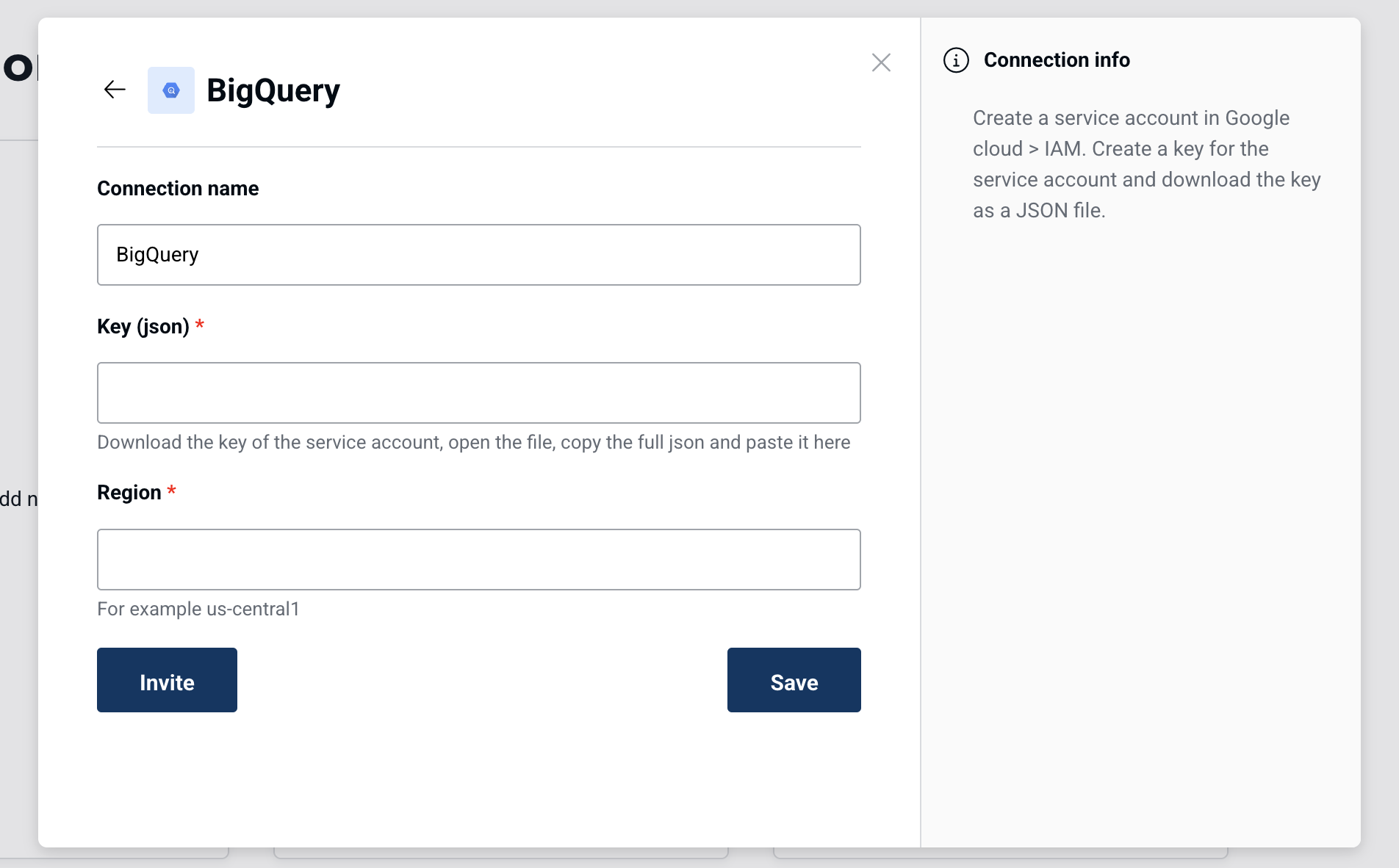
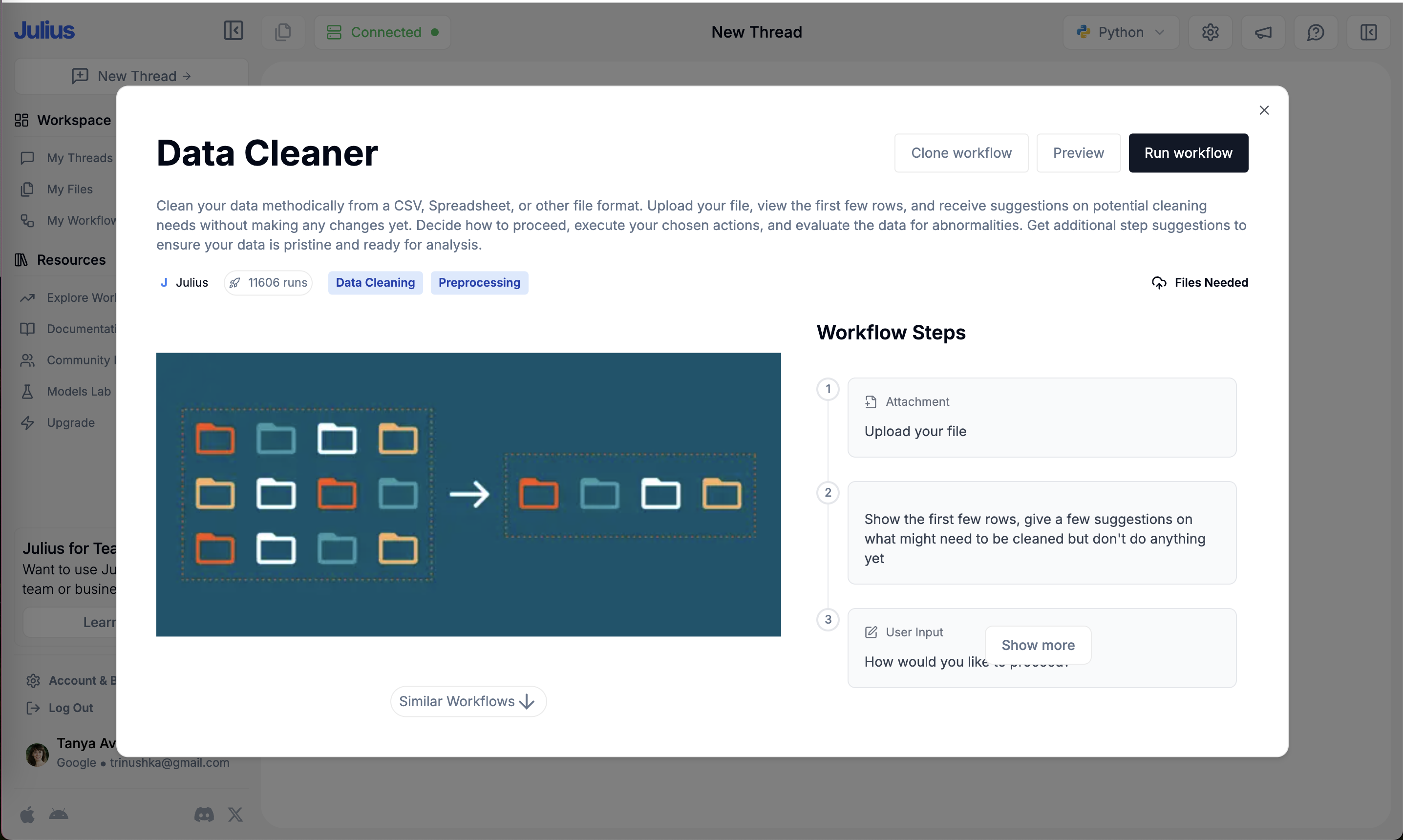
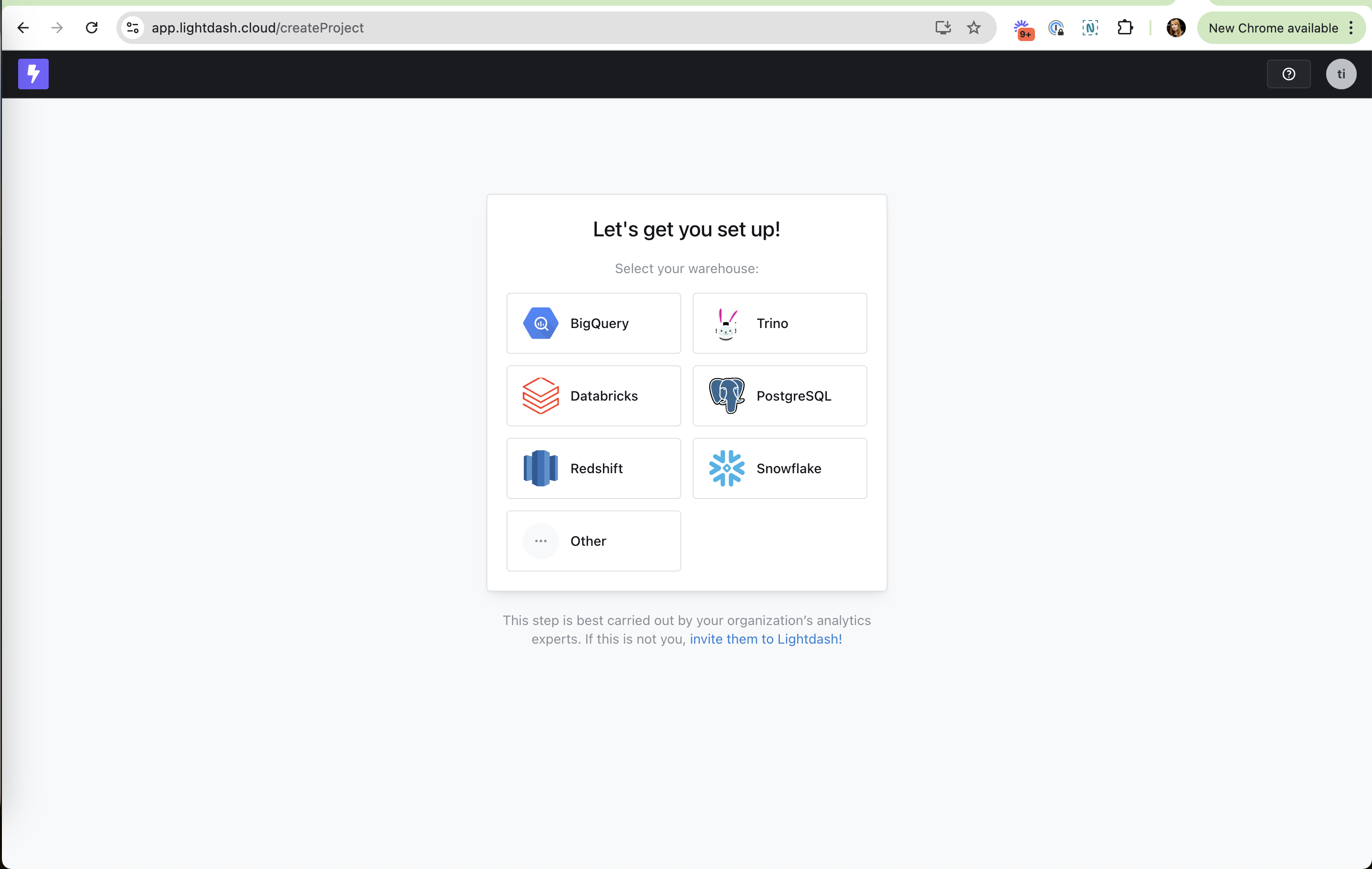
Human in the loop means the product puts a person at the right checkpoint: approving what an AI agent will do, adjusting its output, or routing a task to the colleague who has the credentials. On the site it covers explicit hold steps in AI flows, "Invite a colleague" on setup forms the current user cannot finish, and attribution that tells the team where a sign-up came from.
Parasuraman, Sheridan and Wickens (2000) proposed that automation can take over four kinds of work (gathering information, analyzing it, choosing an action, carrying it out) at different levels, and that the right level depends on the cost of errors. Dietvorst, Simmons and Massey (2018) found people often refuse an algorithm once they see it make mistakes, but were much more willing to use it, and forecast better, when allowed to adjust its output even slightly. Amershi and colleagues at Microsoft (2019) distilled 18 guidelines for human-AI interaction and tested them with 49 designers against 20 AI products.
In onboarding, the person signing up is often not the one who can finish setup. A built-in handoff turns that dead end into an invite, and in AI features a review step makes users willing to trust the output.
How to use it
- Before an AI or bulk action runs, show what will happen and let the user approve, edit or cancel.
- Let users tweak AI output in place (edit, regenerate one part) rather than accept or reject it whole.
- Where a step needs someone else (admin rights, API keys), offer "Invite a teammate to finish this" with the context attached.
Watch out
- Asking for approval on every trivial step creates alert fatigue, and people start clicking through without reading.
- A review step that cannot actually change the outcome is theater and erodes trust.