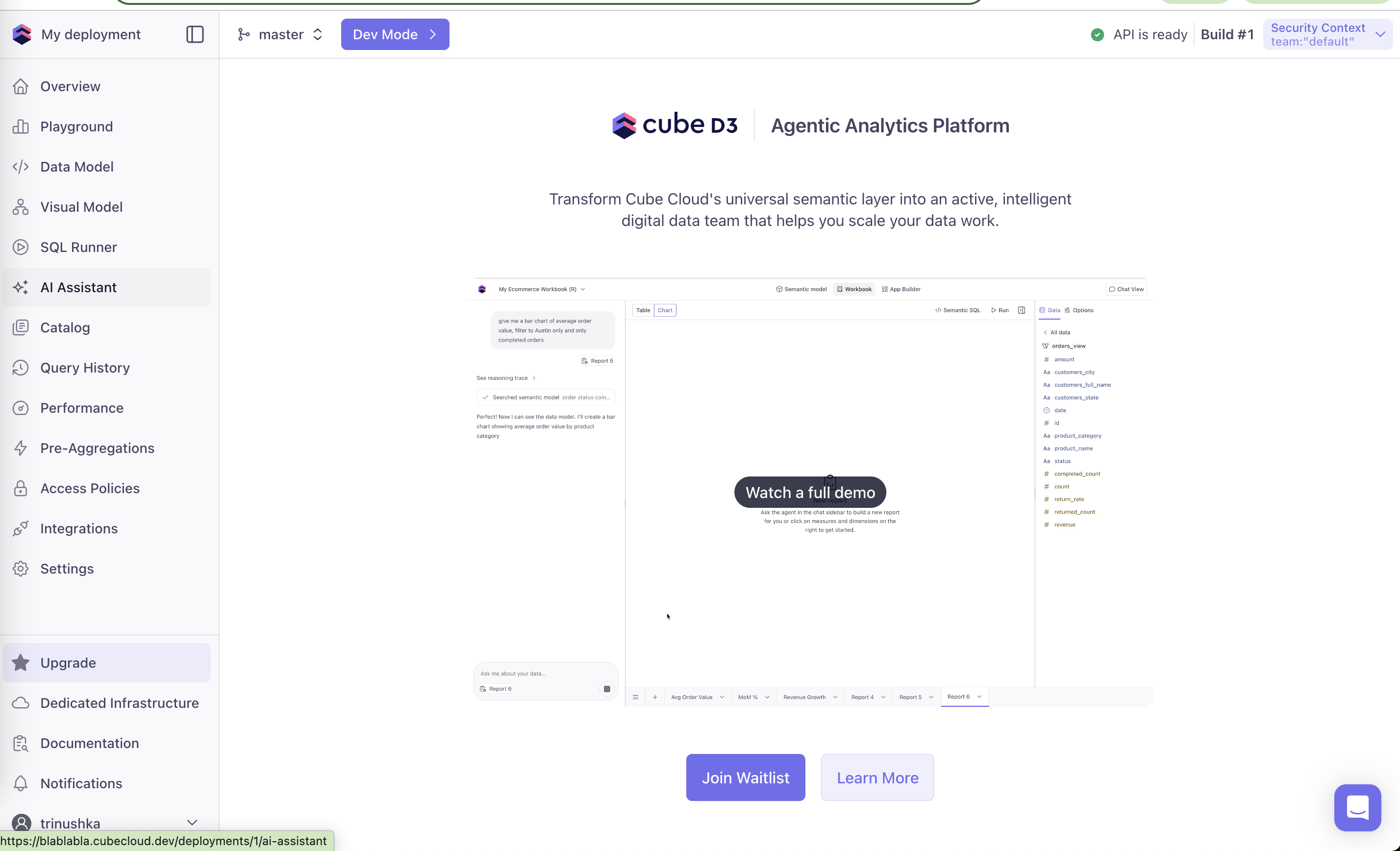
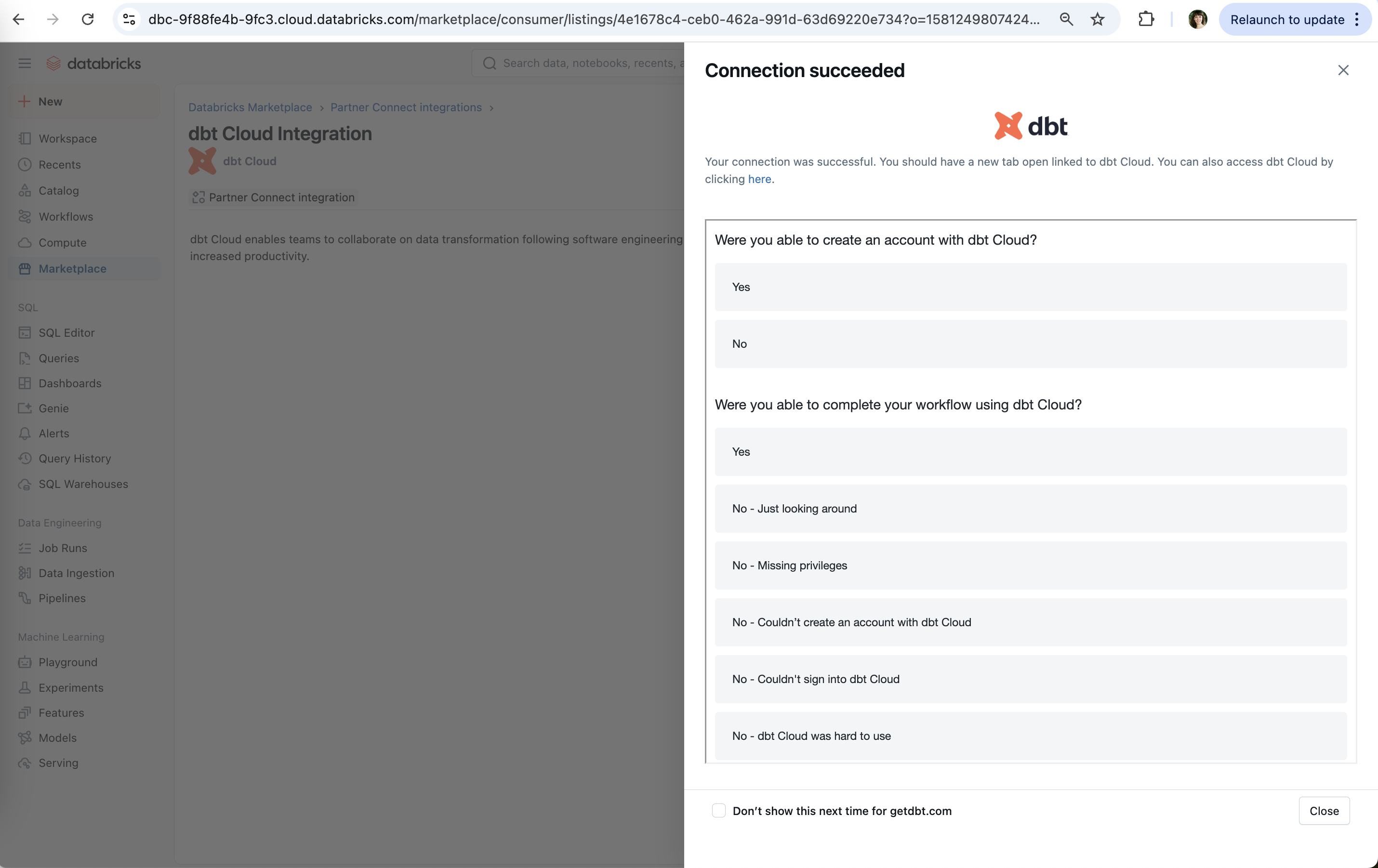
A fake door (or painted door) test puts a button, menu item, plan or landing page in front of users for something not yet built. Clicks measure interest; the person who clicks is told the feature is coming and often offered a waitlist. On this site it also covers funnel instrumentation, measuring a step precisely where it can break, such as asking whether a partner signup worked.
This is a practice, not a research finding. Alberto Savoia's The Right It (2019) argues that most new products fail and that demand should be tested with cheap, non-functional "pretotypes" and real behavior rather than opinions; a fake door is the simplest version. Optimizely's guide makes the same practical points: define what result would count as a yes before launching, reveal the truth to people who click, and remember the test measures interest, not whether the feature is usable.
For upsells, a fake door can show whether an AI assistant or a premium tier draws clicks before engineering commits to it. The cost is user trust, so it should be short-lived, honest on click, and limited to a slice of users.
How to use it
- Decide the success threshold (for example click-through rate among exposed users) before you launch the door.
- On click, say plainly that the feature is not ready, why you are asking, and offer a waitlist or way to share what they wanted.
- Expose the door to a limited share of users for a limited time, and remove it when the test ends.
Watch out
- Fake doors for paid plans, or ones that collect payment details, cross into deception and can break store or consumer-protection rules.
- Clicks reflect curiosity and placement as much as demand; a prominent door will over-count interest.