Product pattern

Personalization

Adapting content, examples or offers to what you know about the user, so the product feels built for their situation.

Personalization An onboarding question where the user picks Designer, followed by two possible next screens. One shows the same popular templates everyone gets. The other recommends templates for designers and says why. Step 1: the product asks, the user answers What's your role? Developer Marketer Designer Next screen ignores the answer Popular templates Sales pipeline Budget tracker Hiring plan Same list for every role Next screen uses the answer Recommended for designers Moodboard Brand style guide App mockup review Because you chose Designer Change Reuse the answer on the very next screen
After the user says they are a designer, one next screen shows the same popular templates as everyone gets, the other recommends designer templates and says why.

Personalization means the product, not the user, does the tailoring. On this site it covers self-segmentation questions in onboarding, examples that use your own domain or data, recommendations that connect to an earlier answer, and the failure case: generic stock examples shown after the product already has access to your real content.

Sriram Kalyanaraman and S. Shyam Sundar (2006) showed students web portals with low, medium or high levels of tailoring and found that more tailoring produced more positive attitudes toward the portal, partly because the content felt more relevant. A meta-analysis by Seth Noar and colleagues (2007) of 57 health-communication studies found that tailored messages outperformed generic ones, but the average effect was small. NN/g's Amy Schade warns that personalization only helps when the system guesses correctly, and some users find accurate guesses unsettling.

In onboarding the cheapest personalization is reusing what the user just told you. Asking a role or goal question and then showing the same generic screen wastes the user's effort and teaches them that answers don't matter.

How to use it

  • Use every onboarding answer visibly on the next screens, for example "Recommended for you" tied to the plan or template they chose.
  • Replace stock examples with the user's own data, domain or content as soon as you have access to it.
  • Let users correct a wrong guess in one tap, and say why something was recommended.

Watch out

  • Using data the user didn't knowingly share, or showing that you know too much, feels invasive rather than helpful.
  • Asking segmentation questions that change nothing adds friction with no payoff.
Related

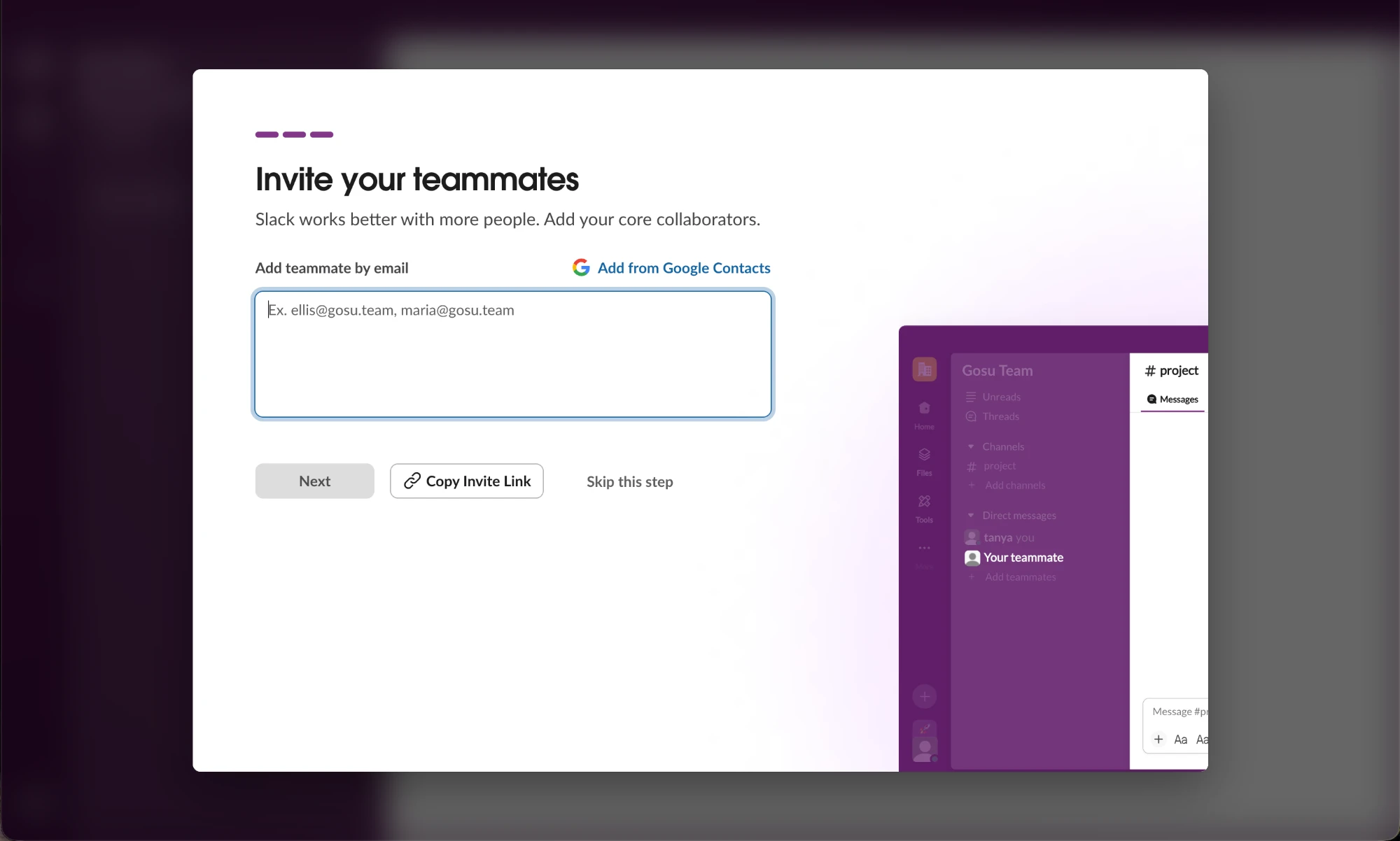
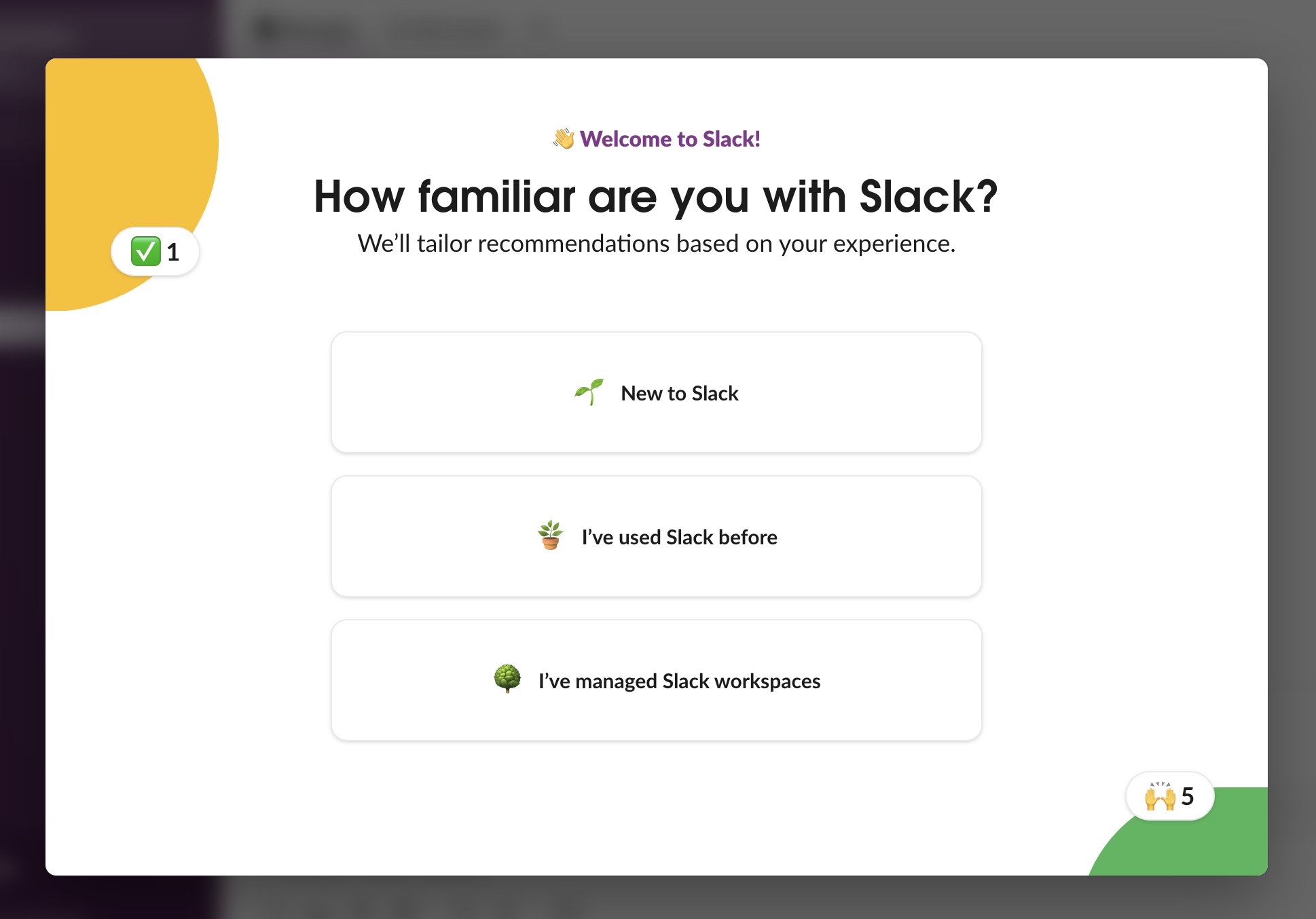
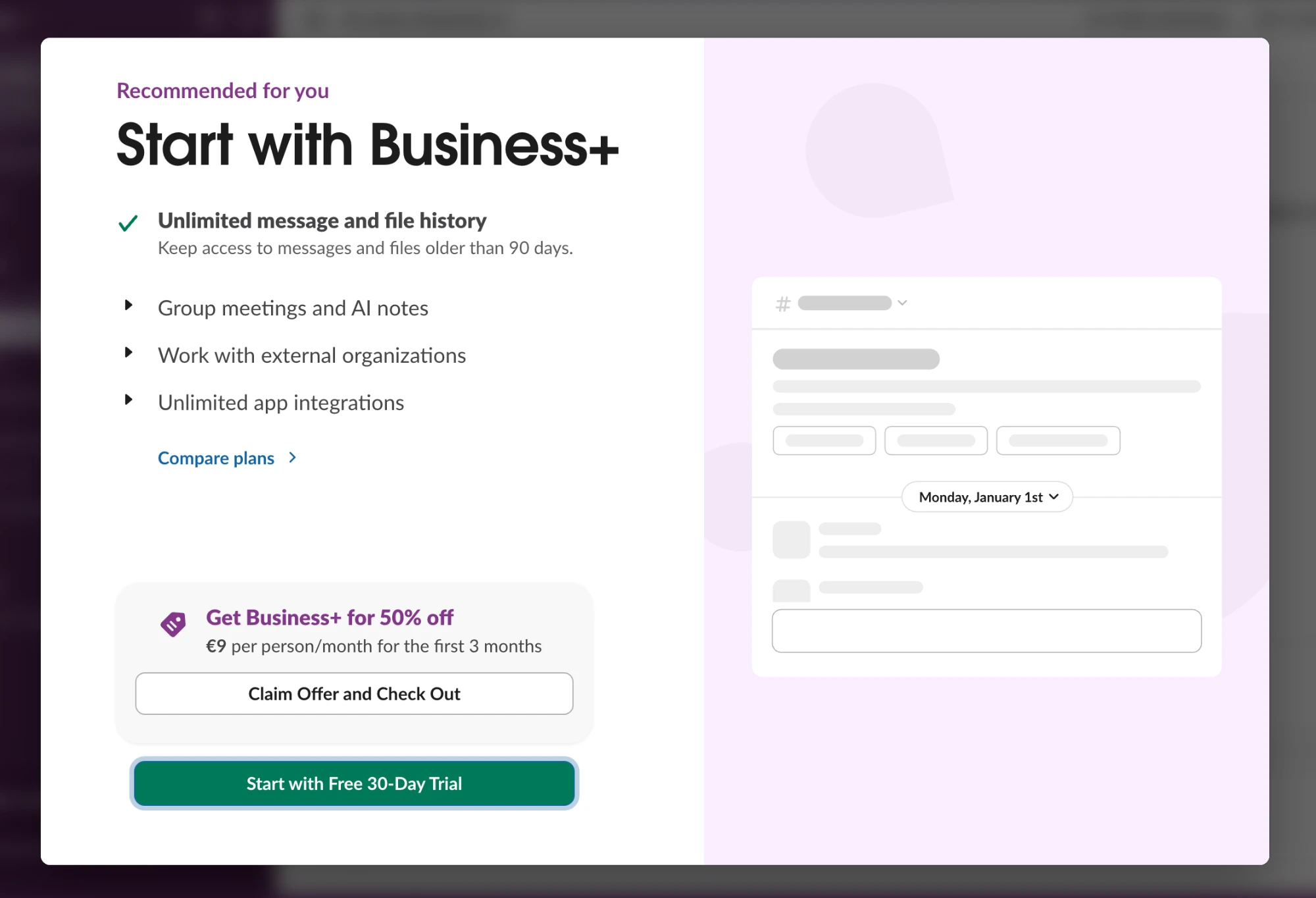
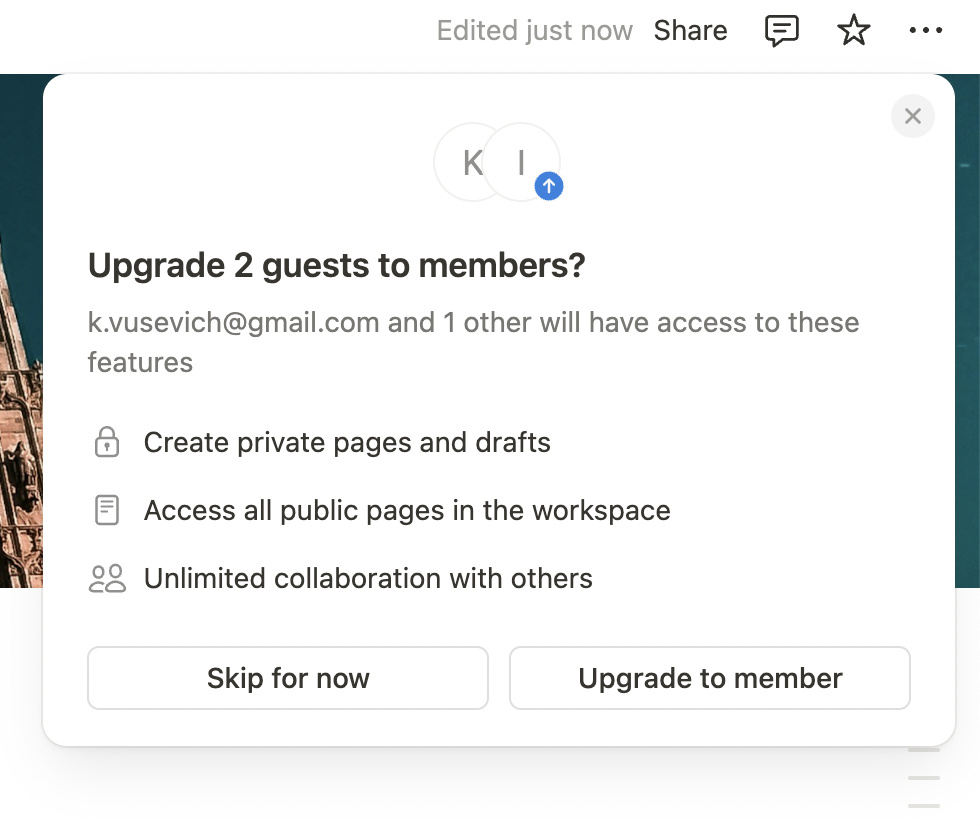
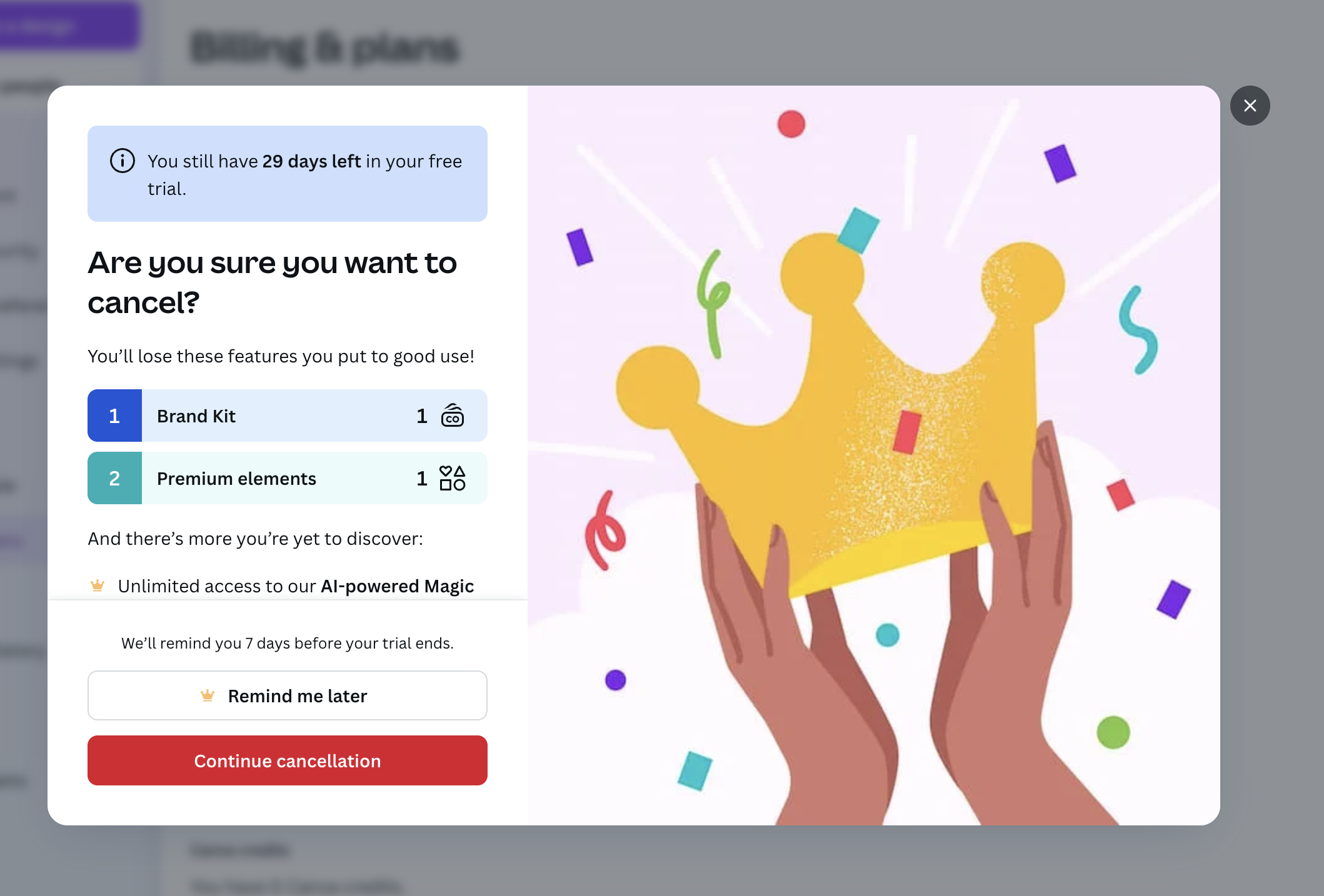
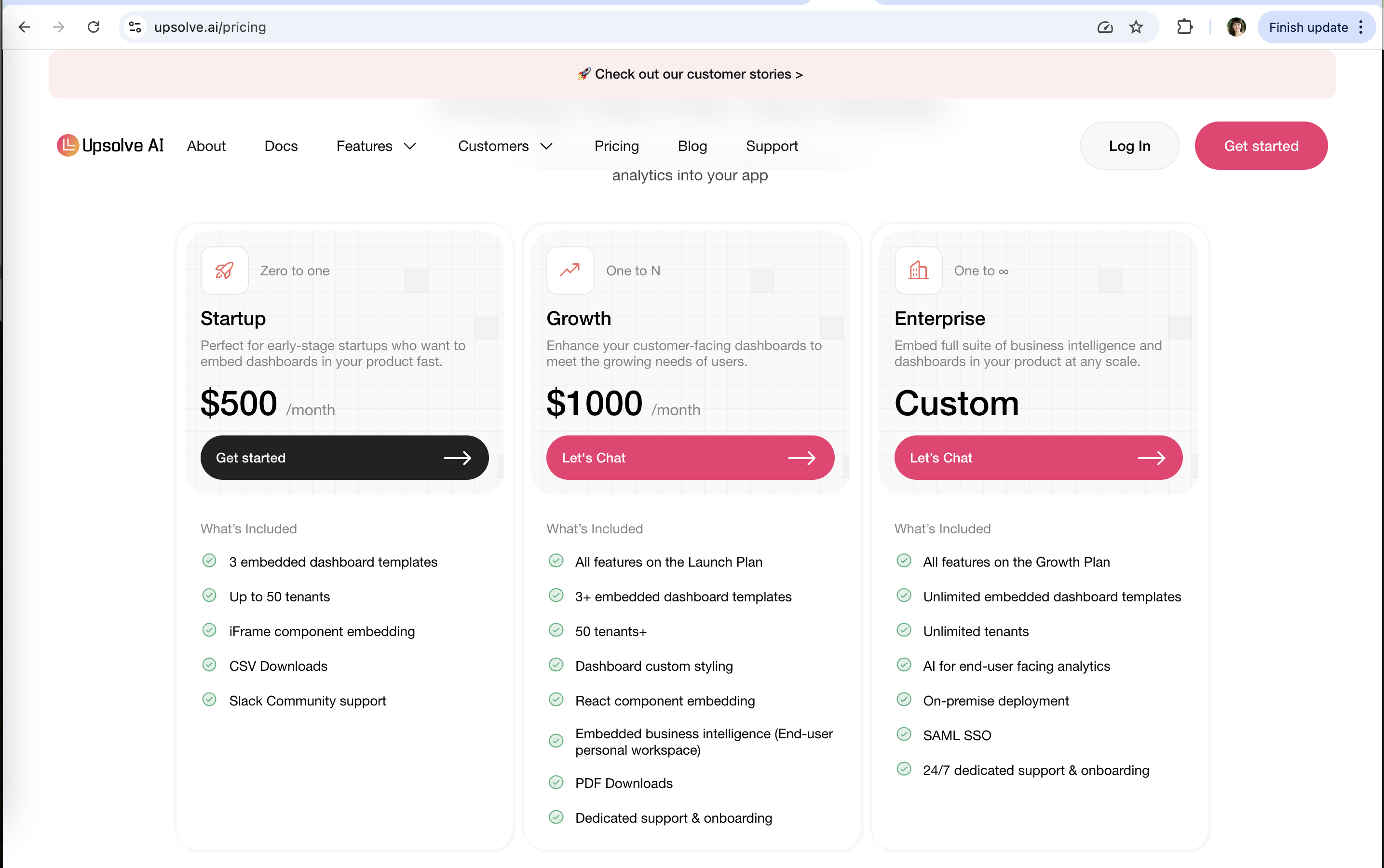
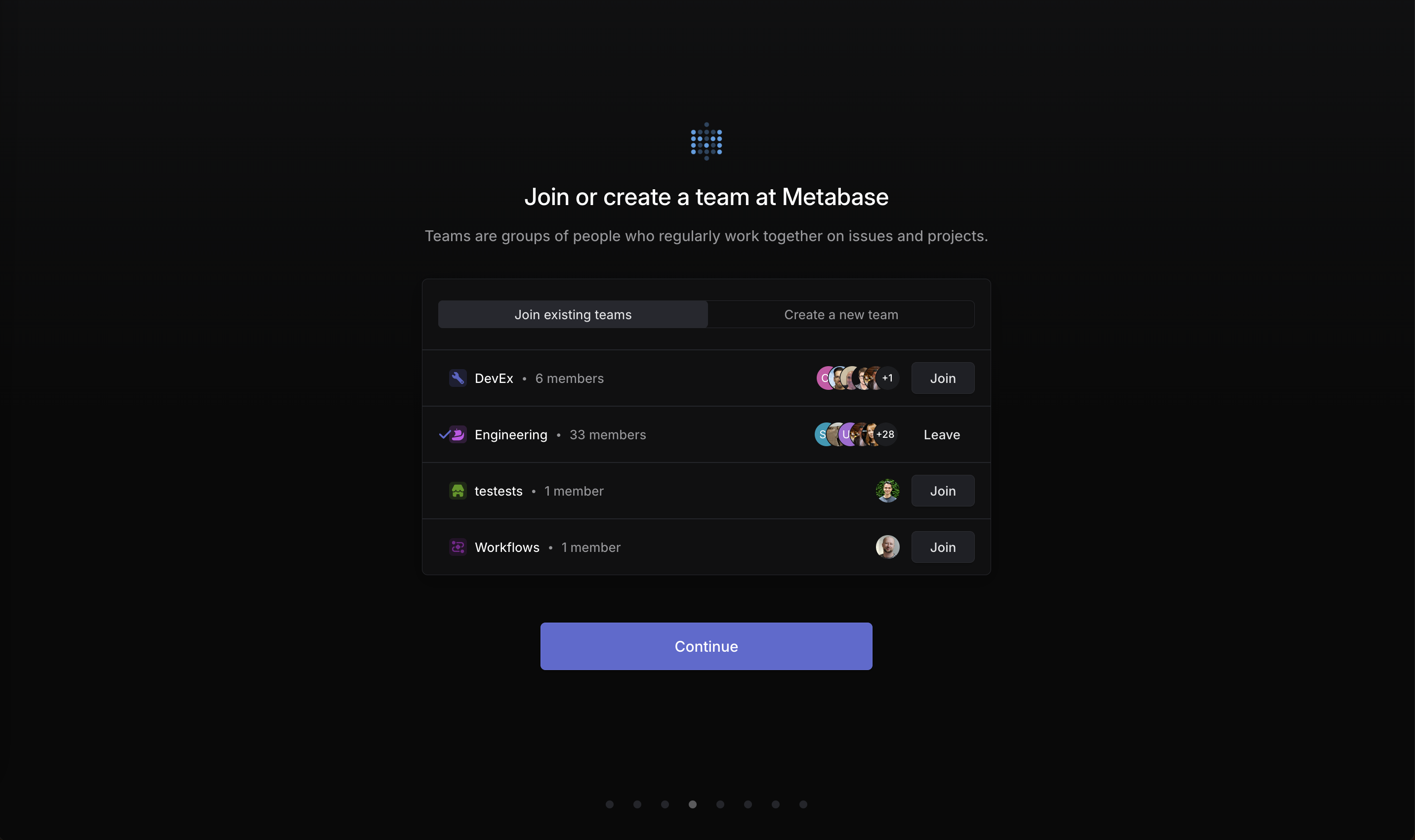
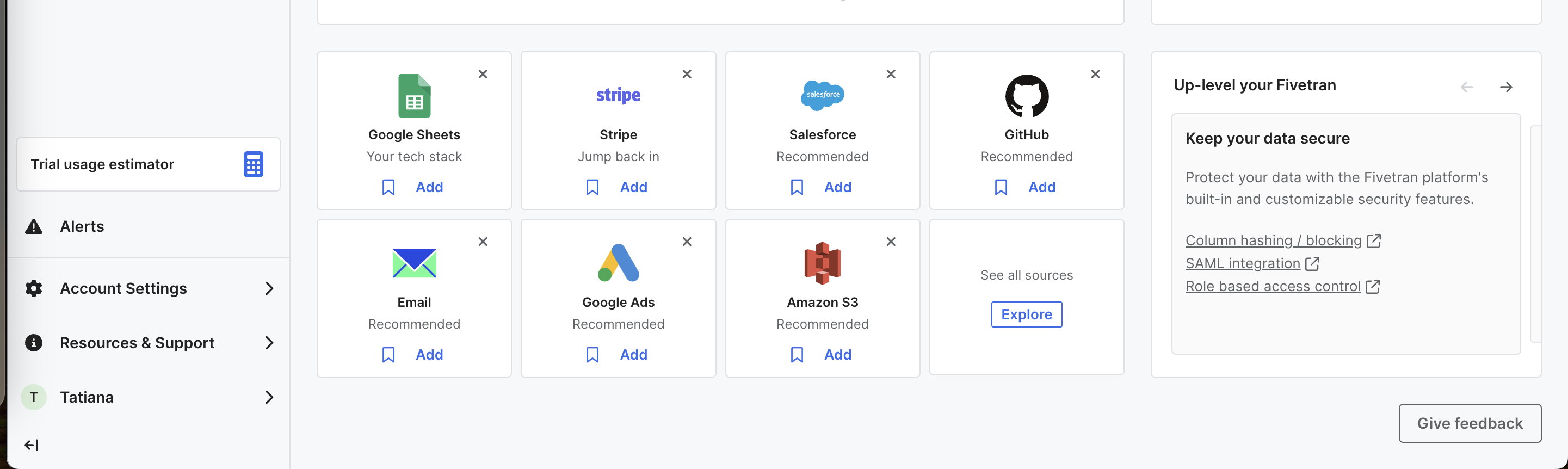
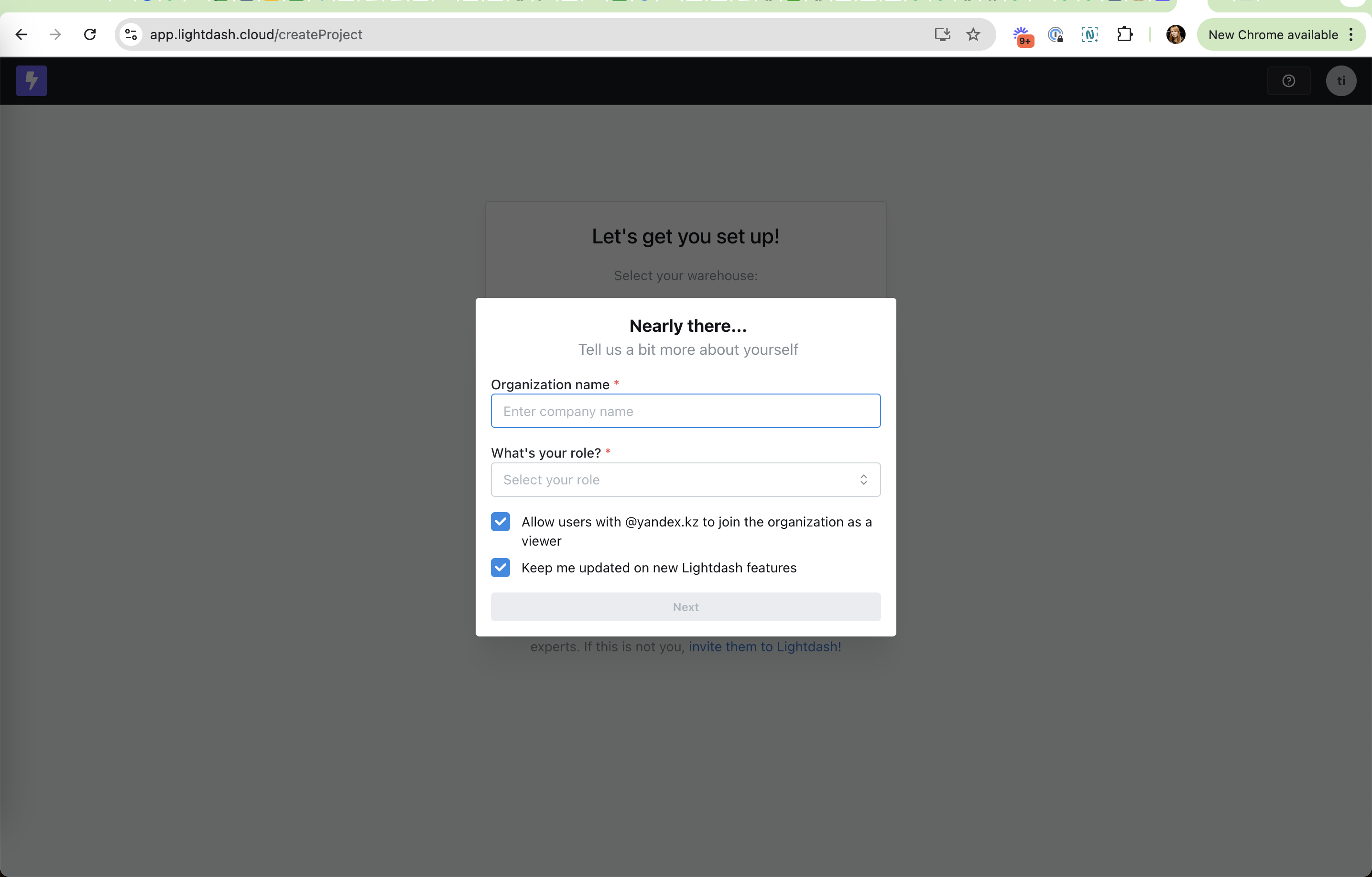
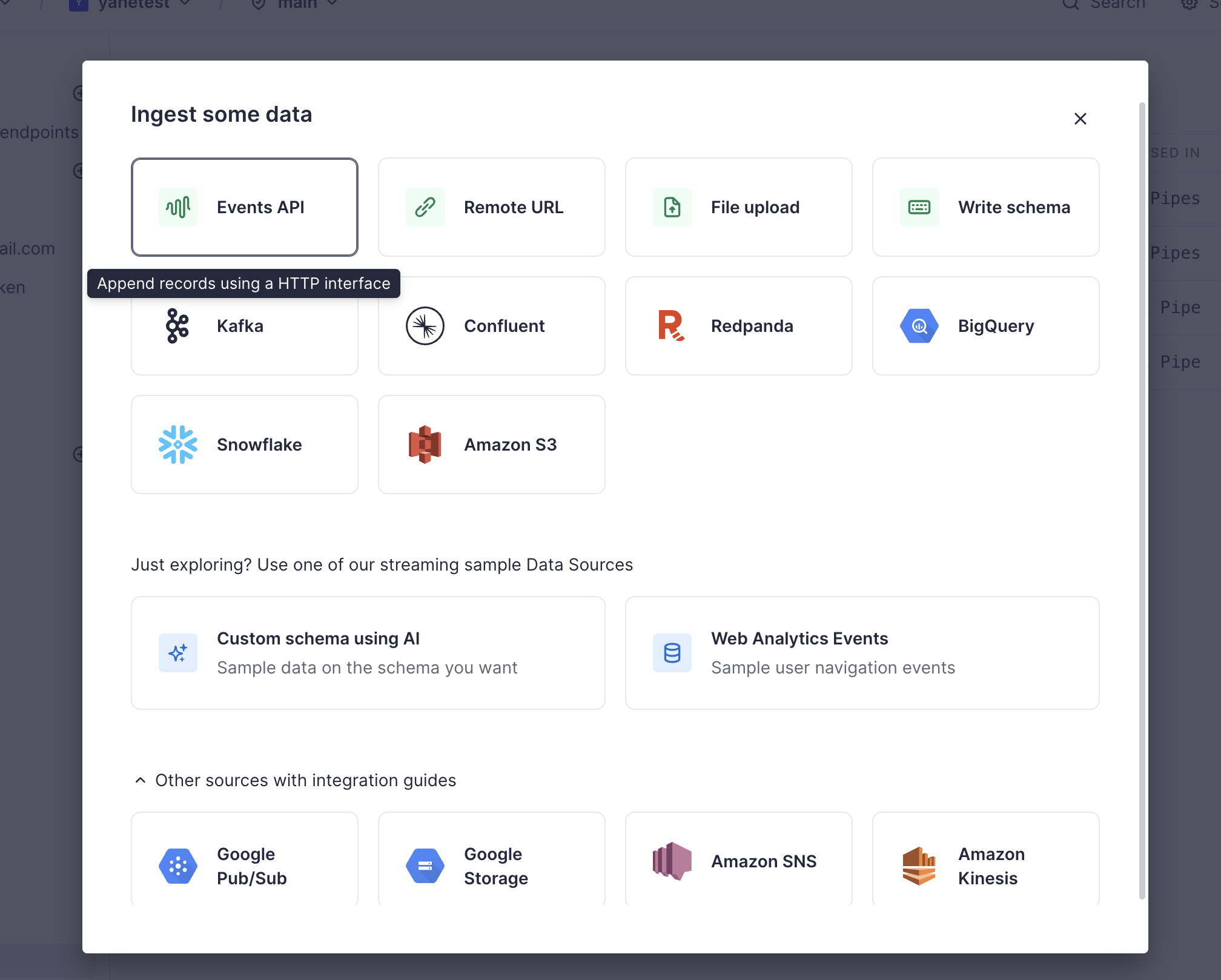
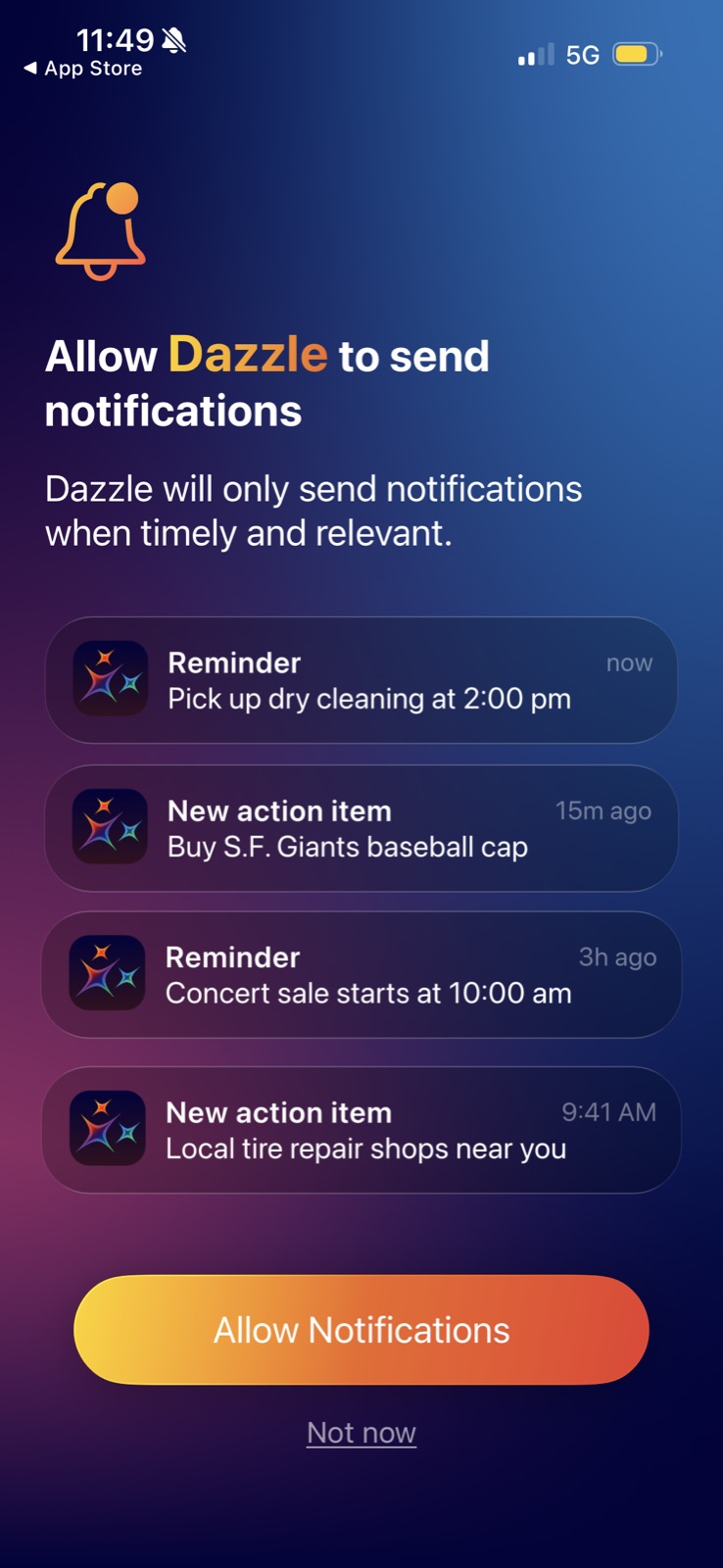
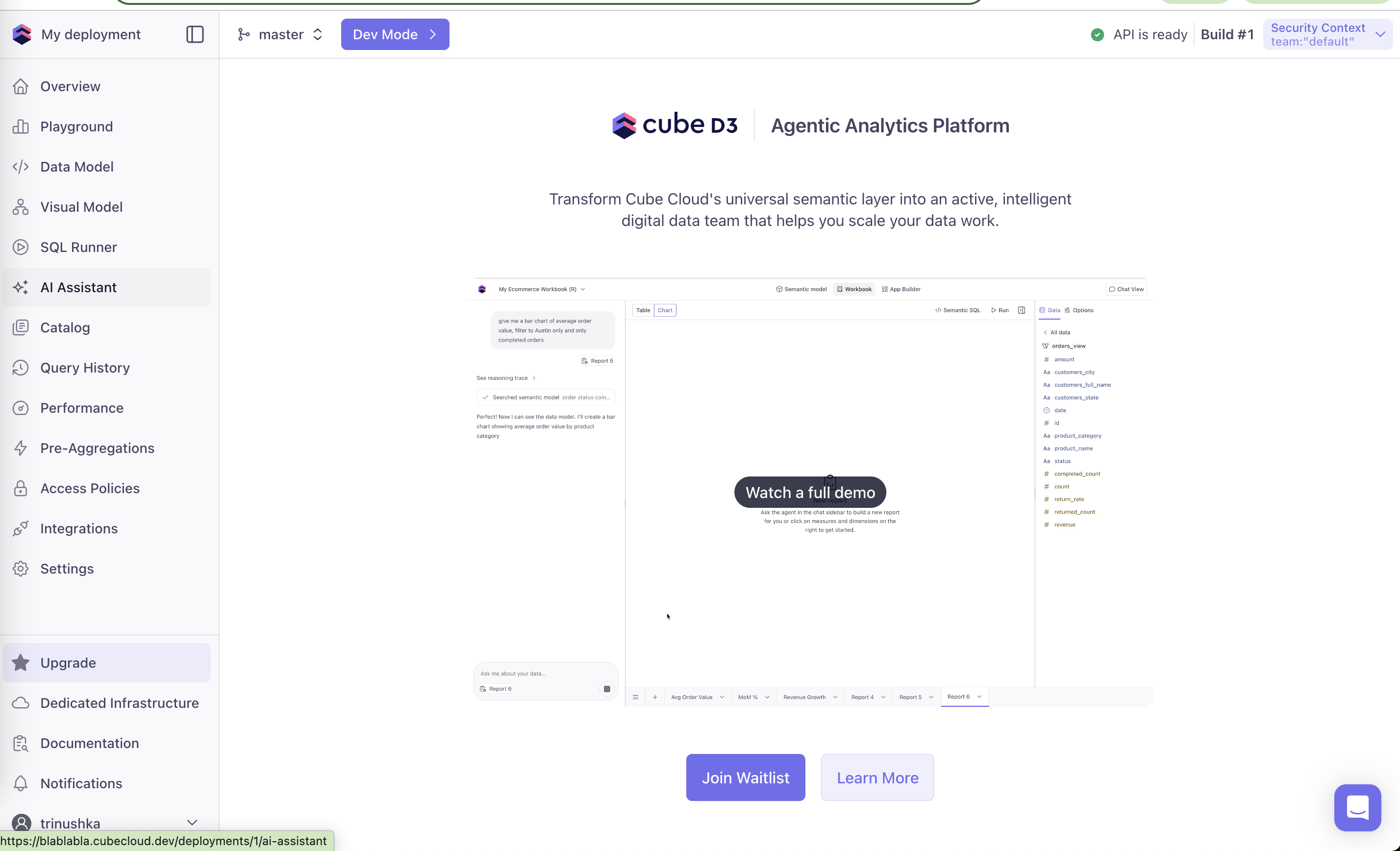
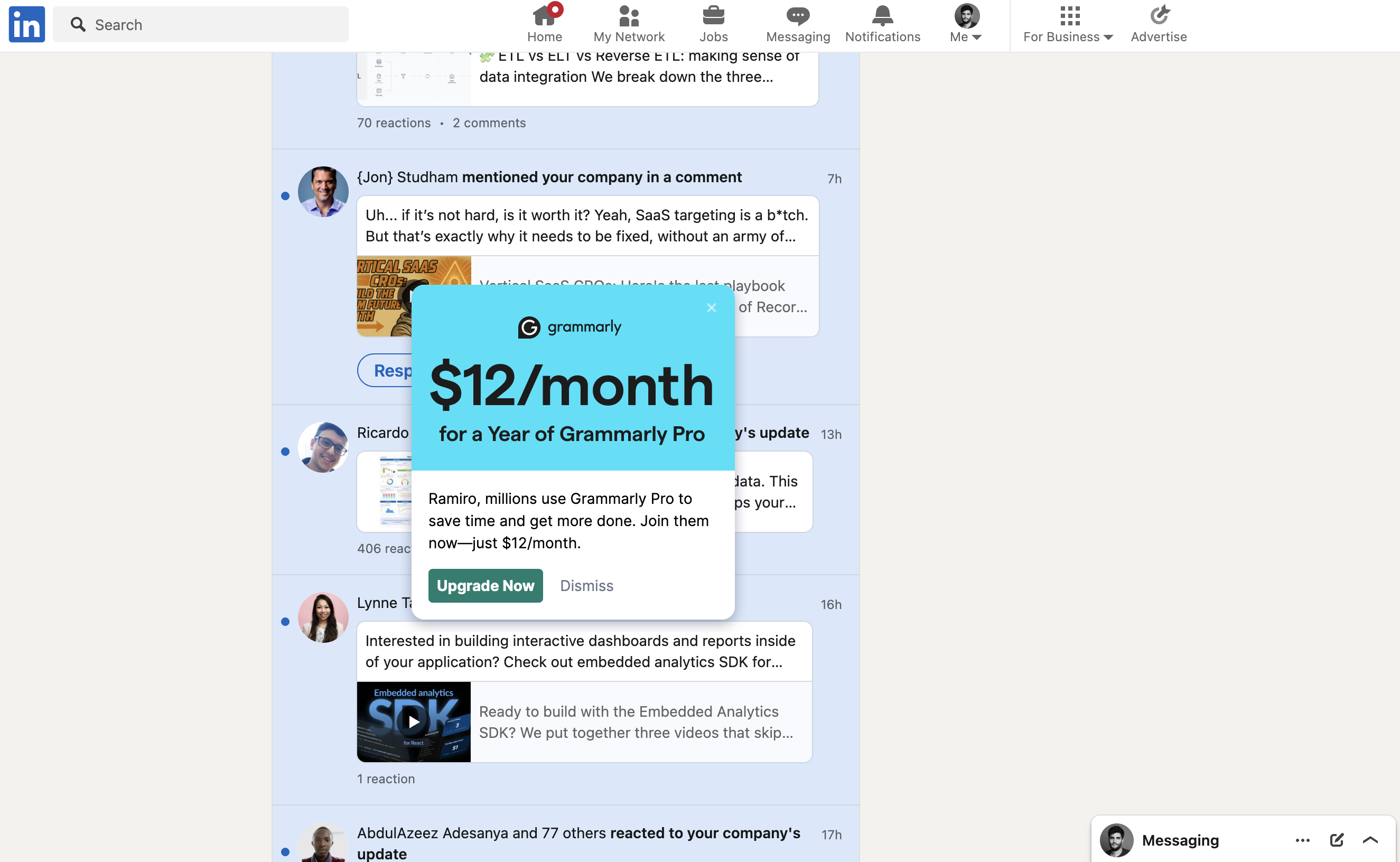
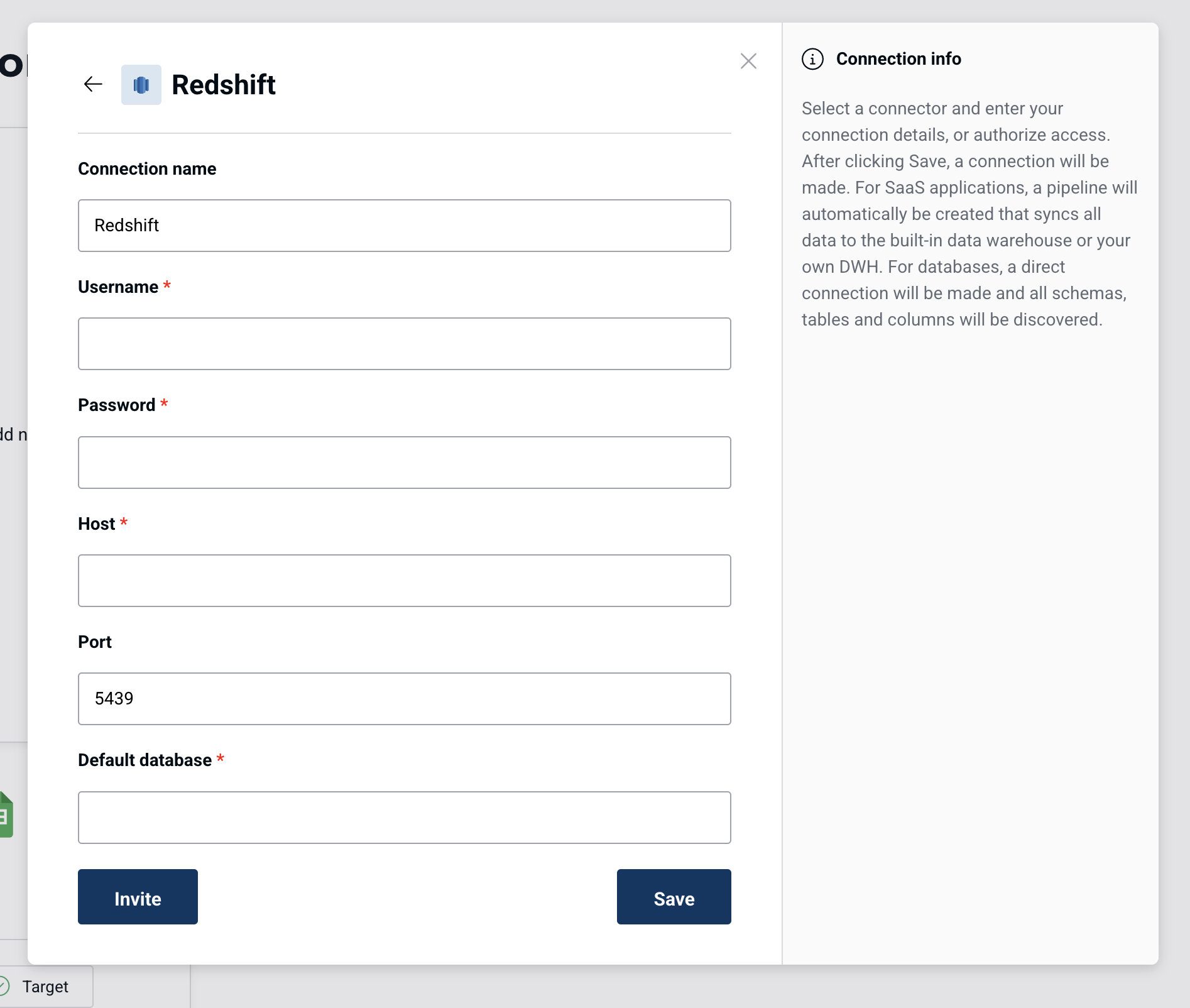
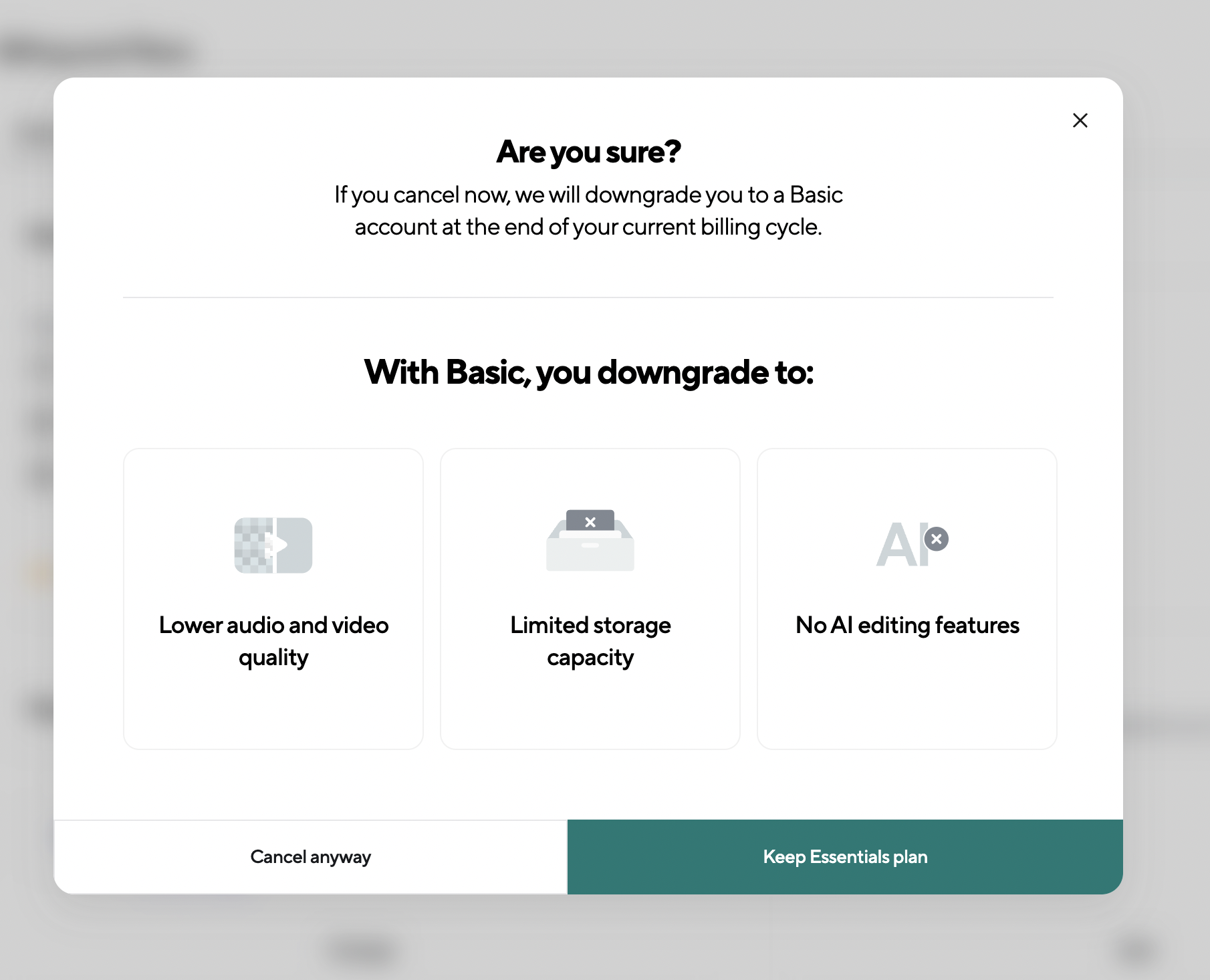
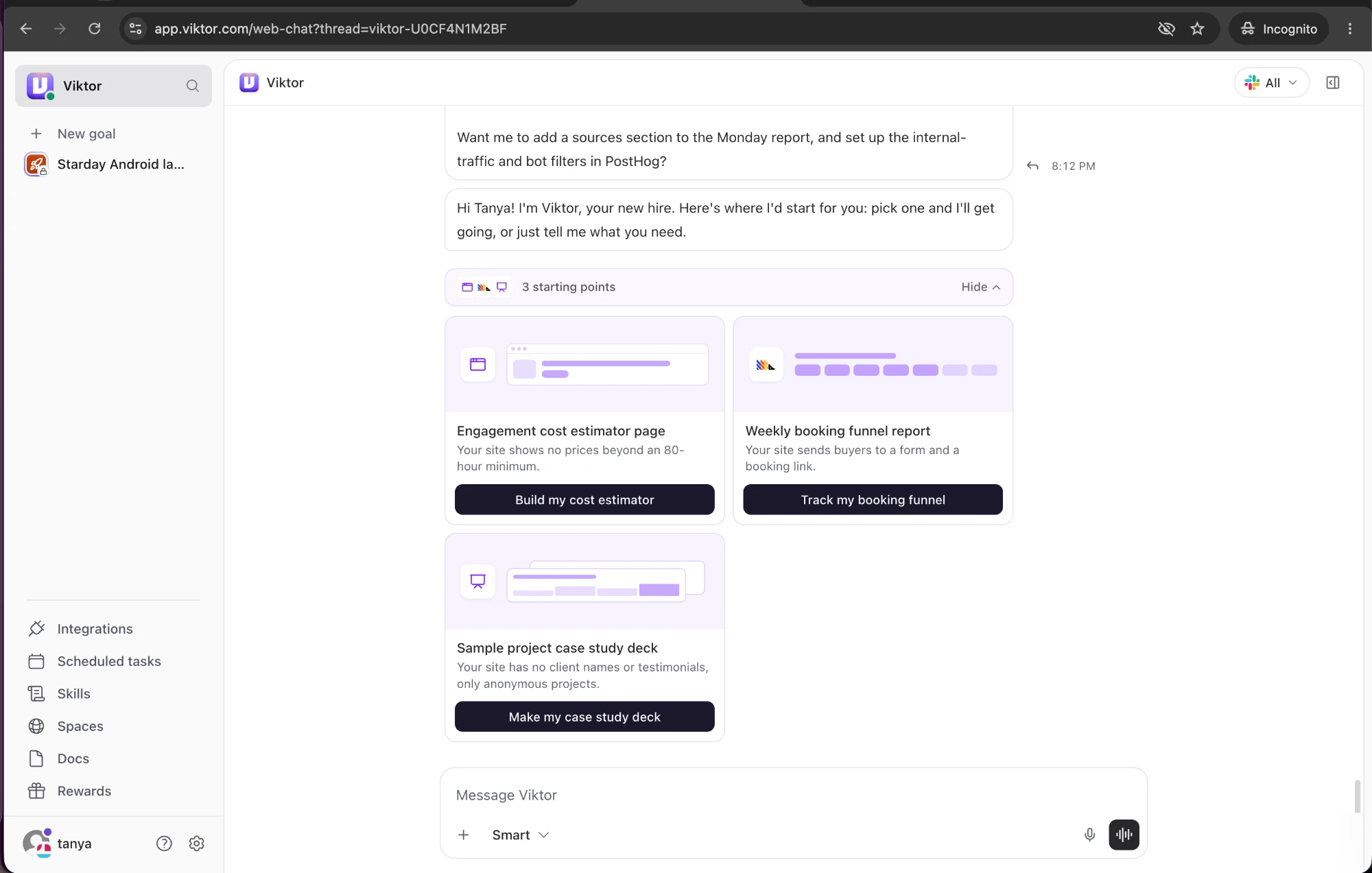
Personalization in real products 11 working · 5 not

Viktor: Grounded in your site Viktor (working) Grounded in your site "Your site shows no prices beyond an 80-hour minimum": each idea starts from a real gap. Slack: Examples on your own domain Slack (working) Examples on your own domain The placeholder uses your company domain, so it already looks like your team. Slack: Growing plants, no judgment Slack (working) Growing plants, no judgment Sprout, potted plant, tree: self-identify by stage, not by skill. Slack: "Recommended for you" Slack (working) "Recommended for you" Connects the earlier question to this plan, so it feels chosen rather than pushed. Notion: Faces of the guests Notion (working) Faces of the guests Avatar bubbles with an up-arrow badge make the upgrade about specific people, not seats. Canva: Features you used Canva (working) Features you used "You'll lose these features you put to good use!" lists Brand Kit and Premium elements from your own usage. Upsolve AI: Stage as plan label Upsolve AI (working) Stage as plan label "Zero to one", "One to N", "One to ∞" lets buyers pick by where their company is. Linear: Your company by name Linear (working) Your company by name "Join or create a team at Metabase" shows the workspace was matched to your domain. Fivetran: "Your tech stack" Fivetran (working) "Your tech stack" Google Sheets is labelled as something you already use. Lightdash: Role question Lightdash (working) Role question A required role dropdown lets Lightdash route and segment users. Tinybird: "Just exploring?" Tinybird (working) "Just exploring?" Streaming sample data sources, including a custom schema made with AI, for people with no data yet. Dazzle AI: Stock examples, not yours Dazzle AI (not working) Stock examples, not yours Dry cleaning, a Giants cap and tire shops are generic, even though Dazzle now has full photo access. Cube Cloud: Generic pitch in your own space Cube Cloud (not working) Generic pitch in your own space Inside a working deployment, the page still shows a sample ecommerce workbook, not your data. Grammarly: Covers the host page Grammarly (not working) Covers the host page The card hides a "Respond" button and half of two notifications; the user did not ask for Grammarly here. Peliqan: Generic first line Peliqan (not working) Generic first line "Select a connector" when you've already picked Redshift shows the copy is shared, not written for this screen. Podcastle: Losses aren't personal Podcastle (not working) Losses aren't personal "Limited storage capacity" doesn't say how much you use now, so the loss feels generic.