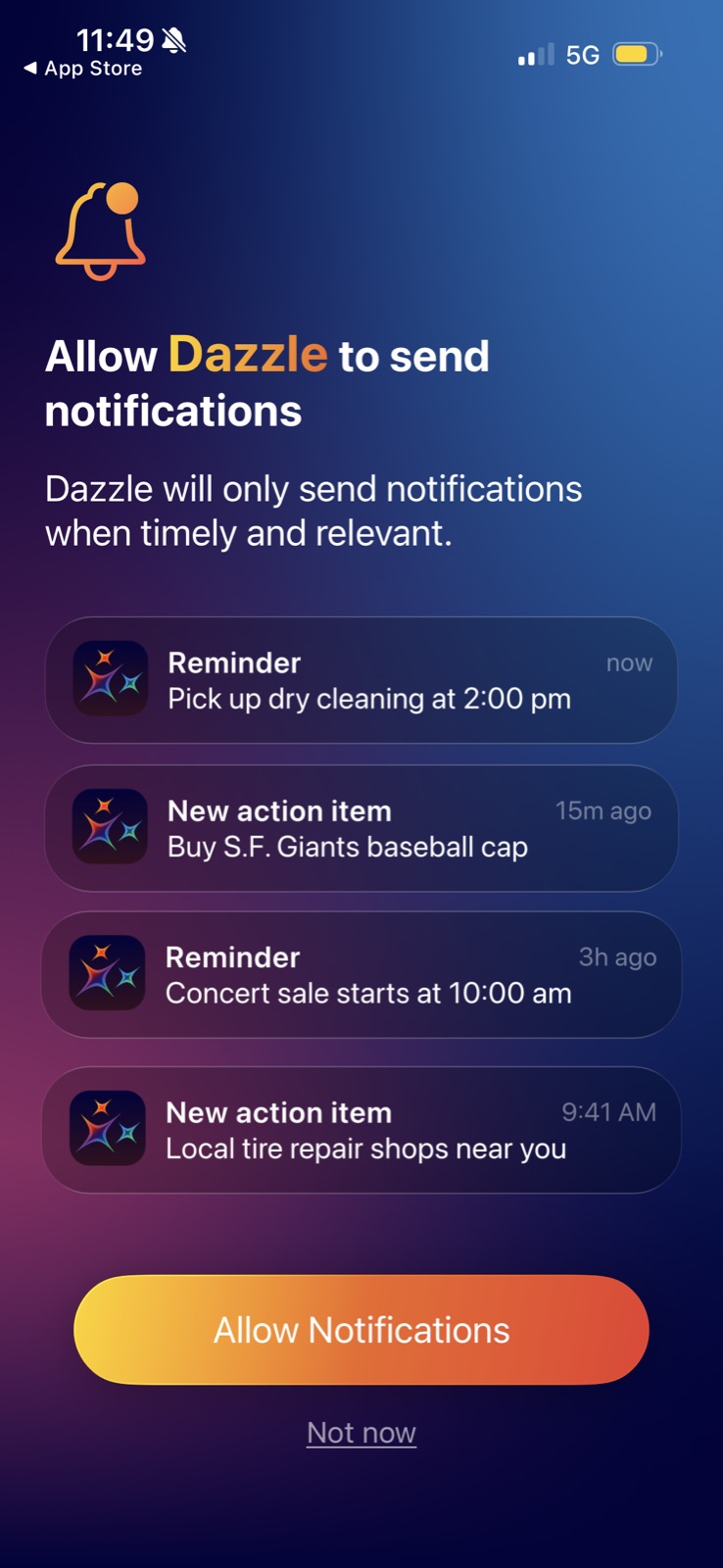
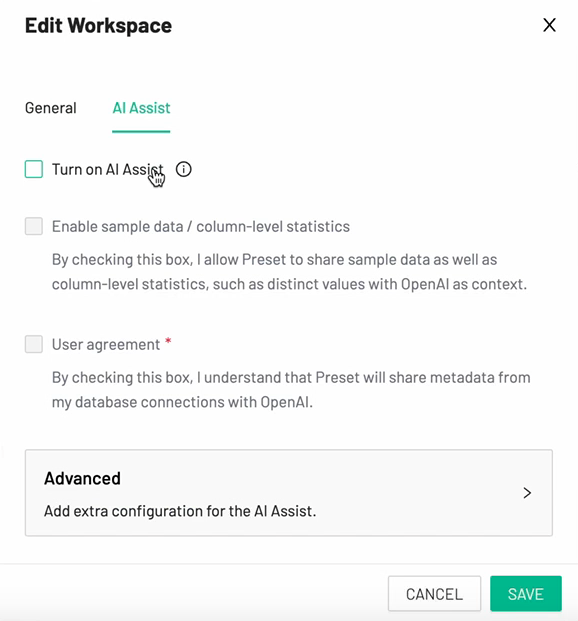
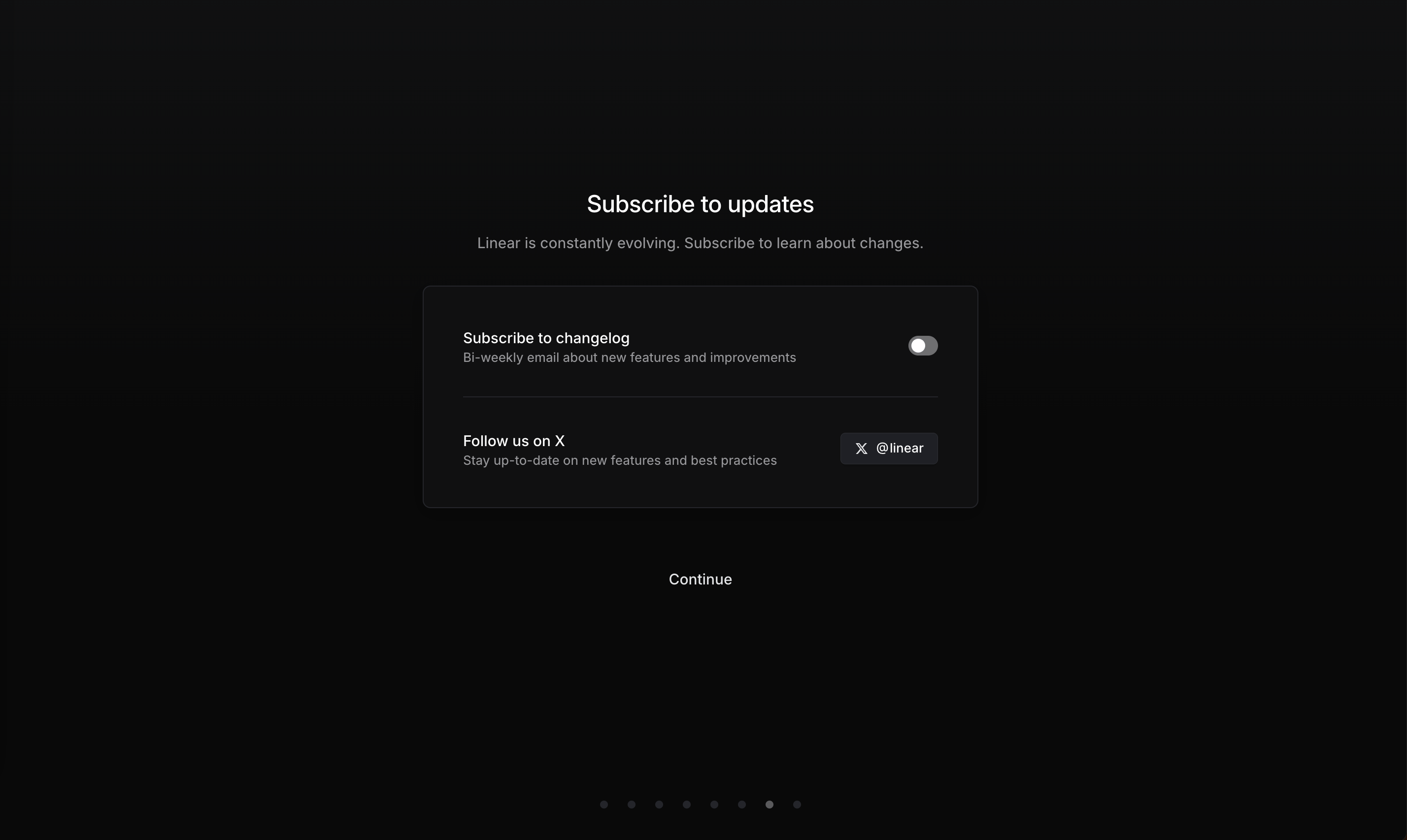
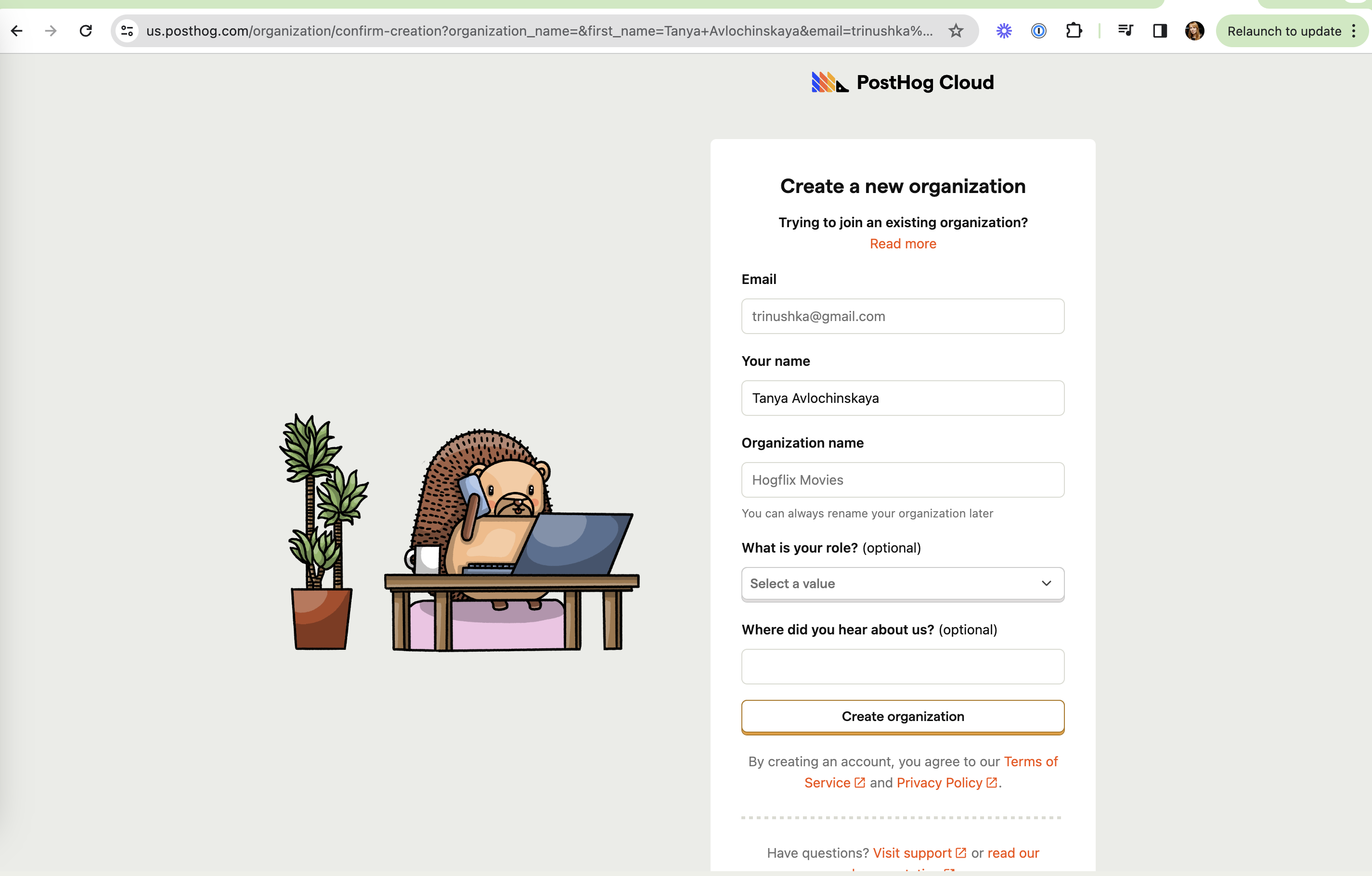
Informed consent means the user knows what they are agreeing to, why, and can say no without penalty. On this site it covers opt-in (not pre-checked) toggles, permission priming before system prompts, asking only for the access a feature needs, and keeping marketing consent separate from the terms.
Field and lab studies show how much the design of consent screens moves choices. Utz and colleagues ran experiments with more than 80,000 visitors to a German website and found that position, the type of choice and nudging all changed whether people accepted tracking. Machuletz and Böhme found that a highlighted "select all" default made people accept more cookie purposes, remember their choice less accurately and regret it more often. Nielsen Norman Group's guidance on app permissions recommends explaining the benefit, asking at the moment the feature is used, and making a denial easy to reverse later.
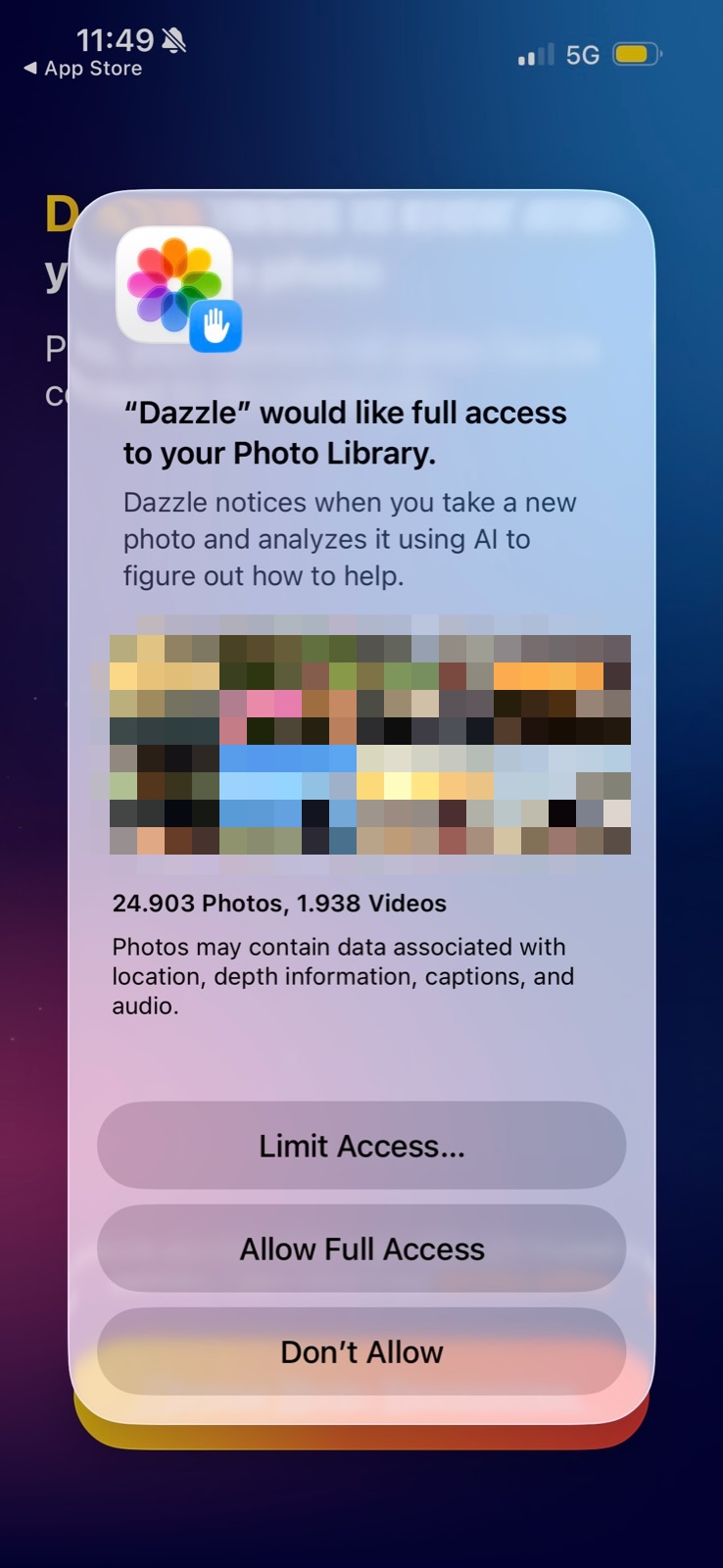
Onboarding is where most permission and data requests happen, and the one-time system prompts on iOS and Android make timing important: a priming screen lets the user decline without burning the real prompt. Scope matters too: asking for the full photo library for a feature about new photos makes the request feel like overreach.
How to use it
- Show a short priming screen that explains the benefit before triggering a system permission prompt, with a "Not now" option.
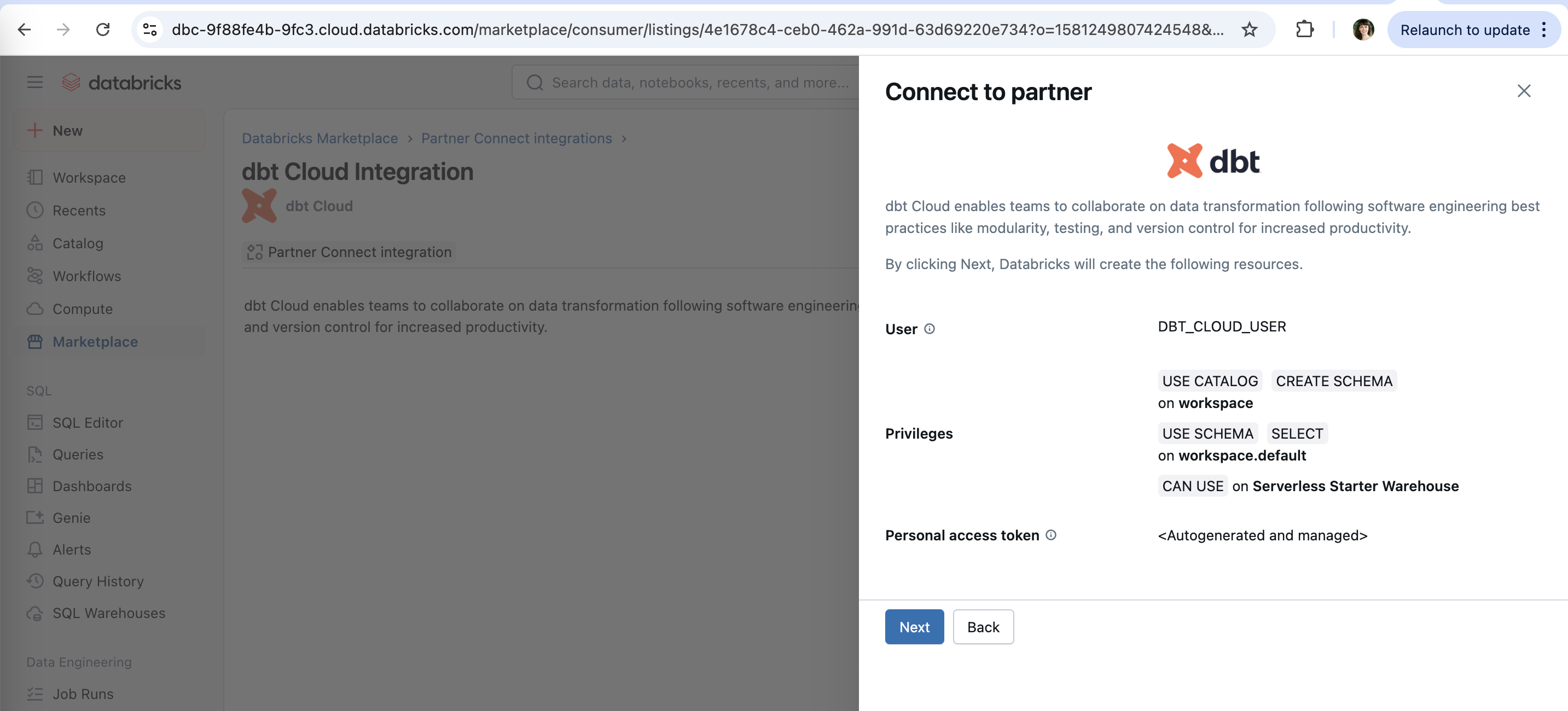
- Request the narrowest access that works (selected photos, specific scopes) and say what it is used for.
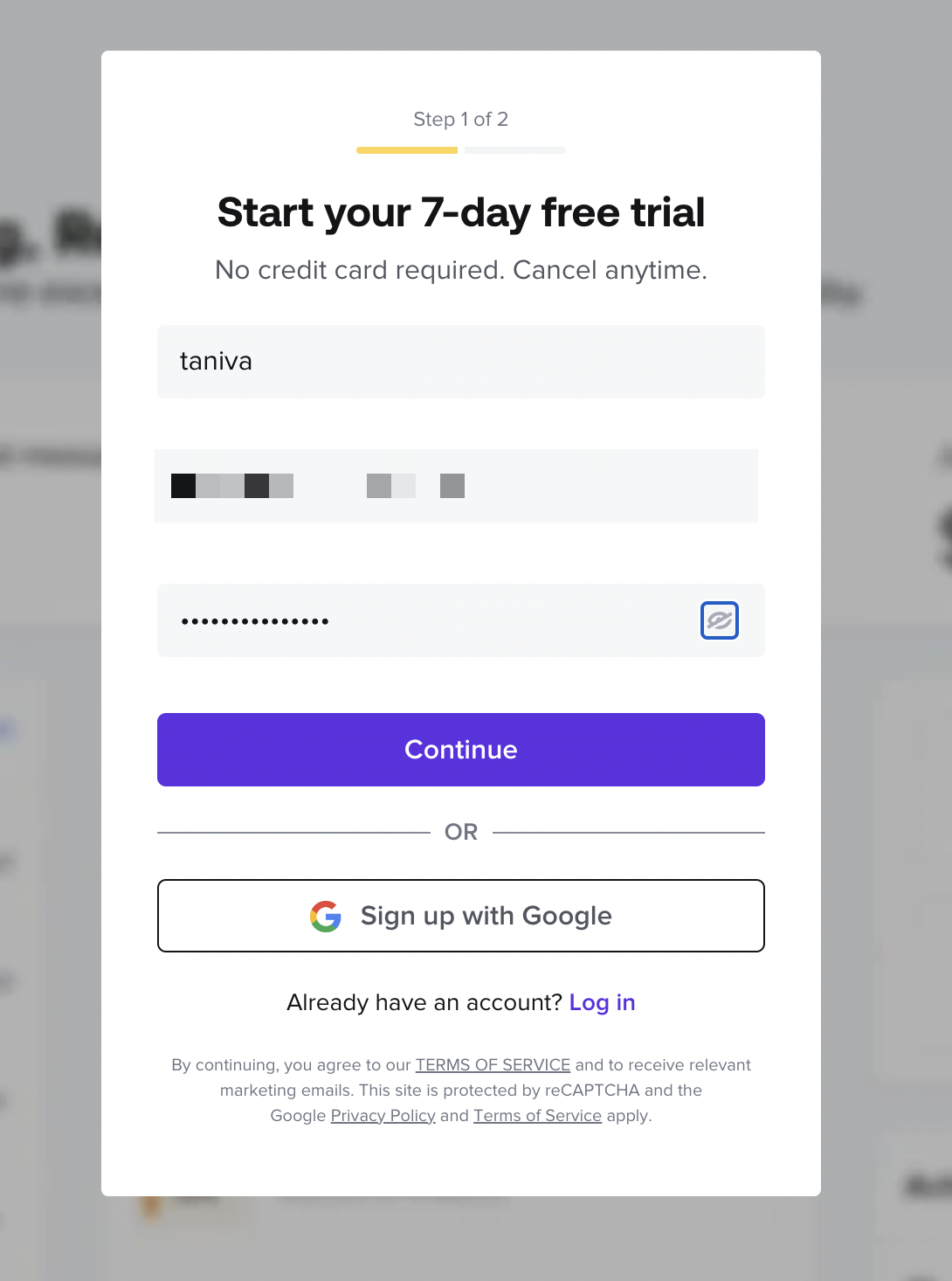
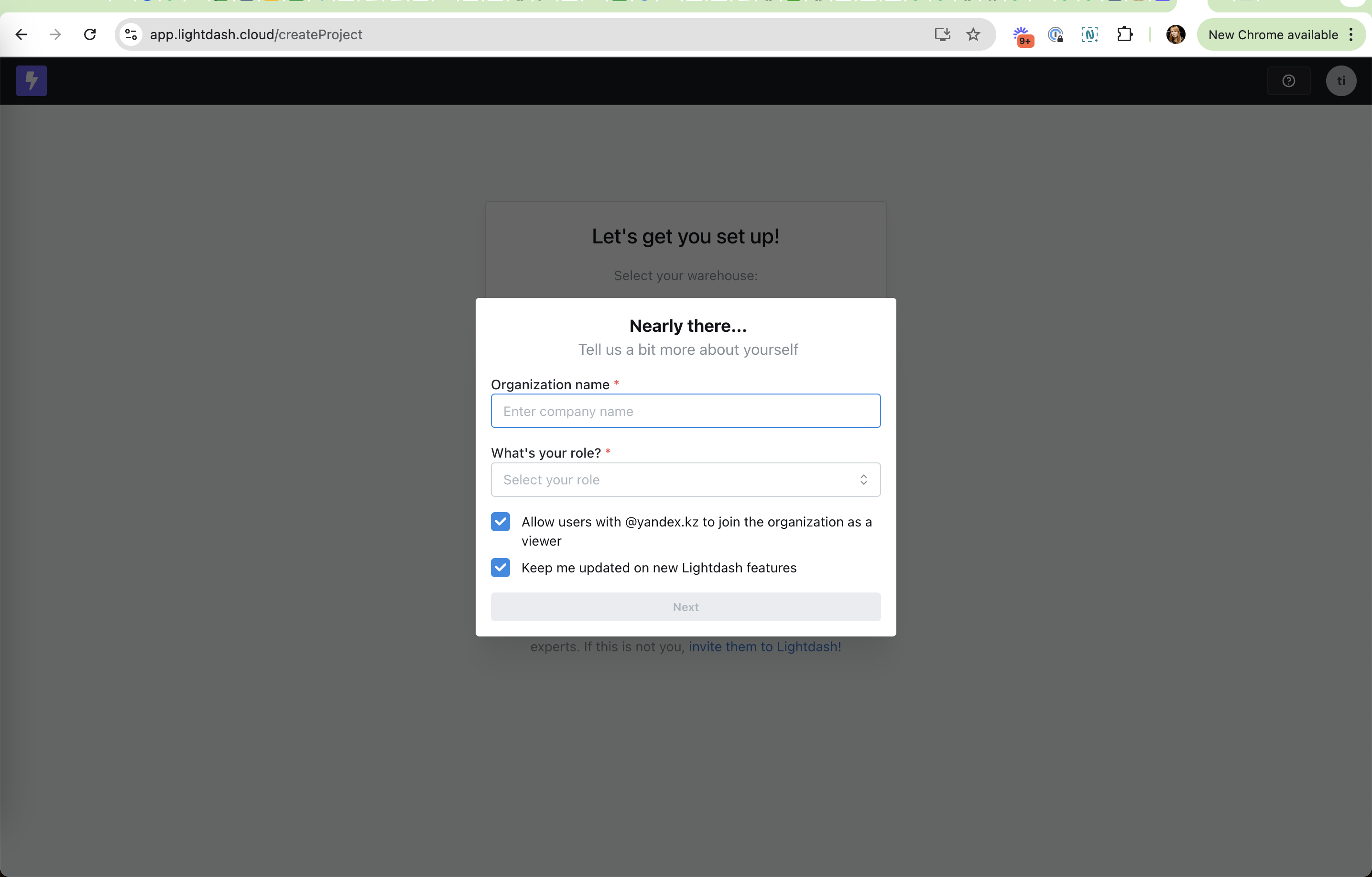
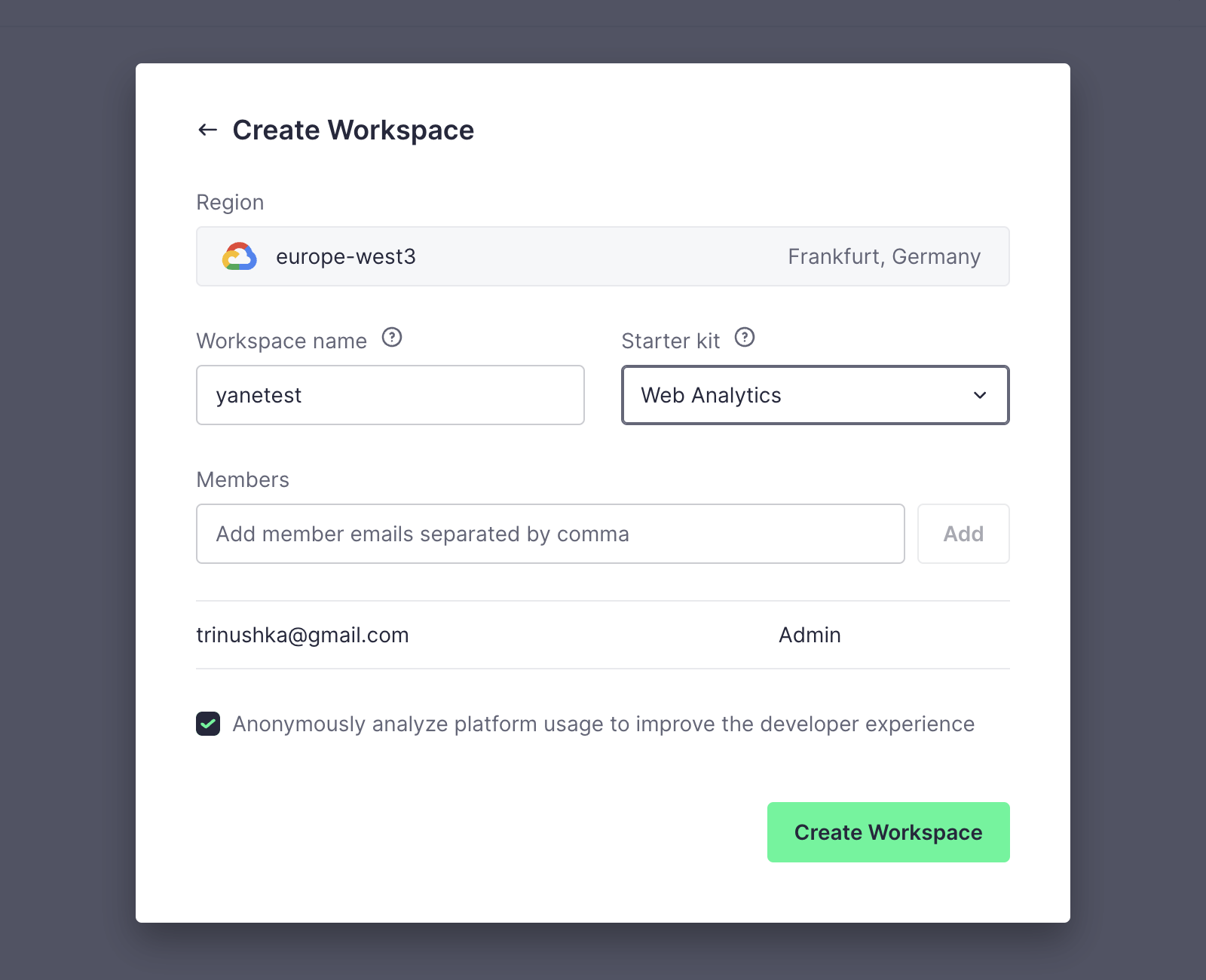
- Keep marketing opt-ins as separate, unchecked controls, and state how often messages come.
Watch out
- Bundling marketing consent into "By continuing you agree to the terms" with no separate choice.
- Highlighted "Accept all" buttons with the reject option hidden behind extra clicks.