Usability heuristic

User control and freedom

Give people a clear way to skip, go back, undo or leave, so no step traps them in a flow they did not choose.

User control and freedom The same paywall twice. The first has no Back button and its only exit is a faint X in the corner, so the user wonders how to leave. The second has a labeled Back button and a plain button to keep using the free version. Trapped on the paywall Go Premium 7 days free, then $59.99 a year Start free trial “How do I get out of here?” 1 2 A clear way out Back Go Premium 7 days free, then $59.99 a year Start free trial Keep using the free version 1 2 1 Can I go back a step? 2 Can I say no? Unsure users stay in the app
The same paywall with and without a way out: a Back button and a "Keep using the free version" option let unsure users stay in the app.

User control and freedom is Jakob Nielsen's third usability heuristic: people often take actions by mistake or change their minds, so they need a clearly marked "emergency exit" that does not require a long process. On this site it also covers autonomy and reversibility: Skip and Back buttons, "Not now" on optional asks, hideable checklists, and a plain way to keep using the free version.

This is a design heuristic, not a single study. Nielsen's 10 heuristics (1994) and Ben Shneiderman's Eight Golden Rules both include it; Shneiderman's rule "permit easy reversal of actions" argues that reversibility lowers anxiety and makes people more willing to explore. NN/g's guidance adds practical detail: exits and undo should be where people expect them, labeled, and the Back button should go back one step.

In onboarding and paywalls, the absence of an exit is the most common failure. People who are unsure either guess, quit the app, or tap the paid option by accident. A visible, honest way out keeps unsure users in the product, where they may convert later on their own terms.

How to use it

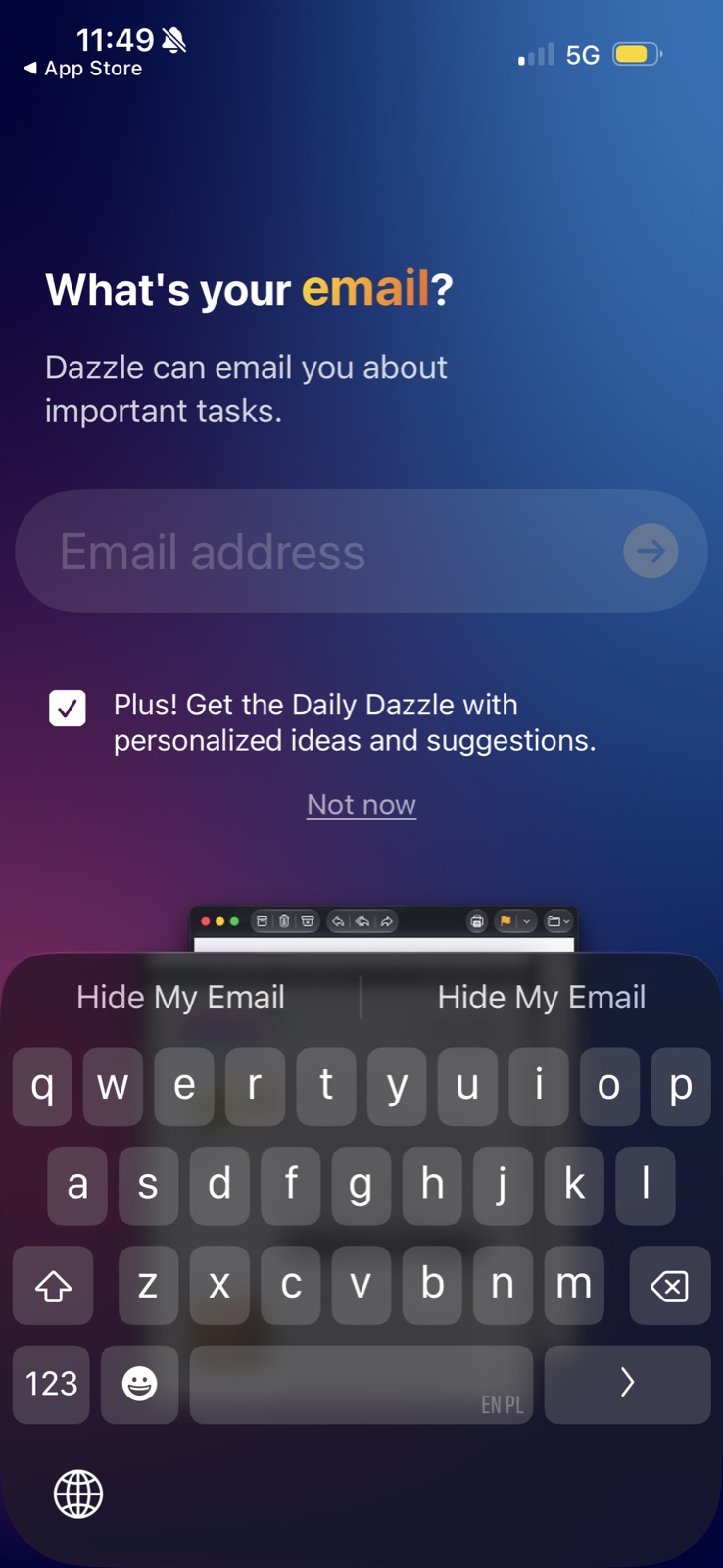
  • Offer Back on every onboarding step and Skip or "Not now" on every optional ask (email, invites, notifications).
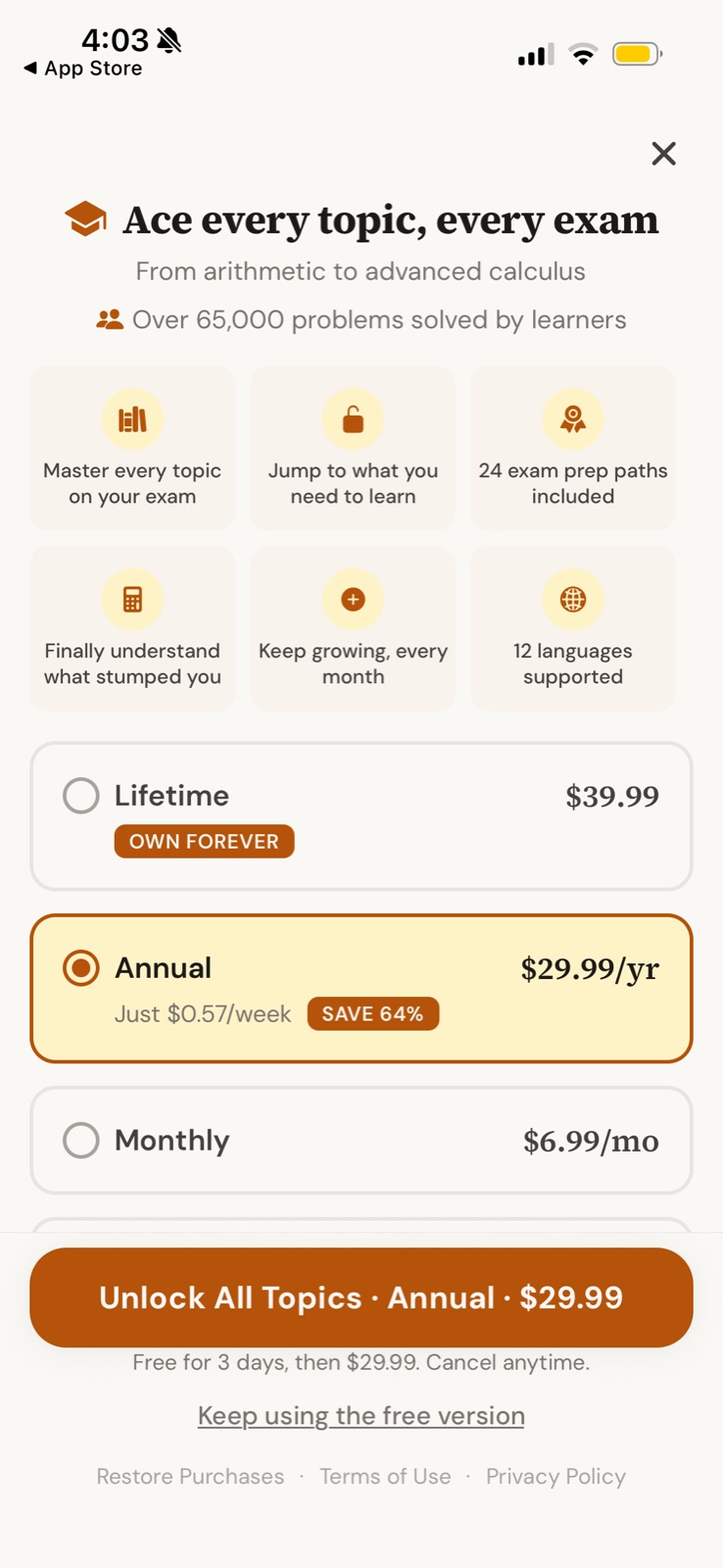
  • On a paywall, give the free path a visible, plain-language button such as "Keep using the free version", not a faint X in a corner.
  • Let people hide checklists, tips and suggestions, and say where to find them again.

Watch out

  • Hiding the close button, delaying it, or styling it to be nearly invisible turns a paywall into a trap and is a recognized dark pattern.
  • Too many exits on every screen can dilute the main path; offer one clear way out, not five.
Related

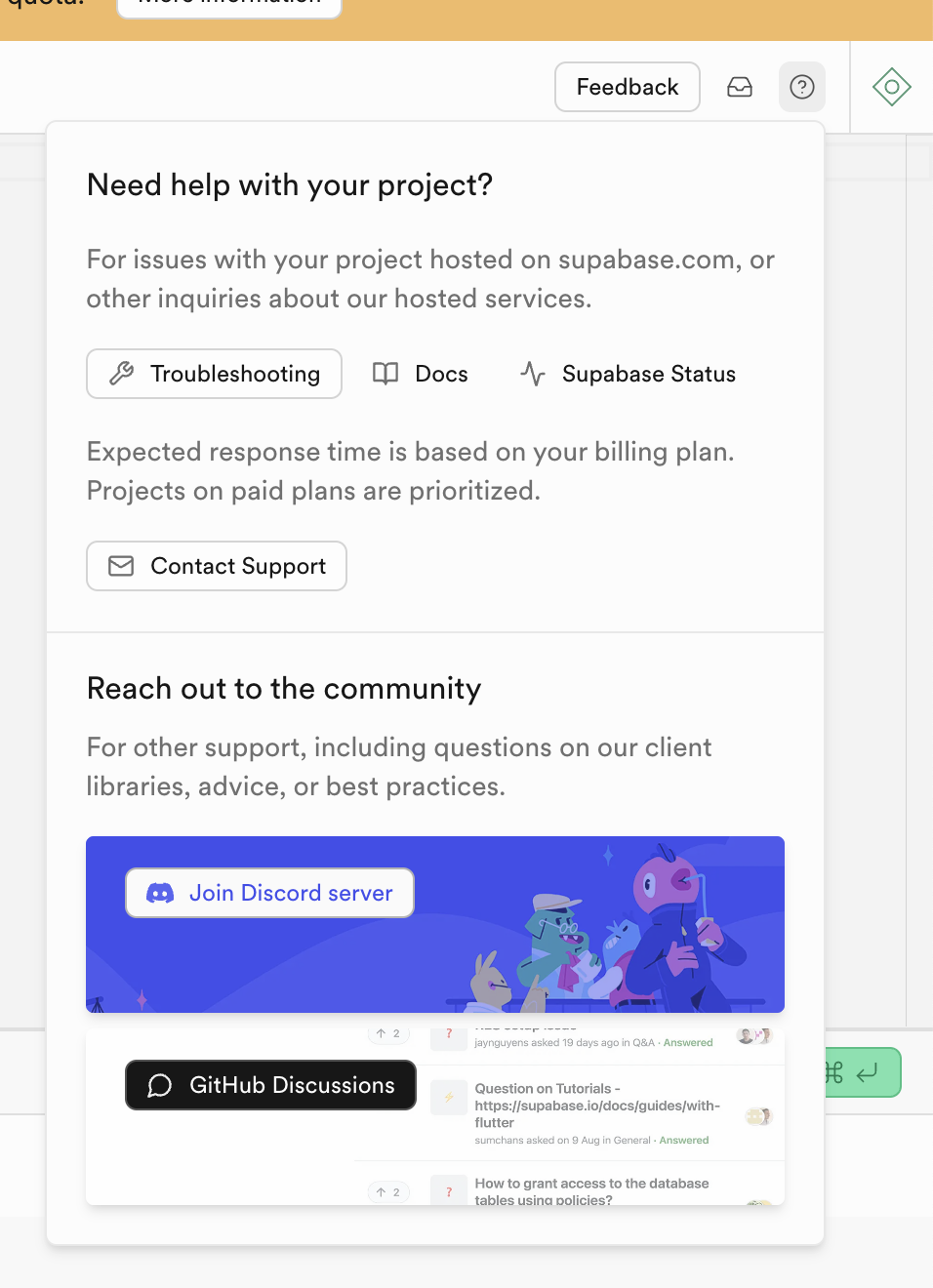
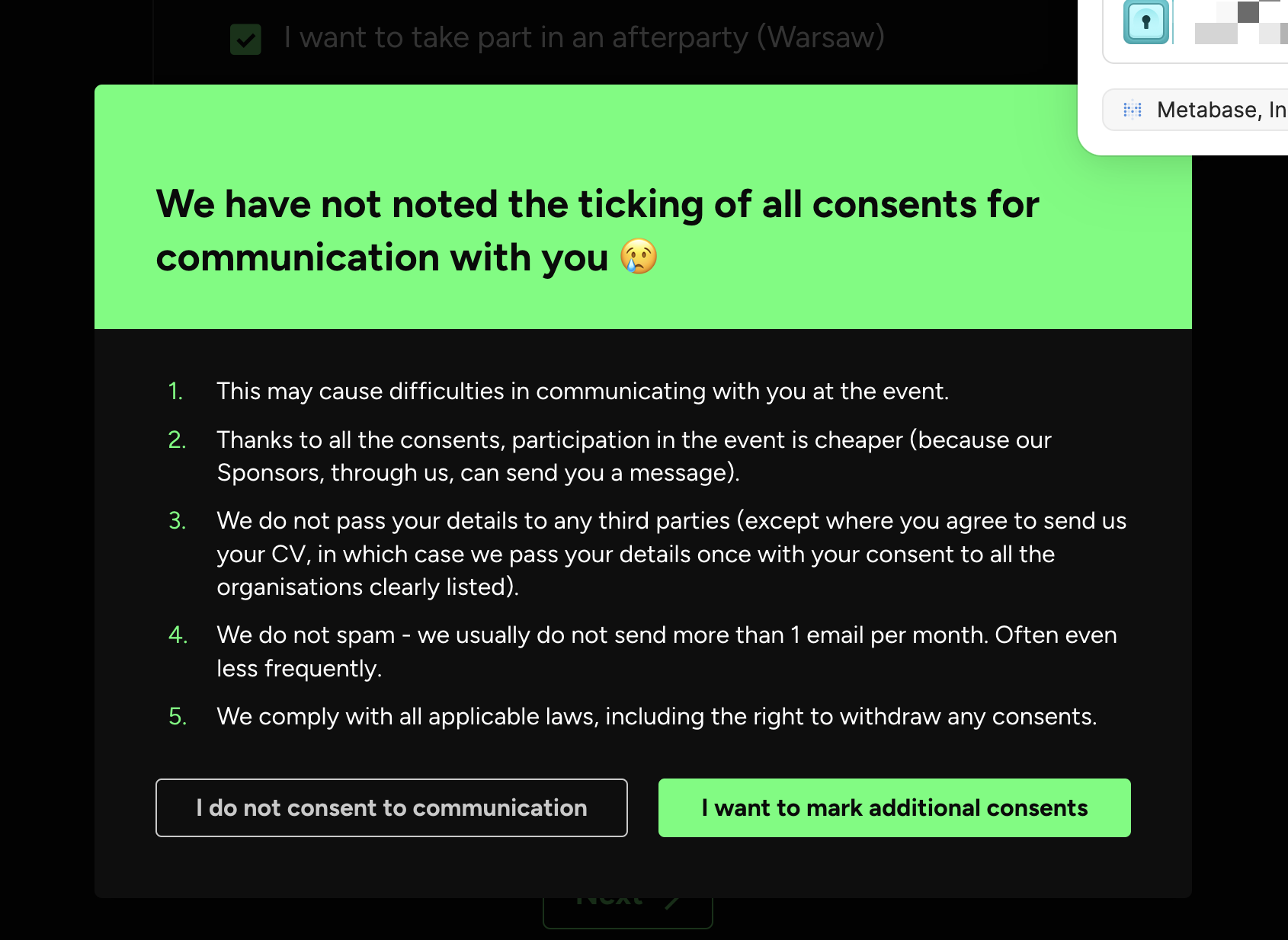
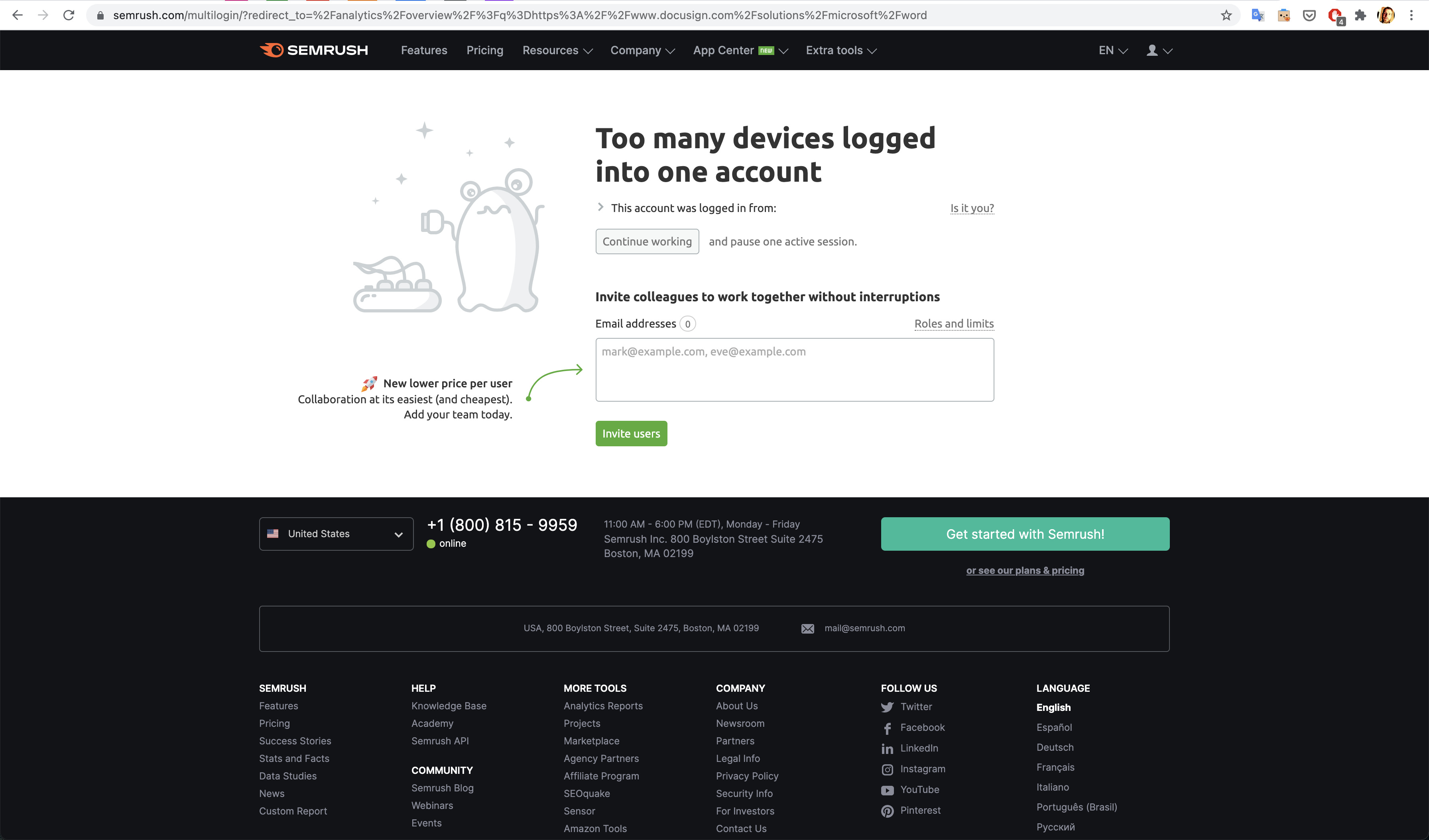
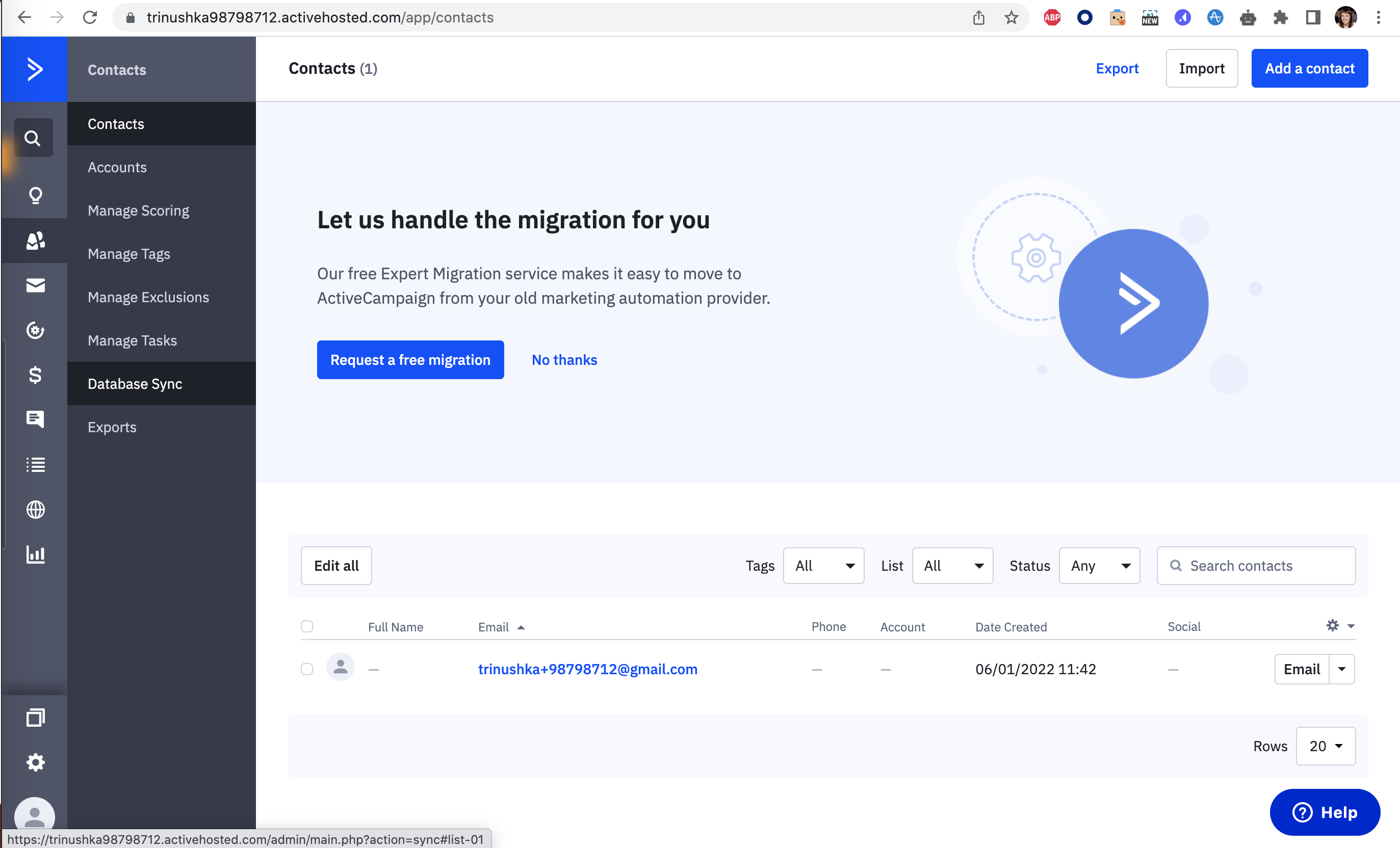
User control and freedom in real products 27 working · 2 not

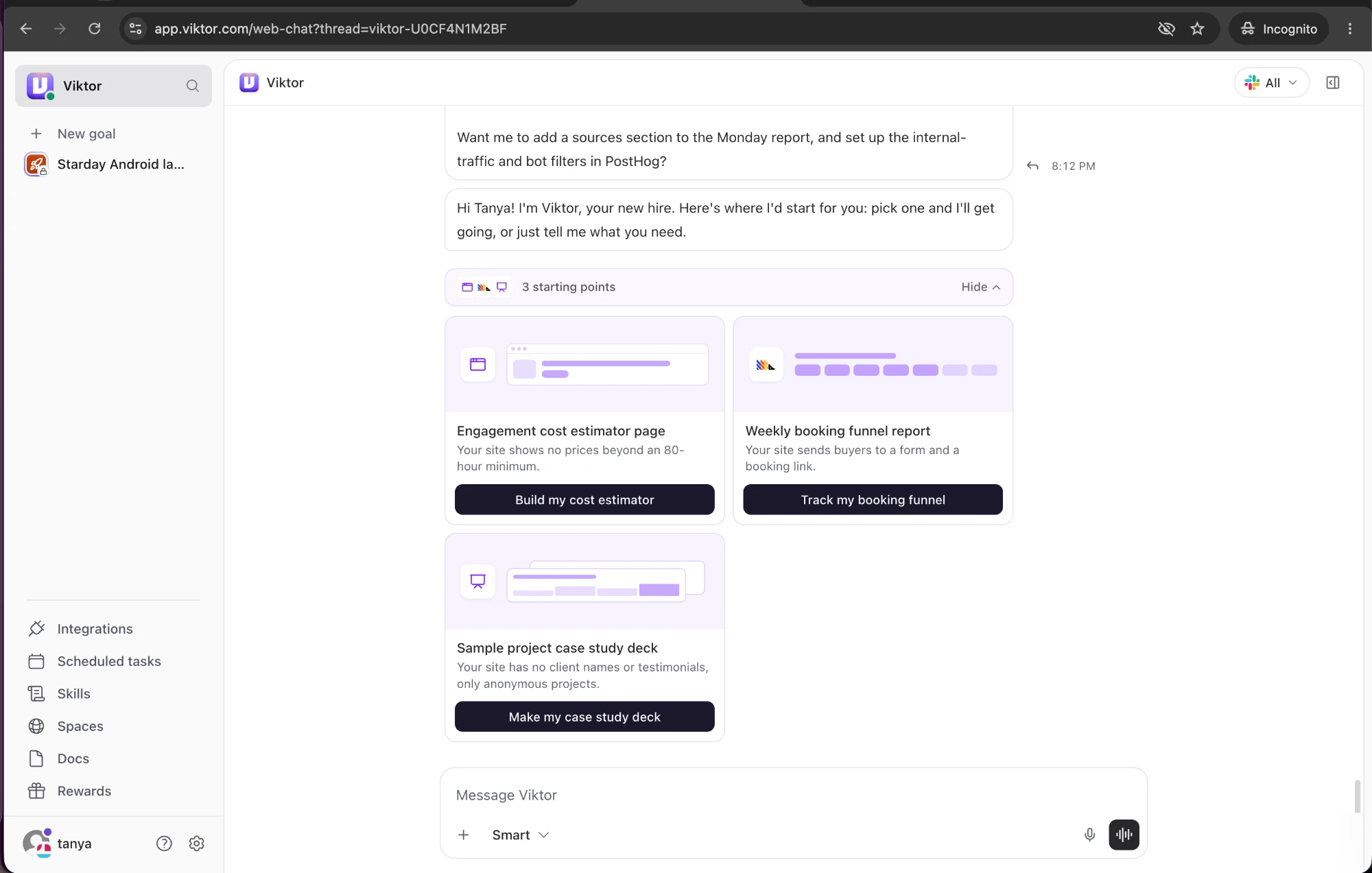
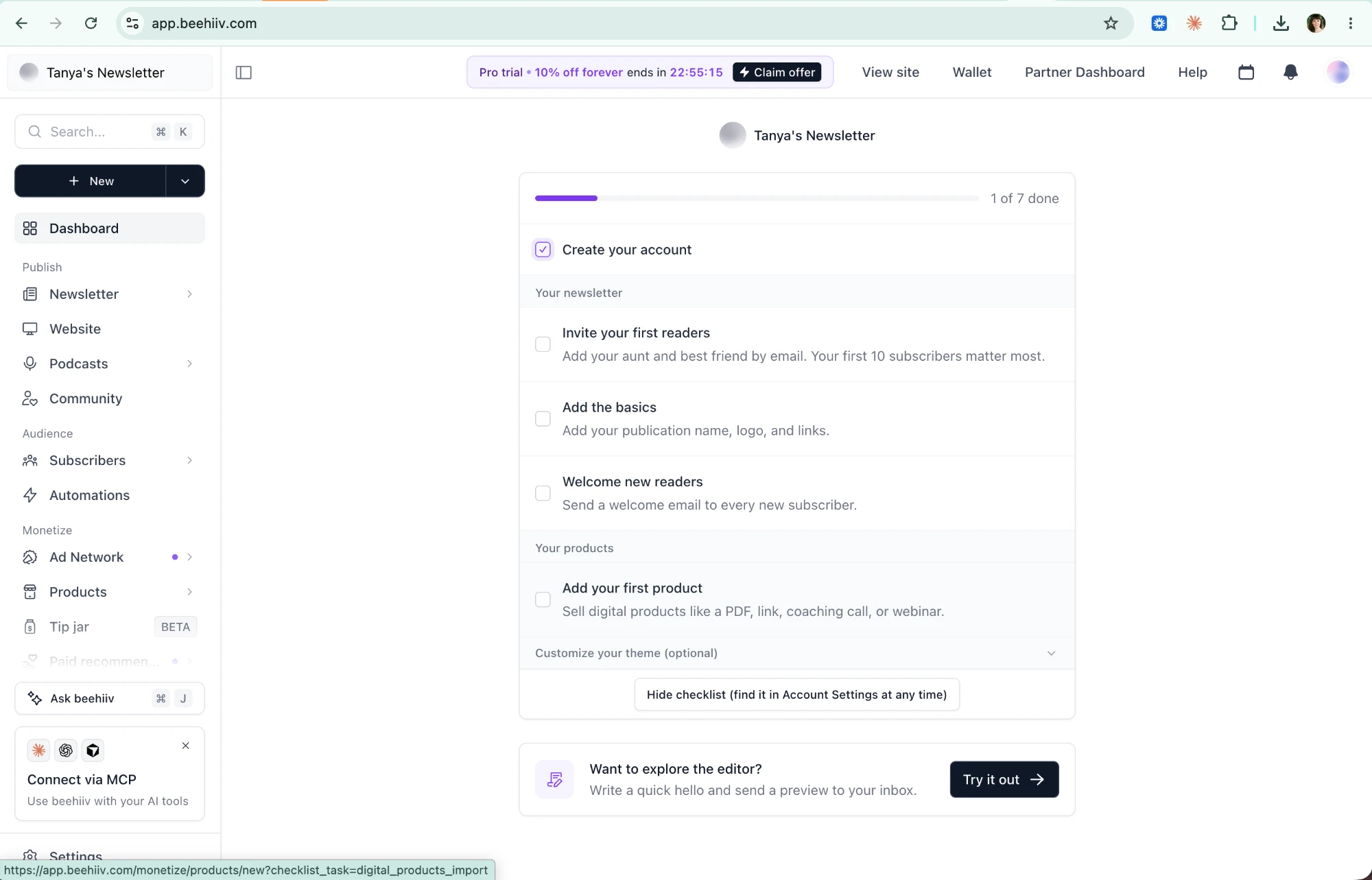
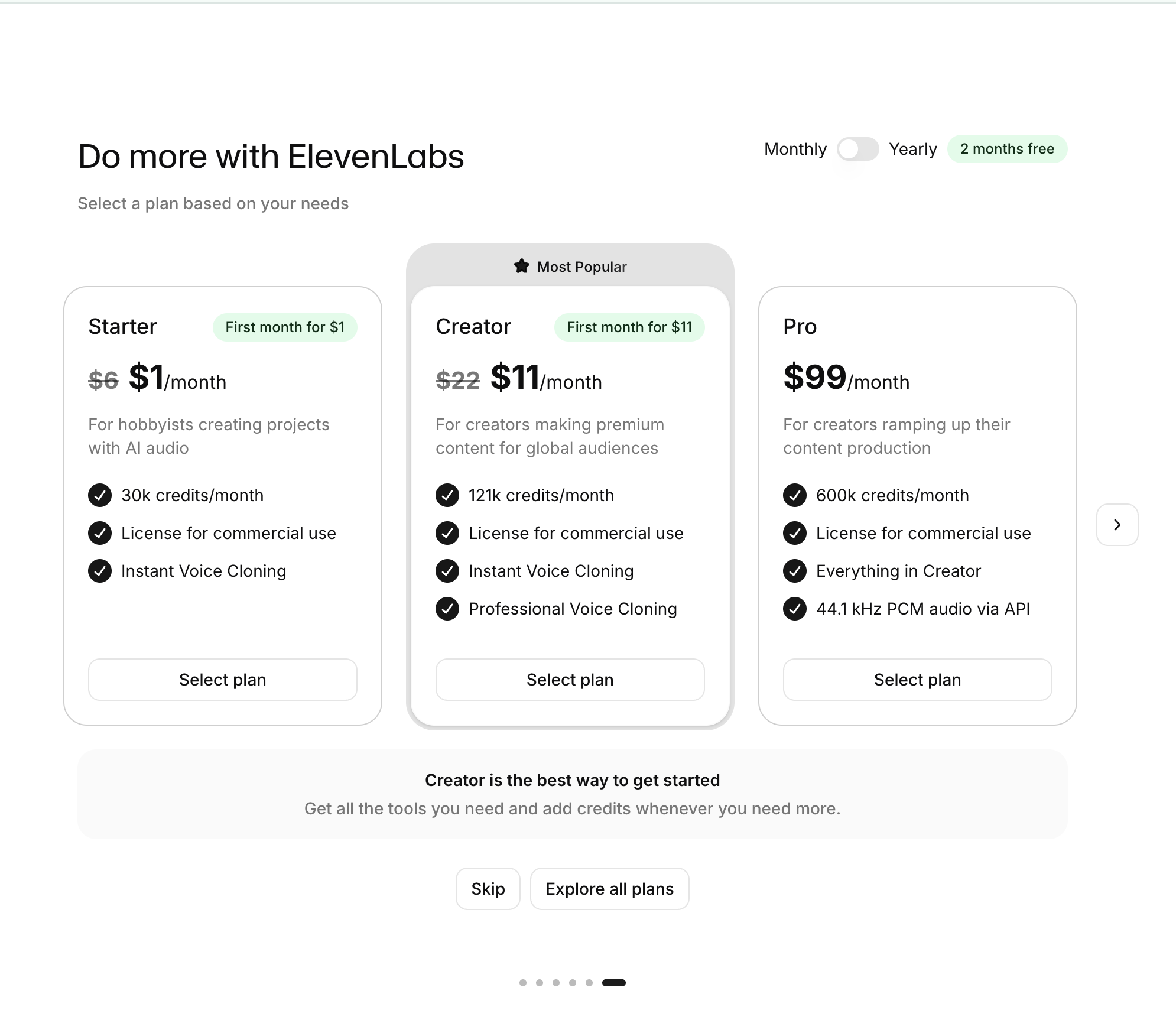
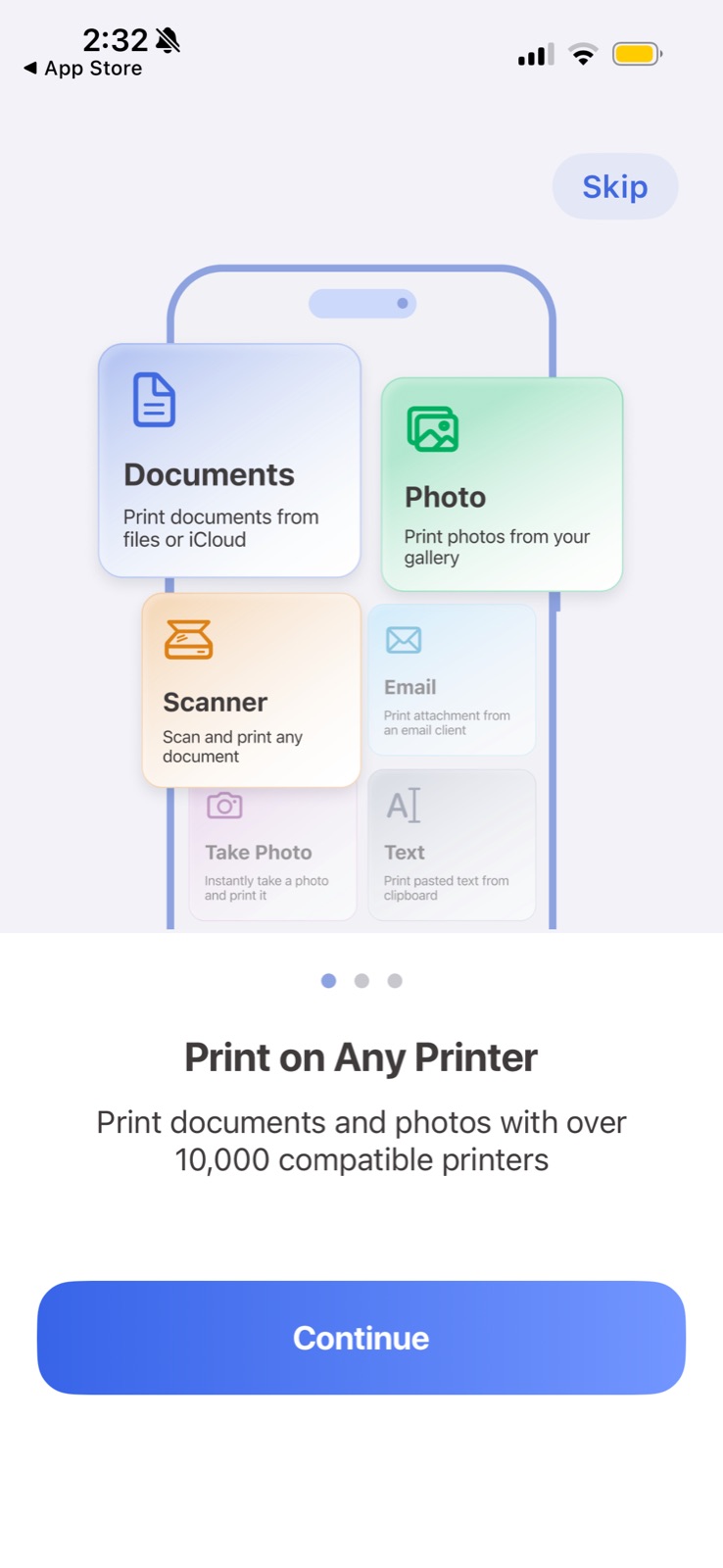
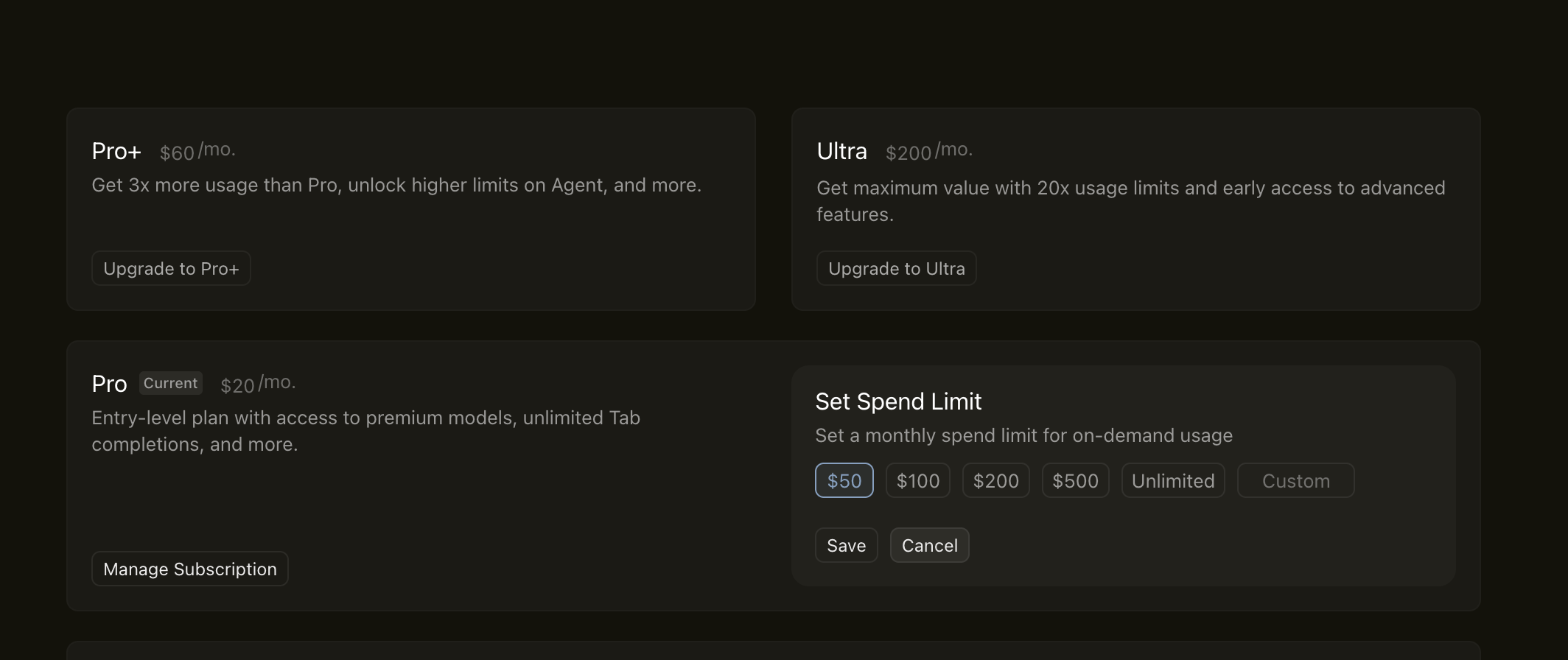
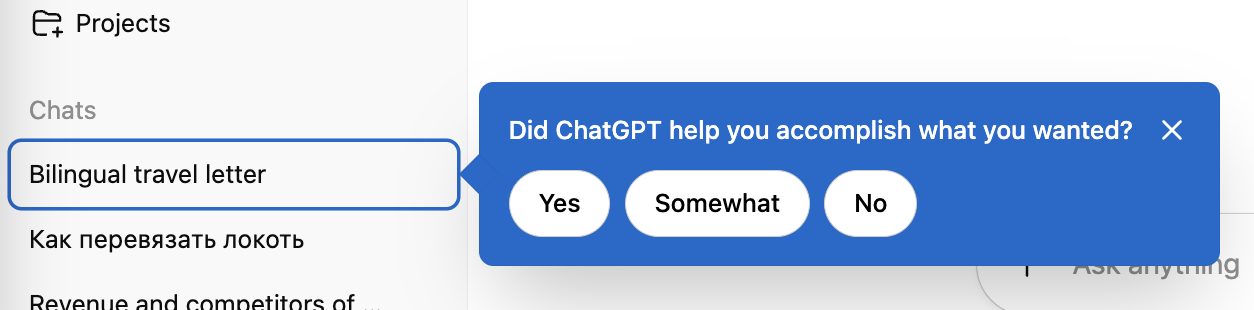
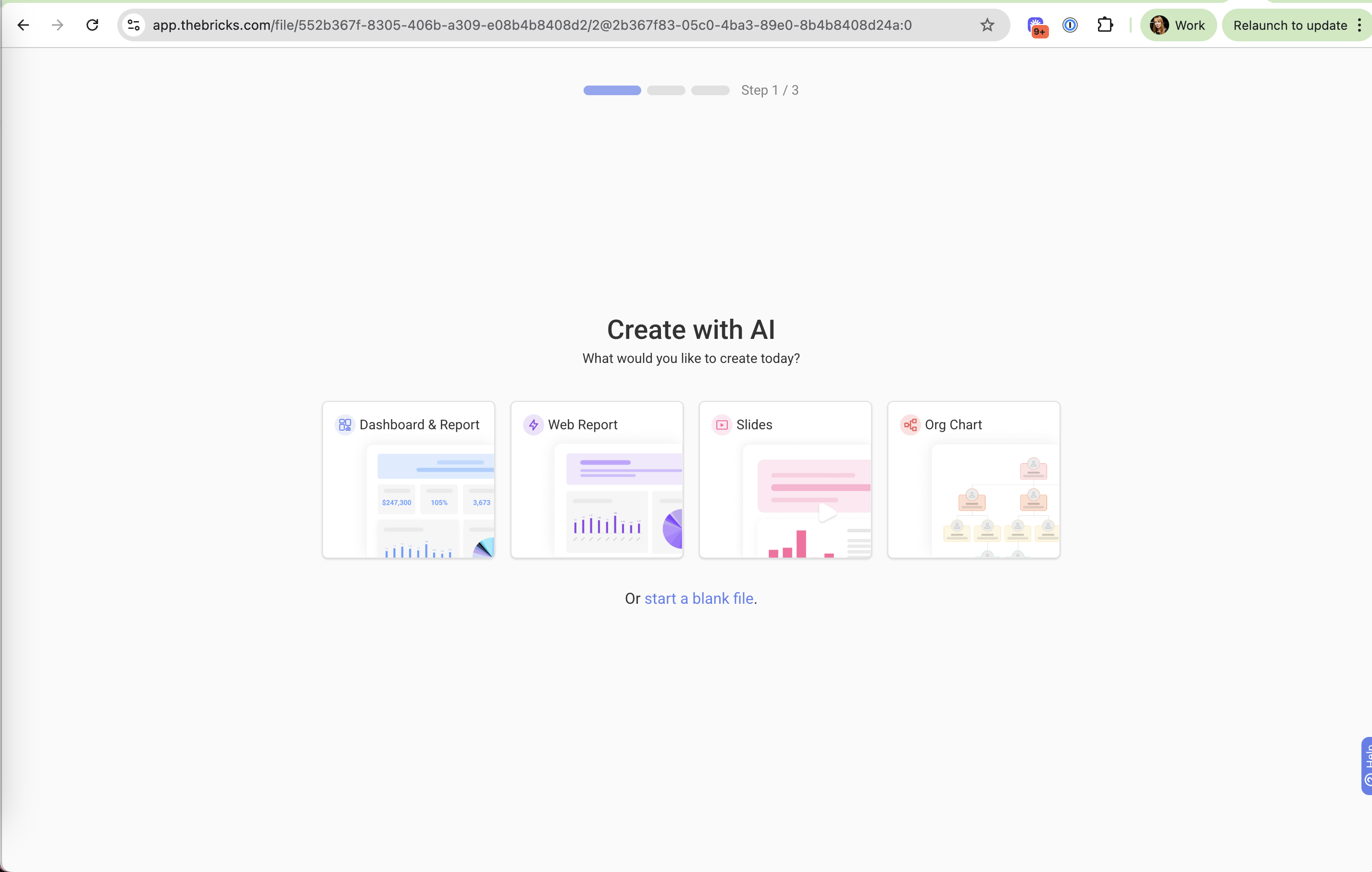
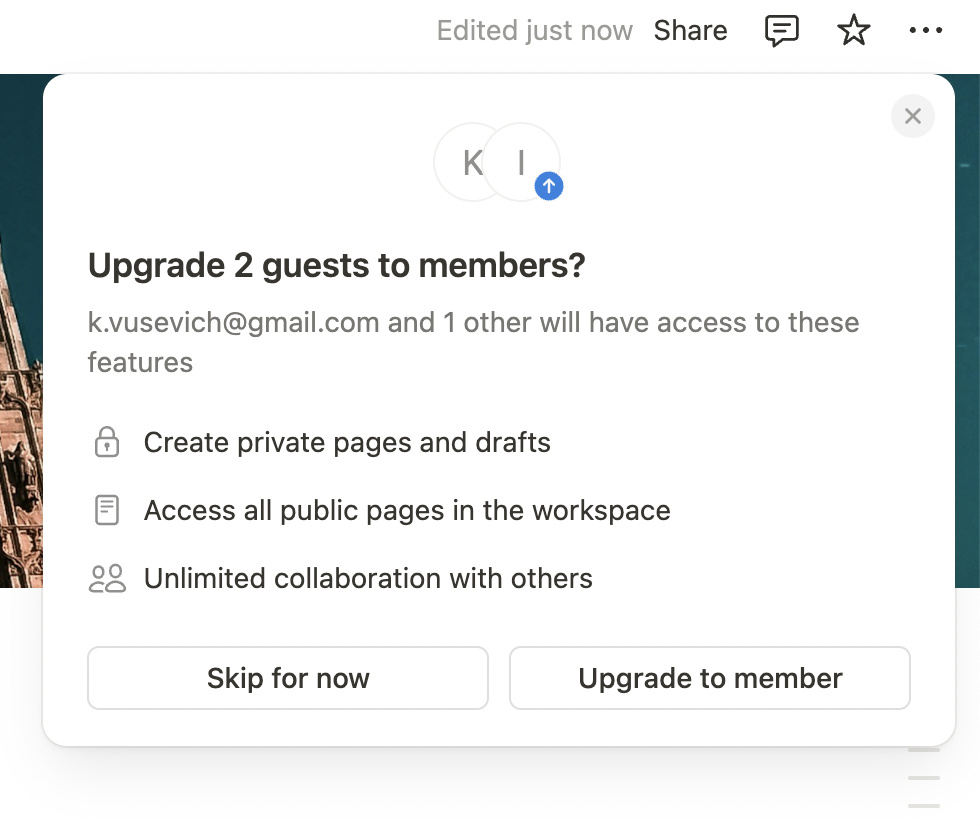
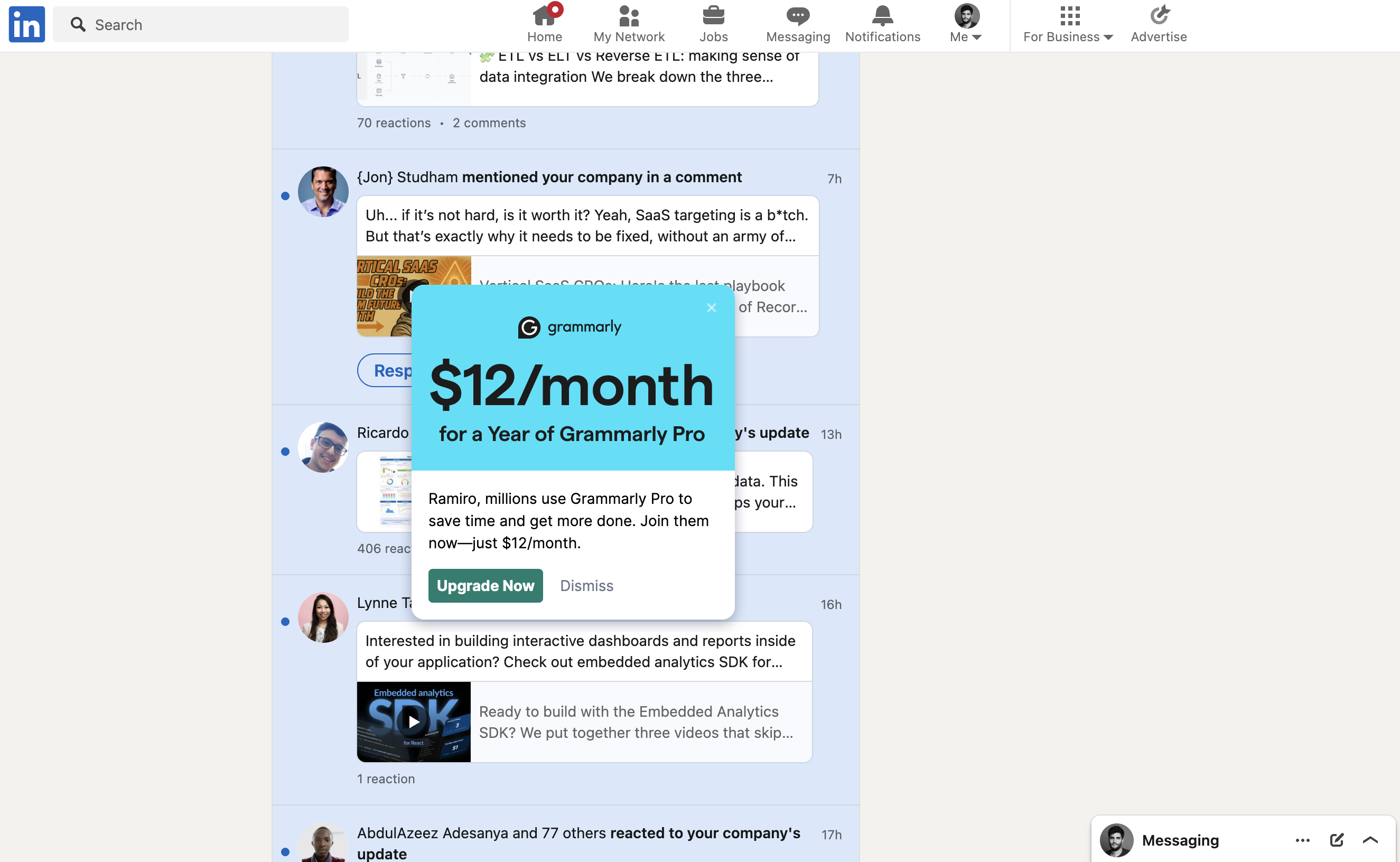
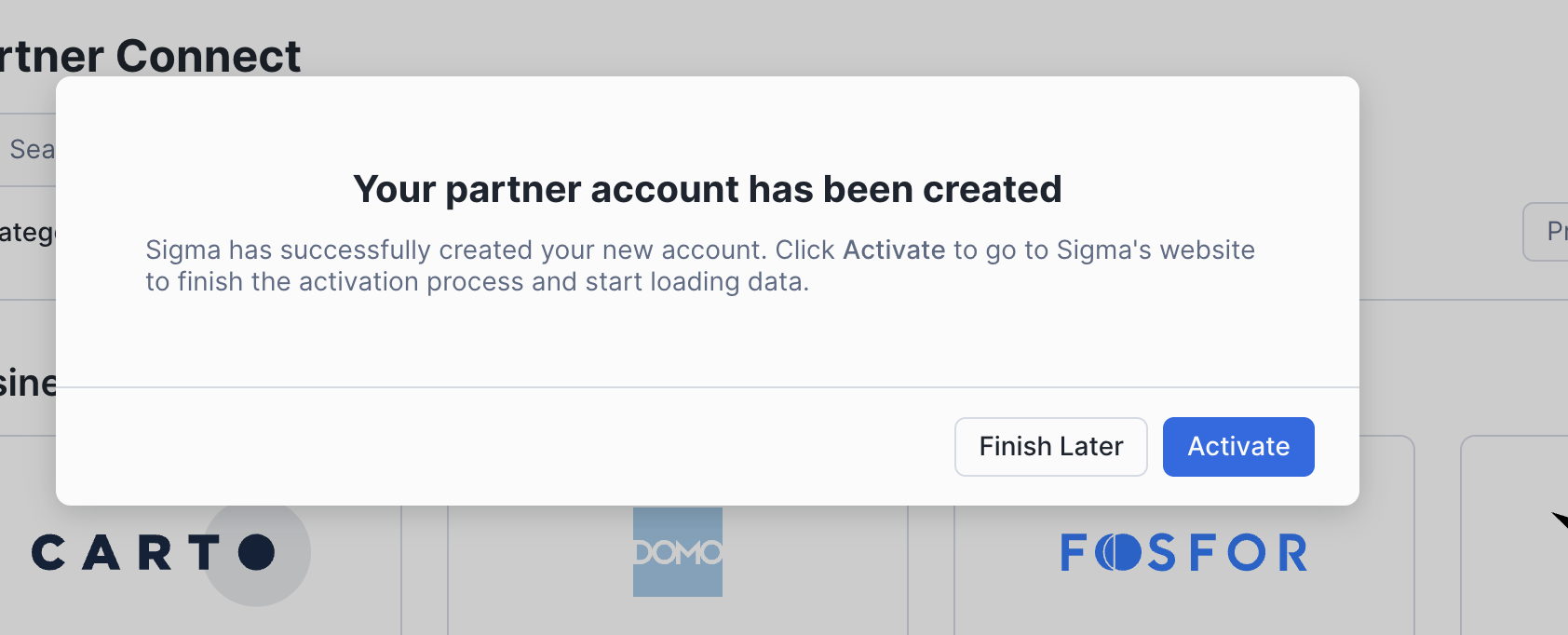
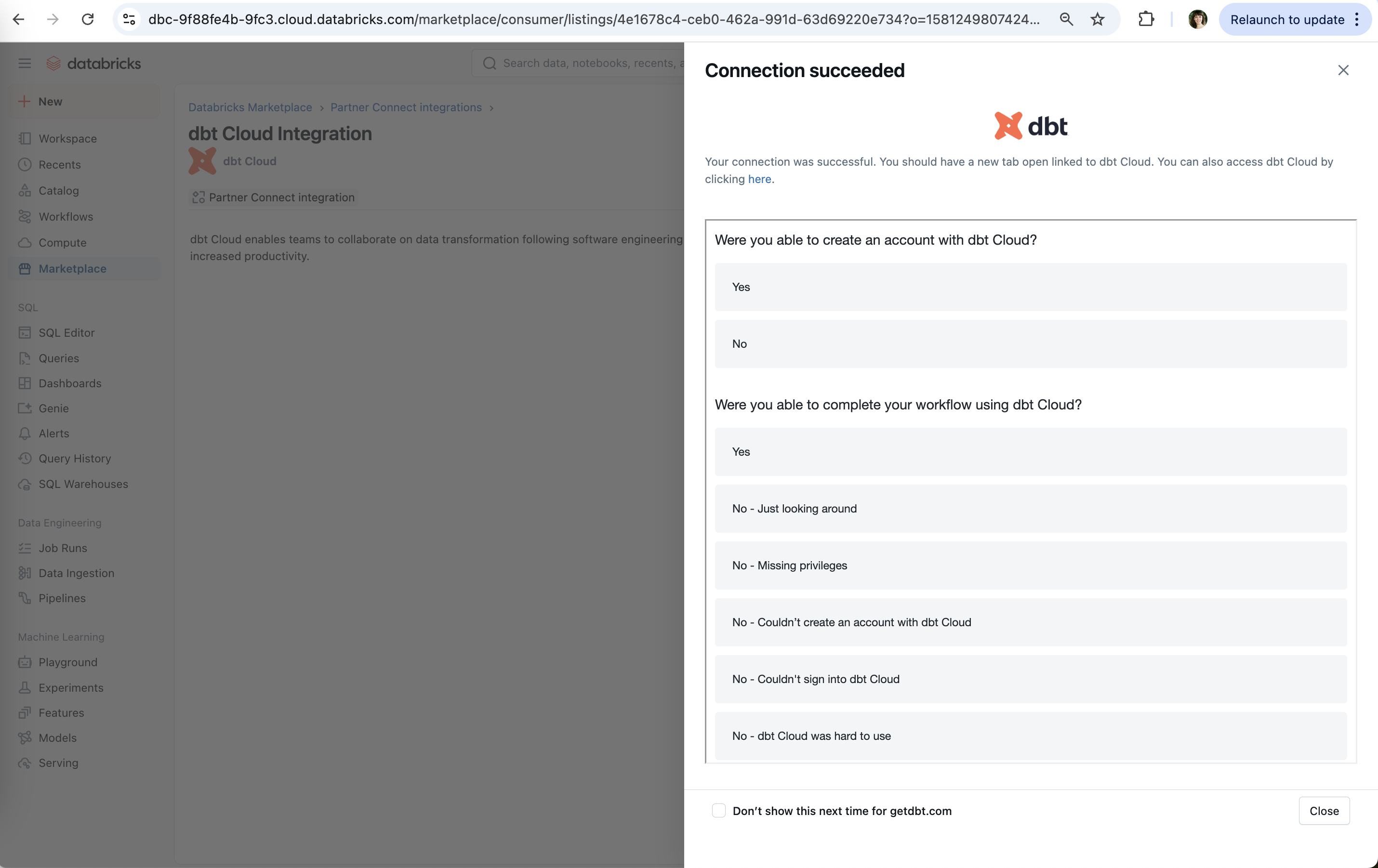
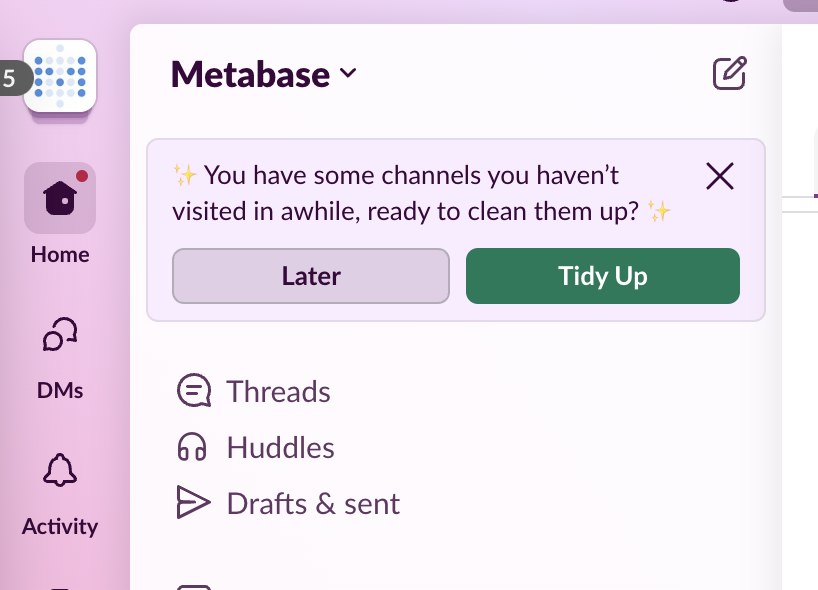
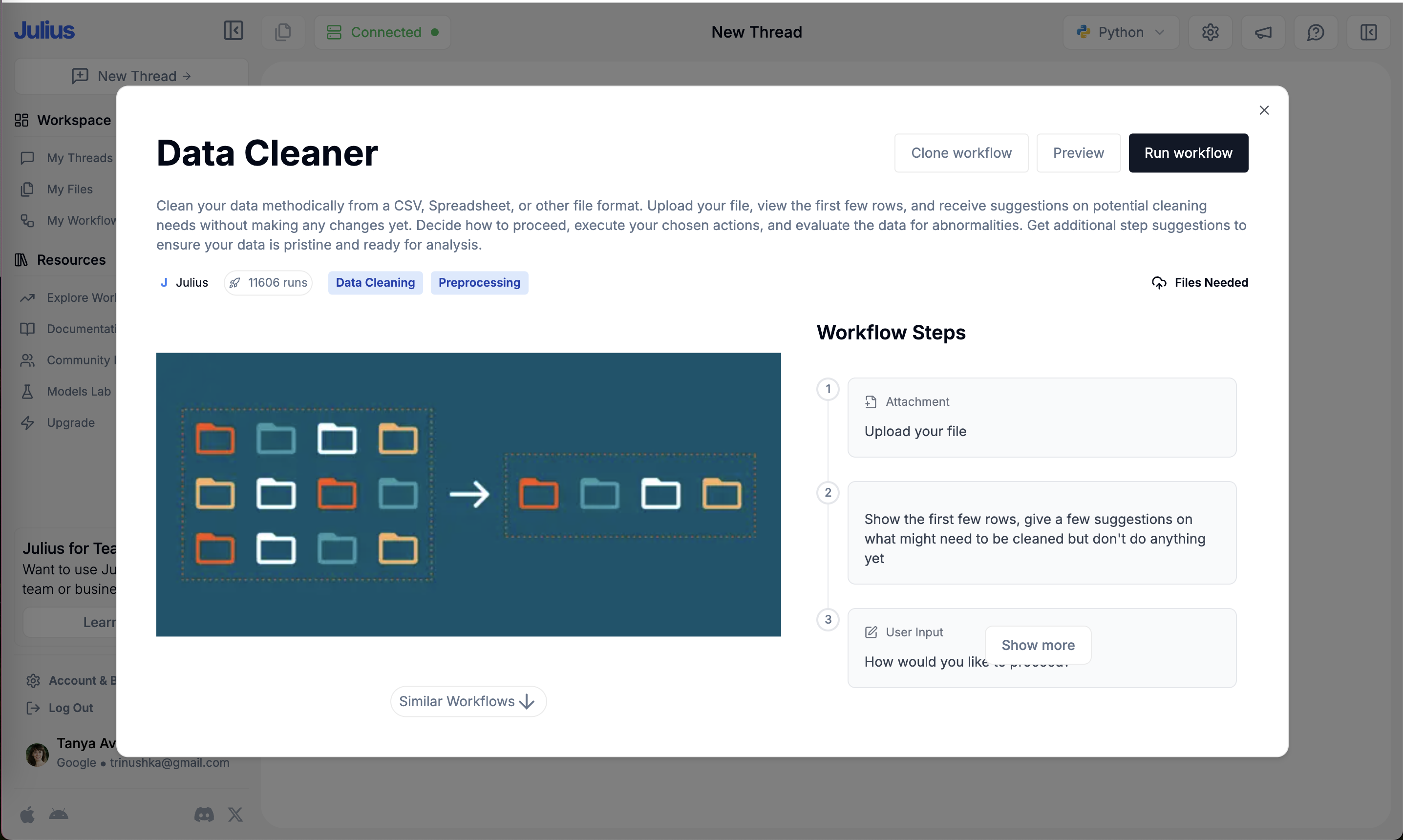
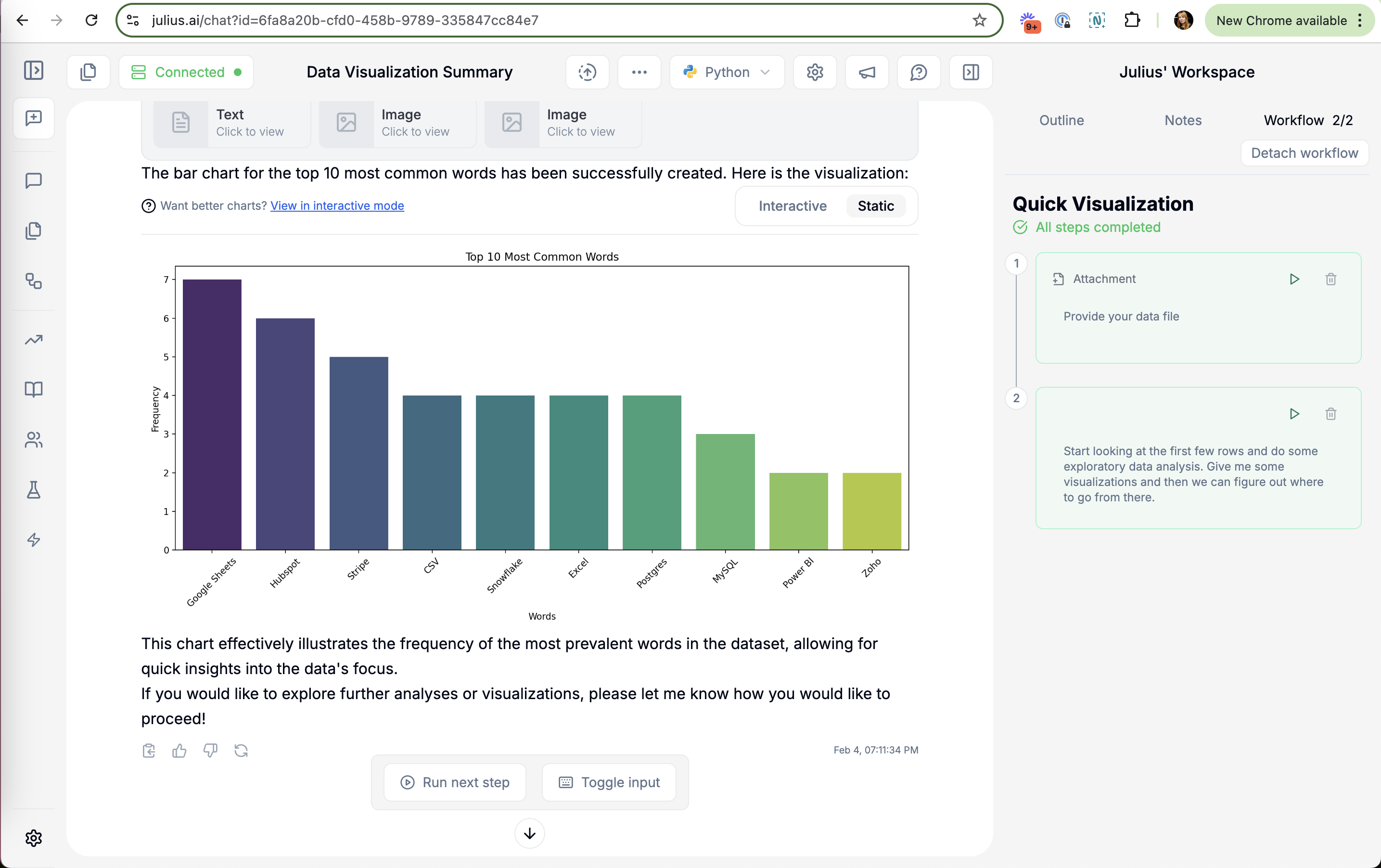
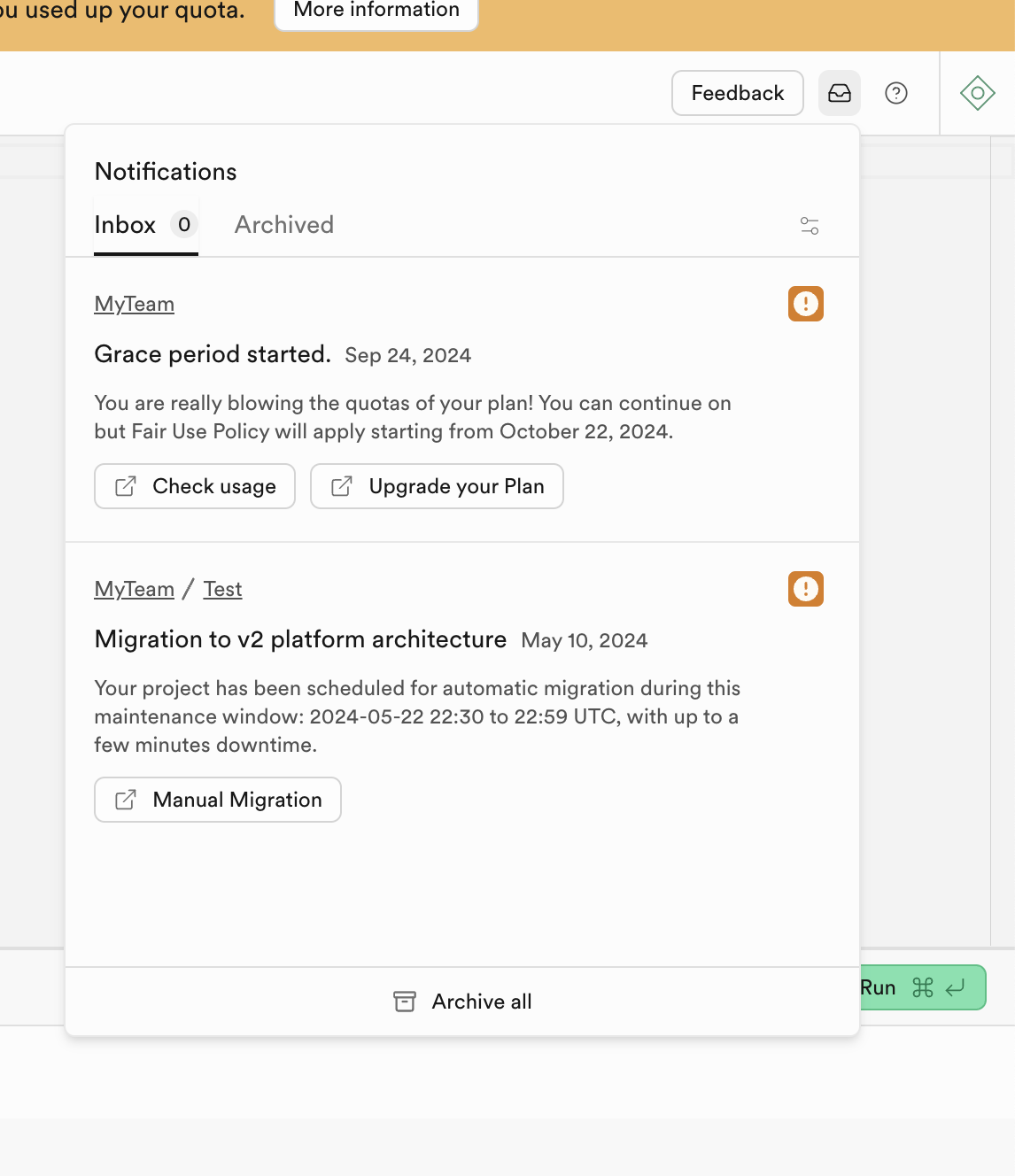
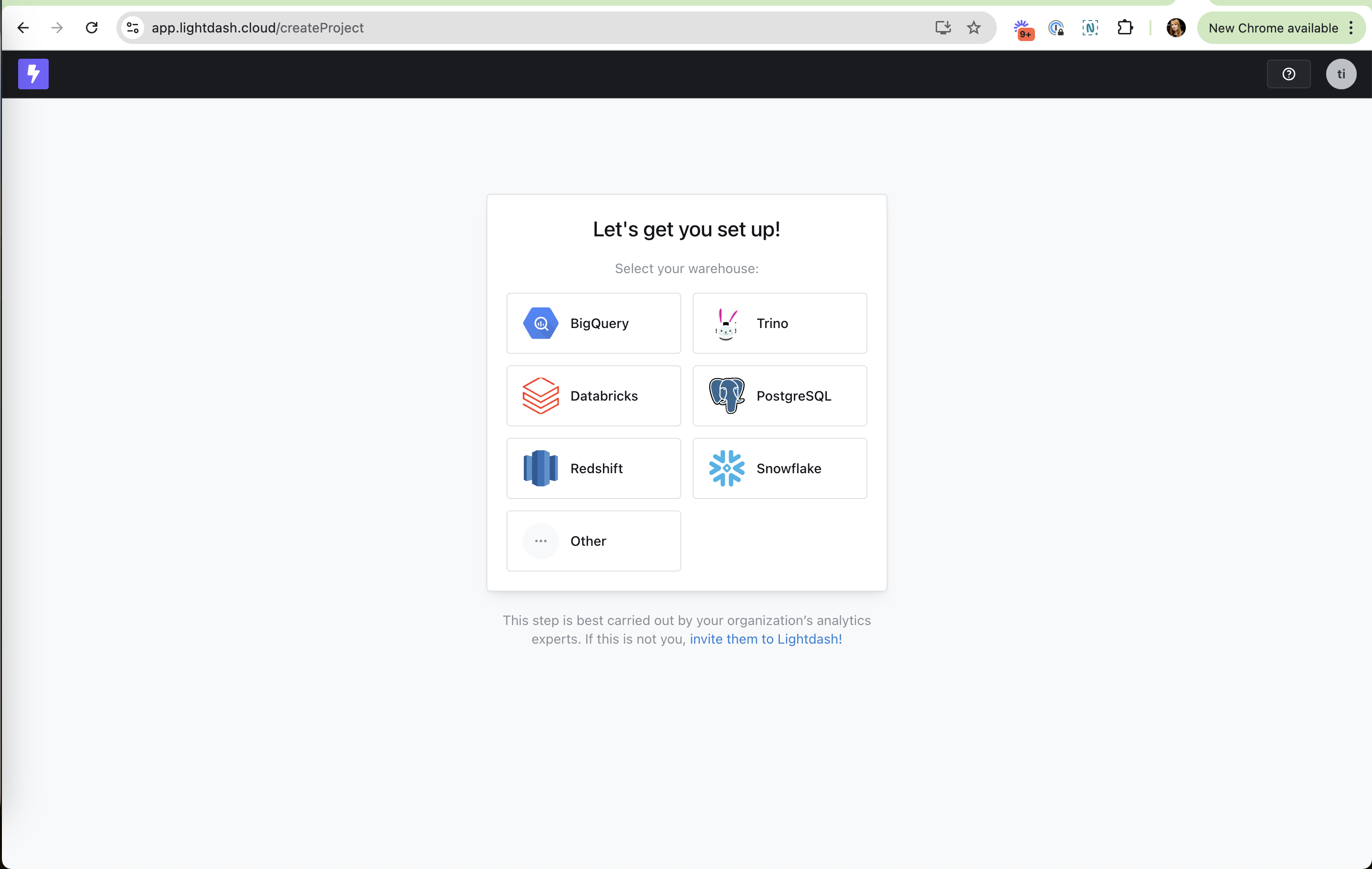
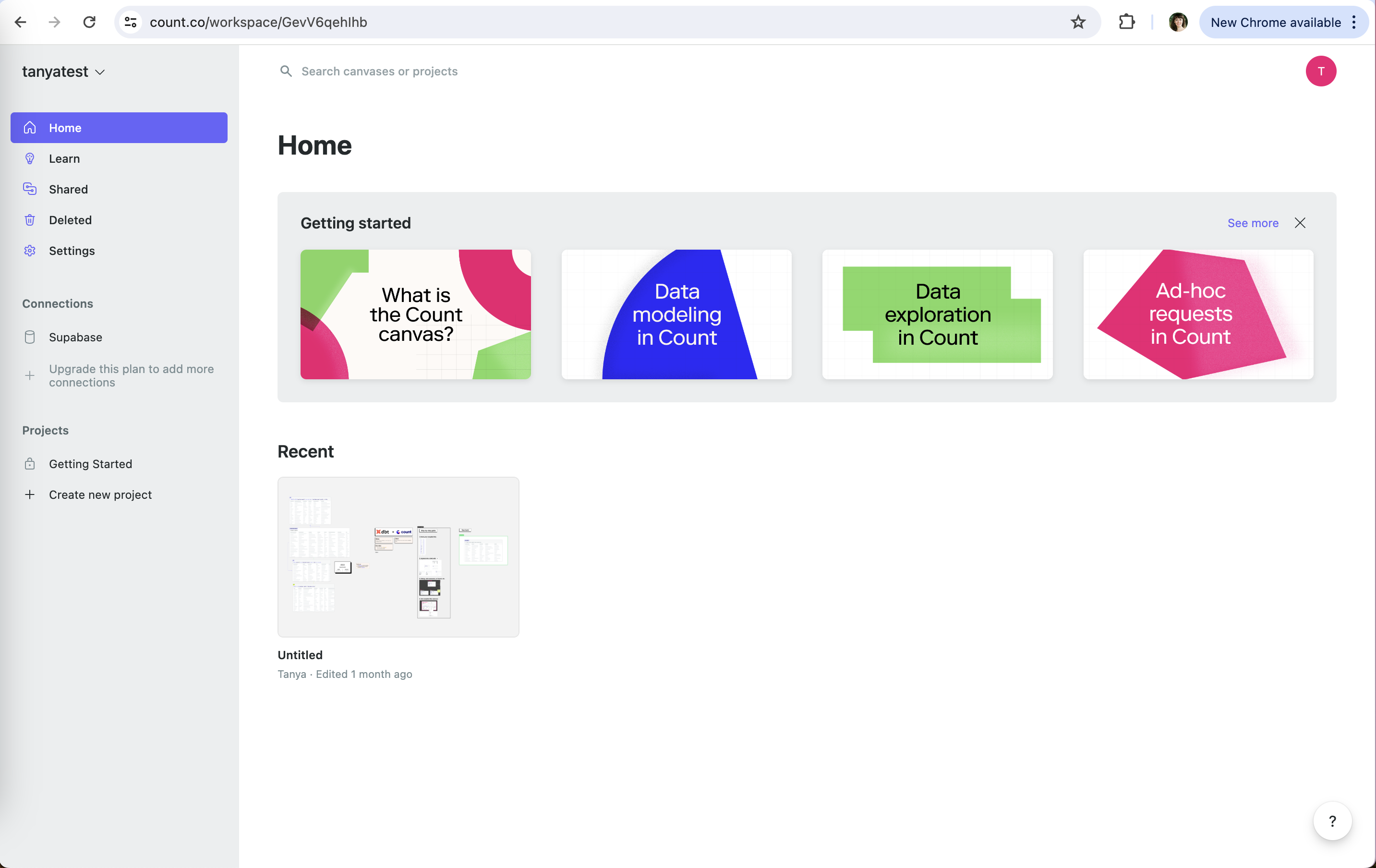
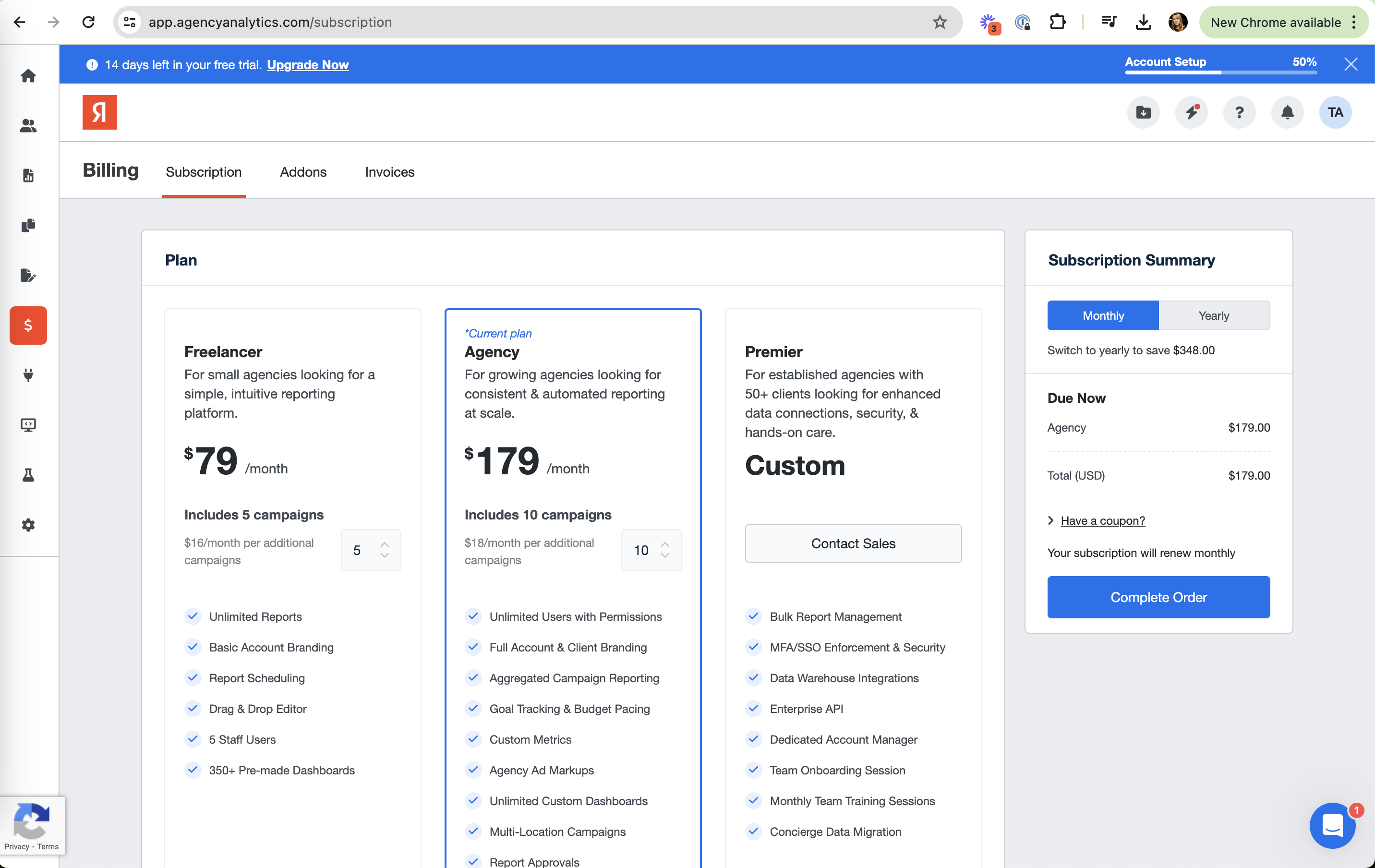
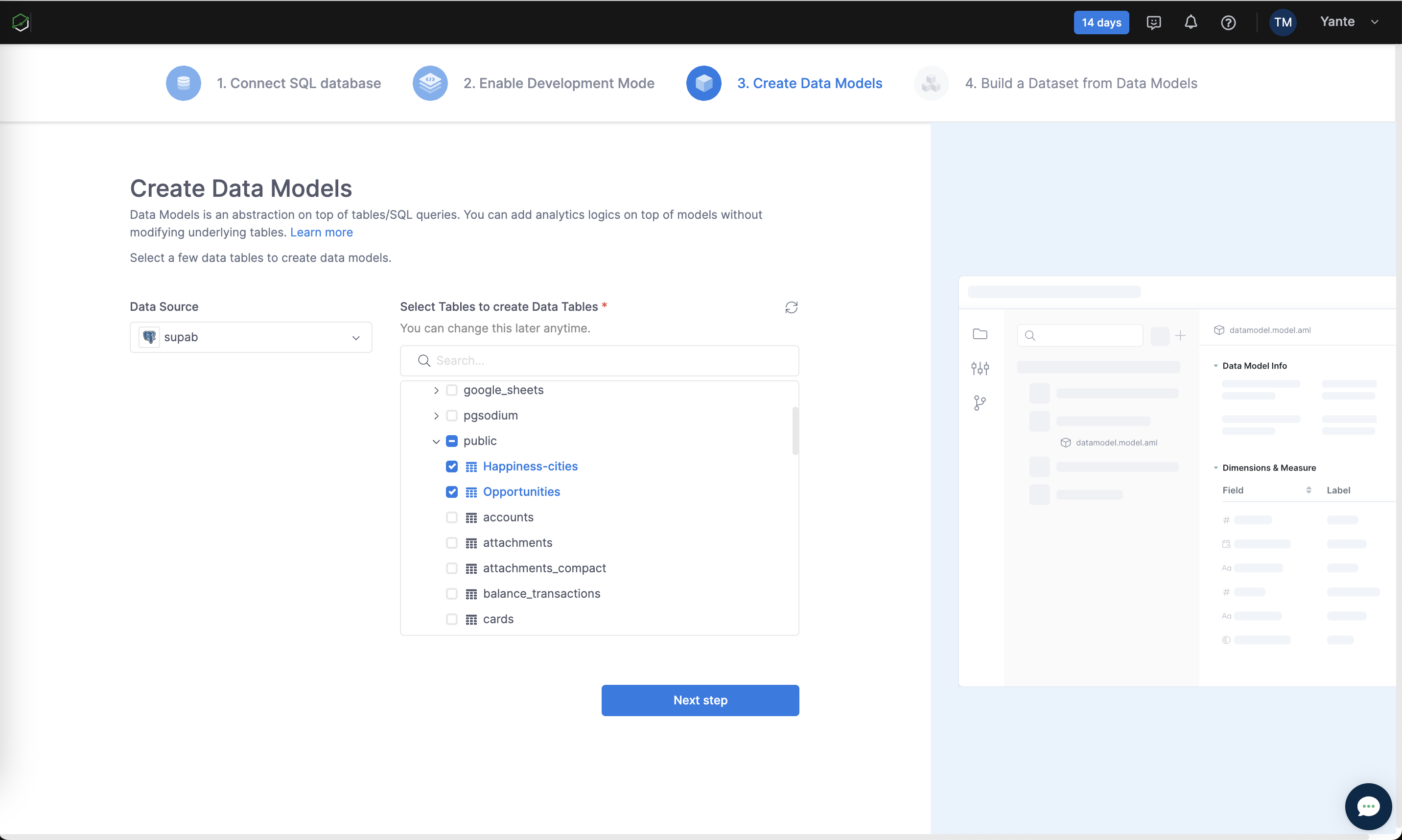
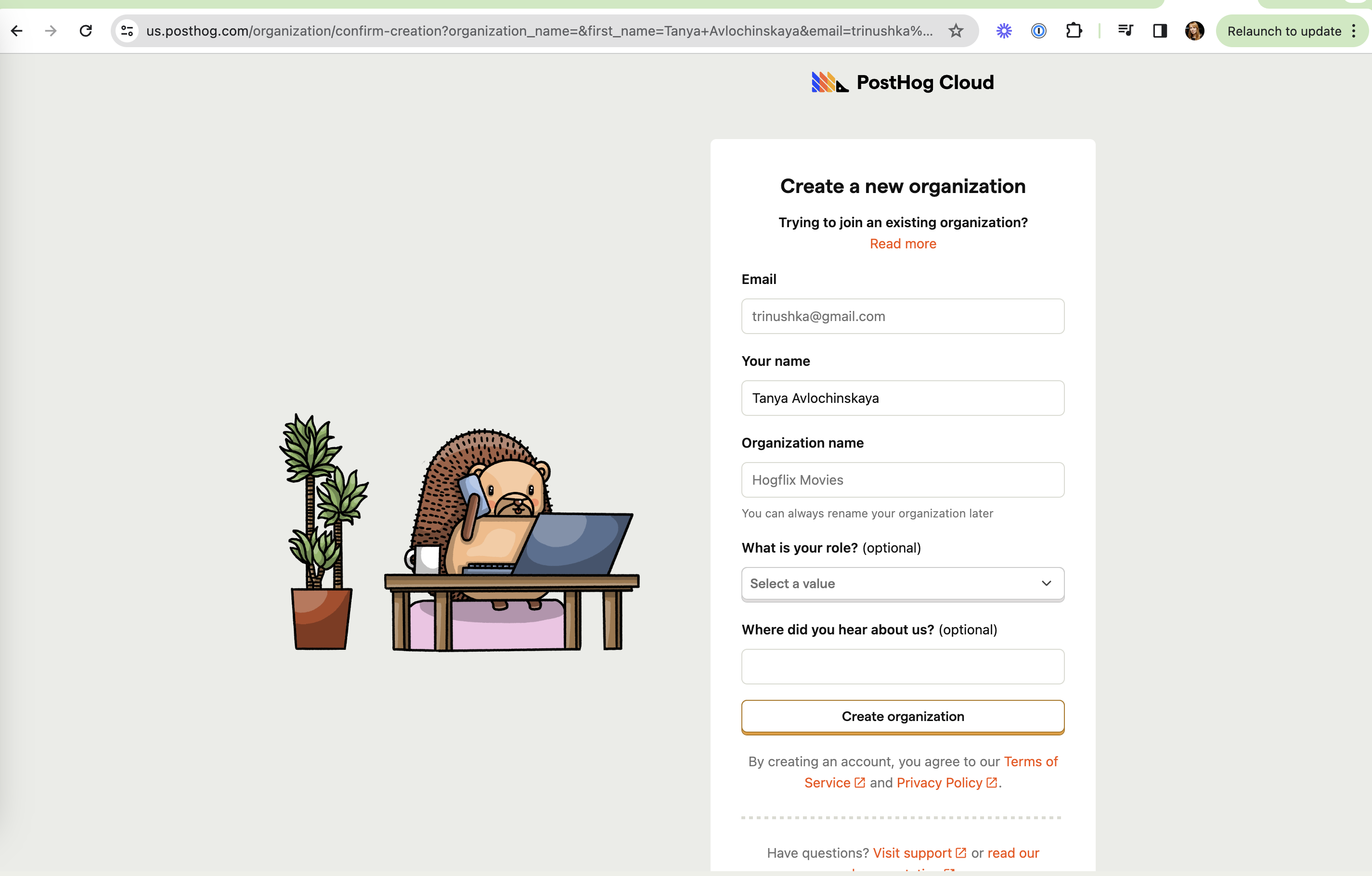
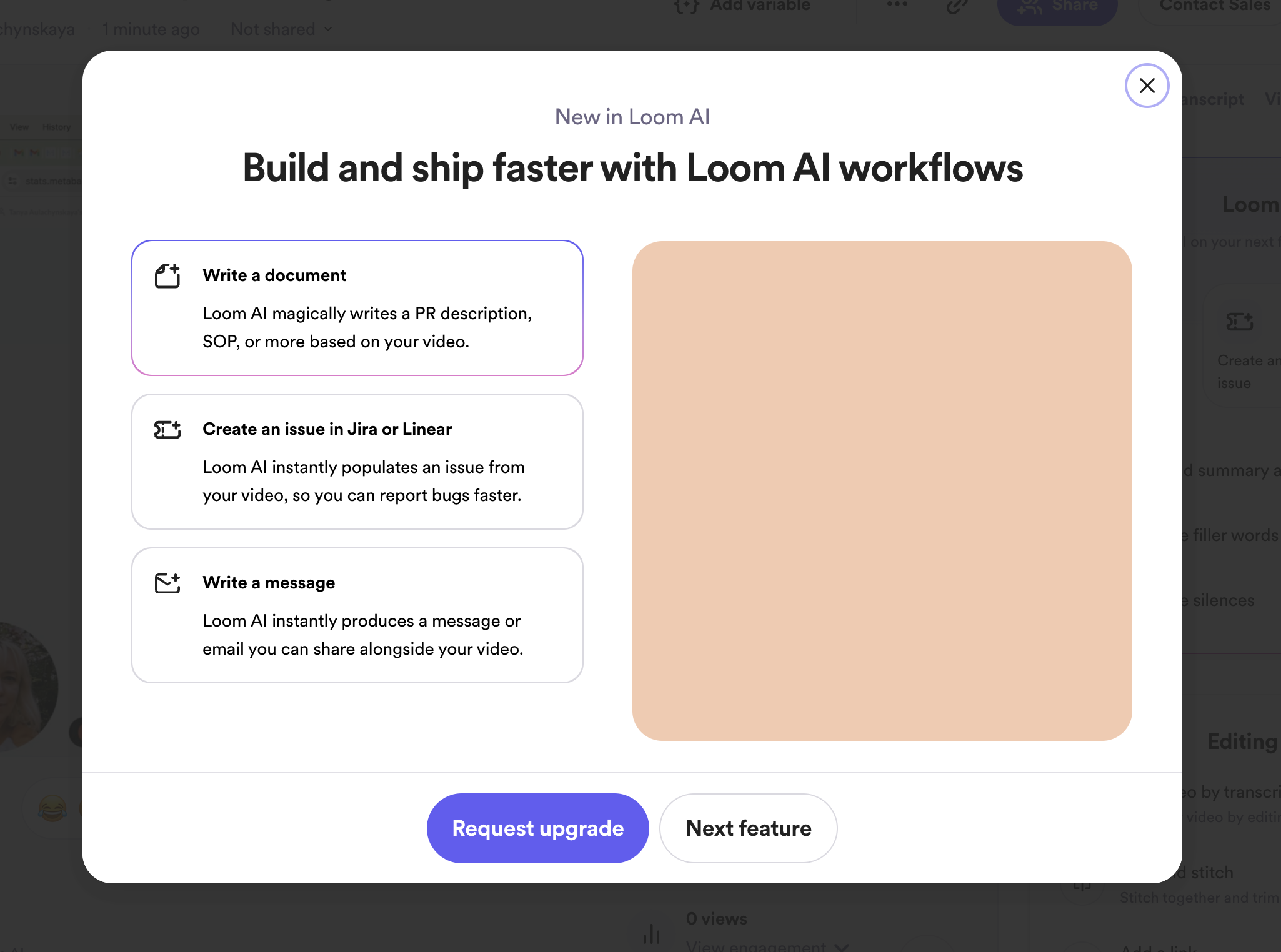
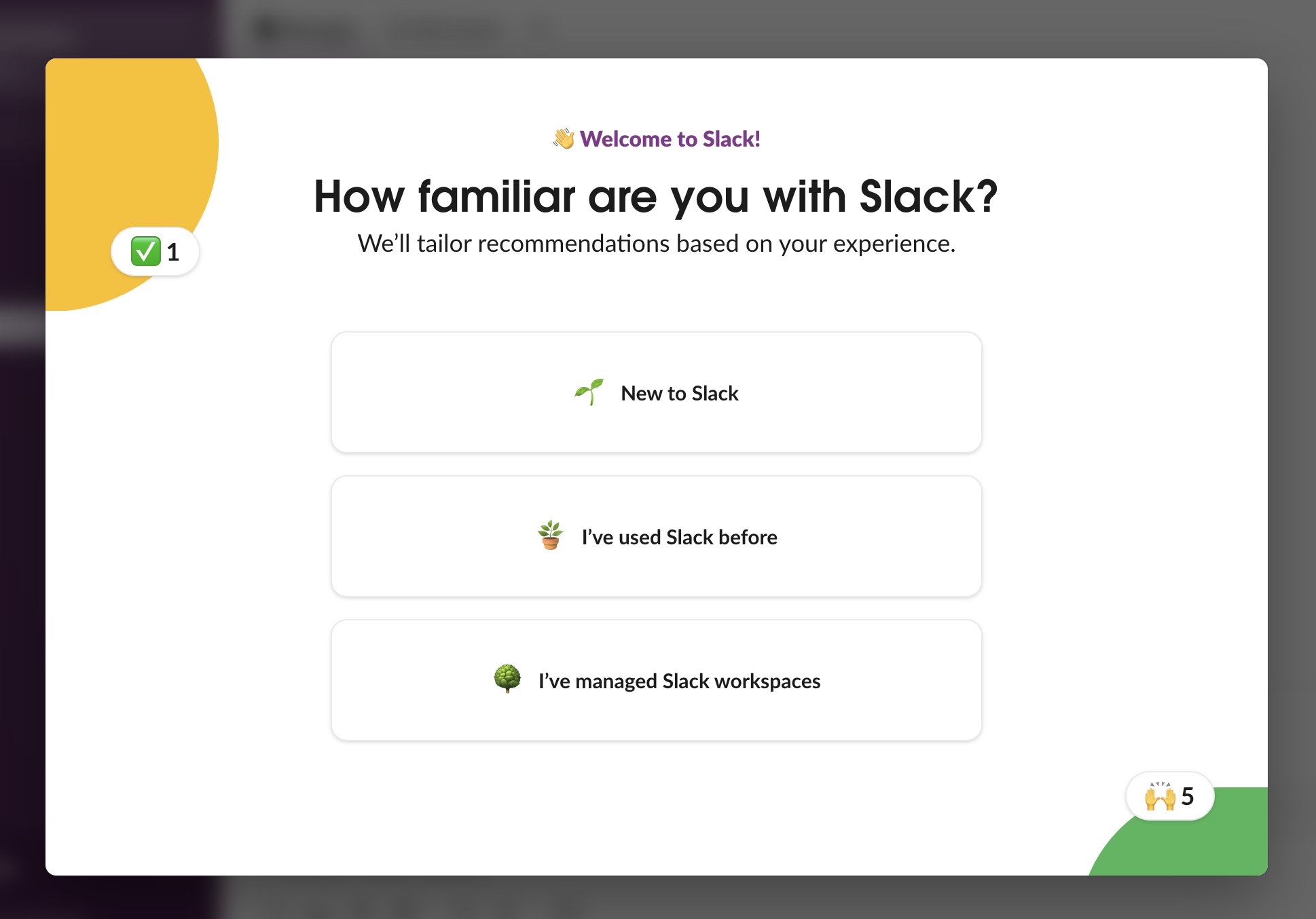
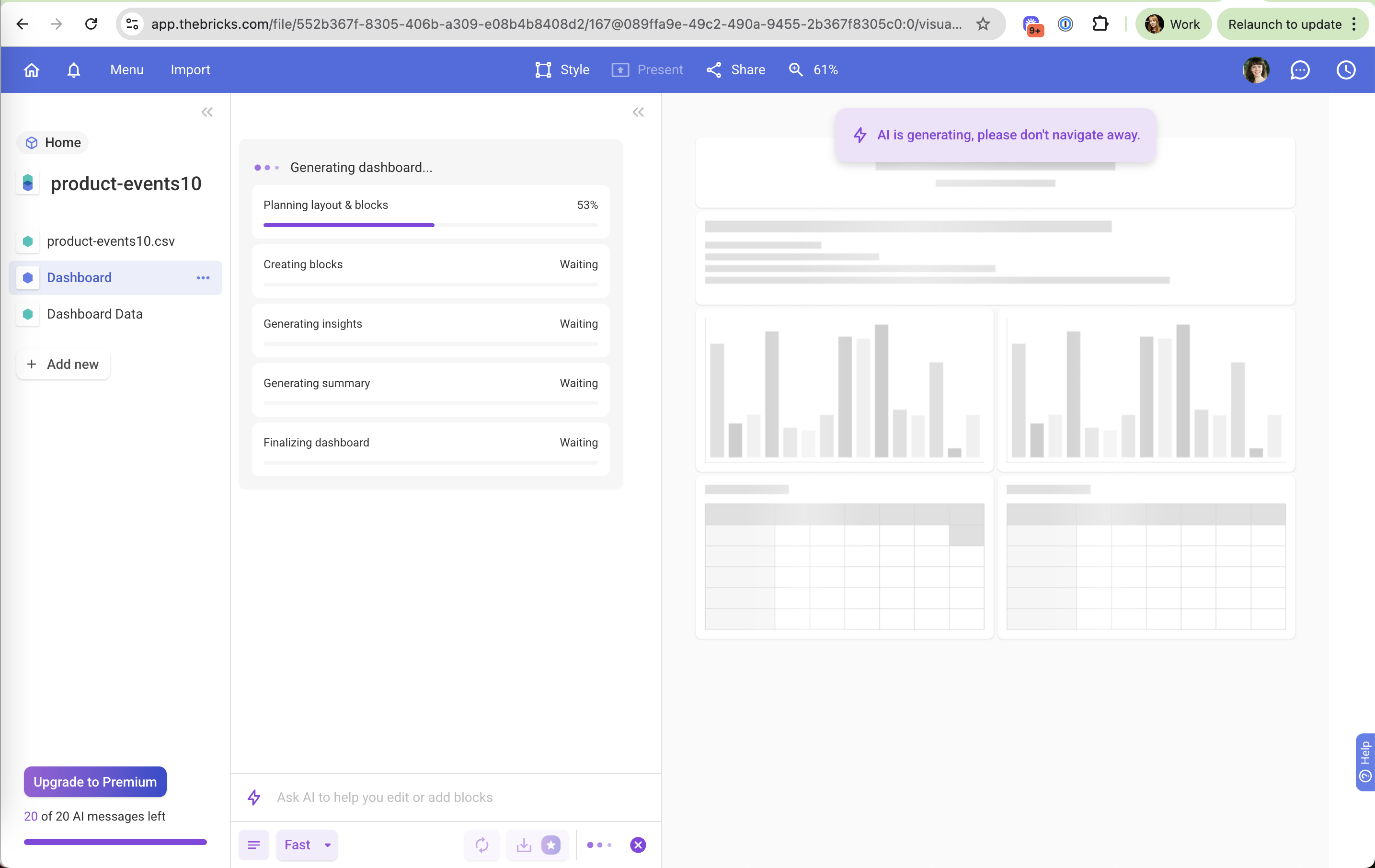
Dazzle AI: Skippable Dazzle AI (working) Skippable "Not now" lets people continue without an email. Viktor: Hide Viktor (working) Hide Suggestions fold away for people who already know what they want. beehiiv: Hideable checklist beehiiv (working) Hideable checklist It also says where to find it again later. ElevenLabs: Low-pressure exits ElevenLabs (working) Low-pressure exits Skip and Explore all plans respect people who aren't ready. Printer app: Skip from card one Printer app (working) Skip from card one Users who already know what they want can jump past the carousel. Math Zen: Honest way out Math Zen (working) Honest way out "Keep using the free version" is a visible, plain-language exit. Cursor: Framed as a limit Cursor (working) Framed as a limit "Set Spend Limit" puts the user in control of the ceiling instead of selling credits. ChatGPT: Easy to dismiss ChatGPT (working) Easy to dismiss A clear close icon keeps the ask optional. Bricks: Blank file fallback Bricks (working) Blank file fallback "Or start a blank file" for people who don't want the AI path. Notion: "Skip for now" Notion (working) "Skip for now" A soft dismiss keeps the door open without guilt-tripping. Grammarly: Easy dismiss Grammarly (working) Easy dismiss "Dismiss" sits right next to the CTA, so at least escaping is one click. Snowflake: "Finish Later" is safe Snowflake (working) "Finish Later" is safe The account is saved, so users can come back instead of abandoning. Databricks: Opt out of the survey Databricks (working) Opt out of the survey "Don't show this next time" respects people who connect partners often. Slack: Clear close option Slack (working) Clear close option The X lets people dismiss it for good without hunting for settings. Julius: Suggest first, act later Julius (working) Suggest first, act later "Receive suggestions ... without making any changes yet" keeps the user in charge of their data. Julius: Interactive or static Julius (working) Interactive or static A toggle lets you switch chart type without re-running anything. Supabase: Do it yourself option Supabase (working) Do it yourself option "Manual Migration" lets teams pick their own time instead of the scheduled window. Supabase: Contact Support still there Supabase (working) Contact Support still there A human route is one click away after the self-serve options. Data Science Summit: A clear way out Data Science Summit (working) A clear way out "I do not consent to communication" is plainly worded and visible. Semrush: Keep working option Semrush (working) Keep working option "Continue working and pause one active session" unblocks the person in front of the screen. ActiveCampaign: Neutral "No thanks" ActiveCampaign (working) Neutral "No thanks" Declining is one plain link, no guilt. Lightdash: "Other" escape hatch Lightdash (working) "Other" escape hatch Users with an unlisted warehouse still have somewhere to click. Count: Dismissable Count (working) Dismissable "See more" and a close X let the cards go once you're done. AgencyAnalytics: Stepper for extra campaigns AgencyAnalytics (working) Stepper for extra campaigns "$18/month per additional" plus a number input lets you size the plan yourself. Holistics: "You can change this later" Holistics (working) "You can change this later" Reassurance that the choice is reversible keeps the user moving. PostHog: Low-stakes org name PostHog (working) Low-stakes org name "You can always rename your organization later" under a sample "Hogflix Movies". Loom: Soft exit Loom (working) Soft exit "Next feature" continues the tour instead of forcing a choice. Slack: No way back or out Slack (not working) No way back or out No Back or Skip, so a user who is not sure has to guess. Bricks: Don't leave Bricks (not working) Don't leave "AI is generating, please don't navigate away" holds the user on the page.