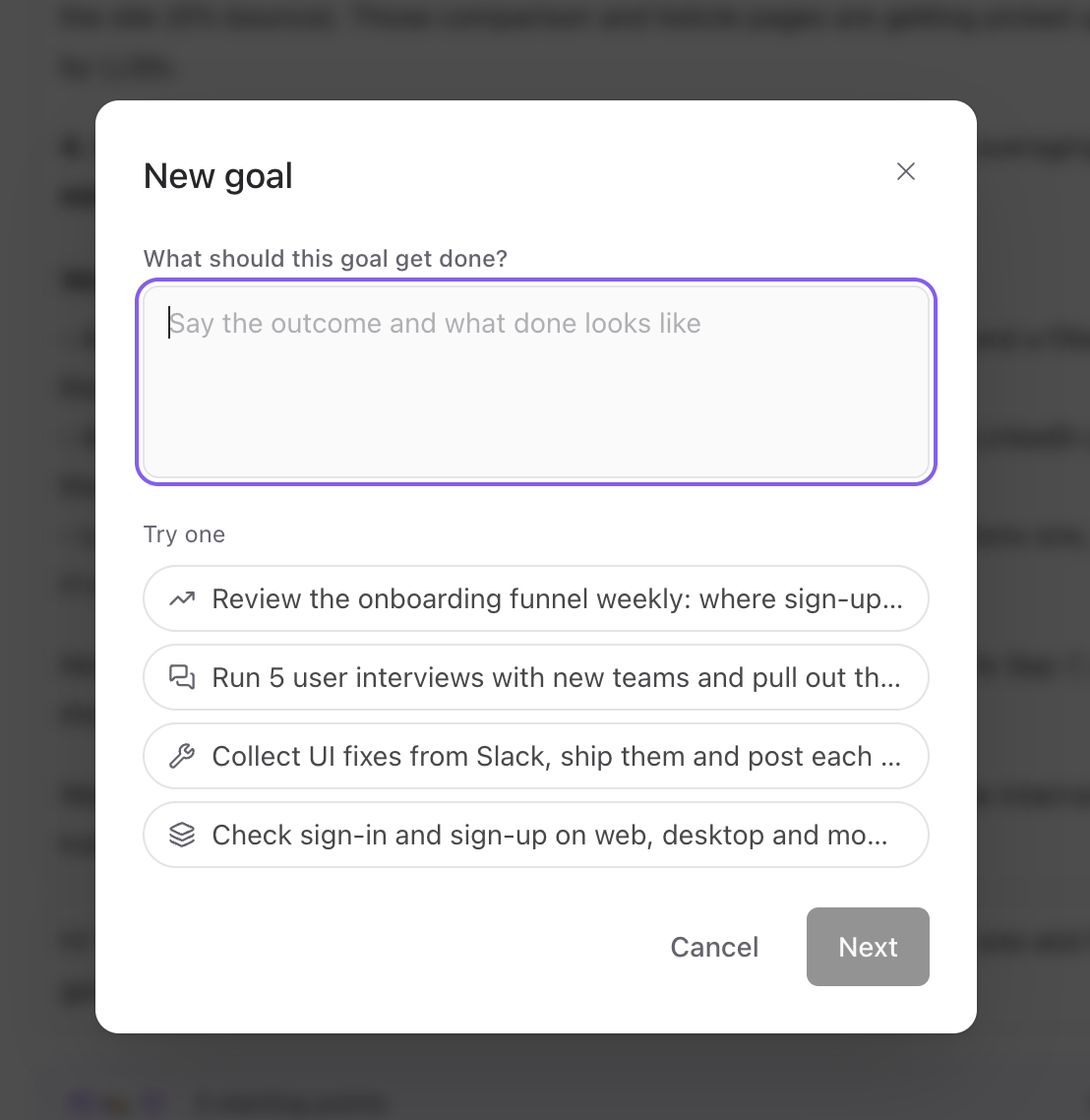
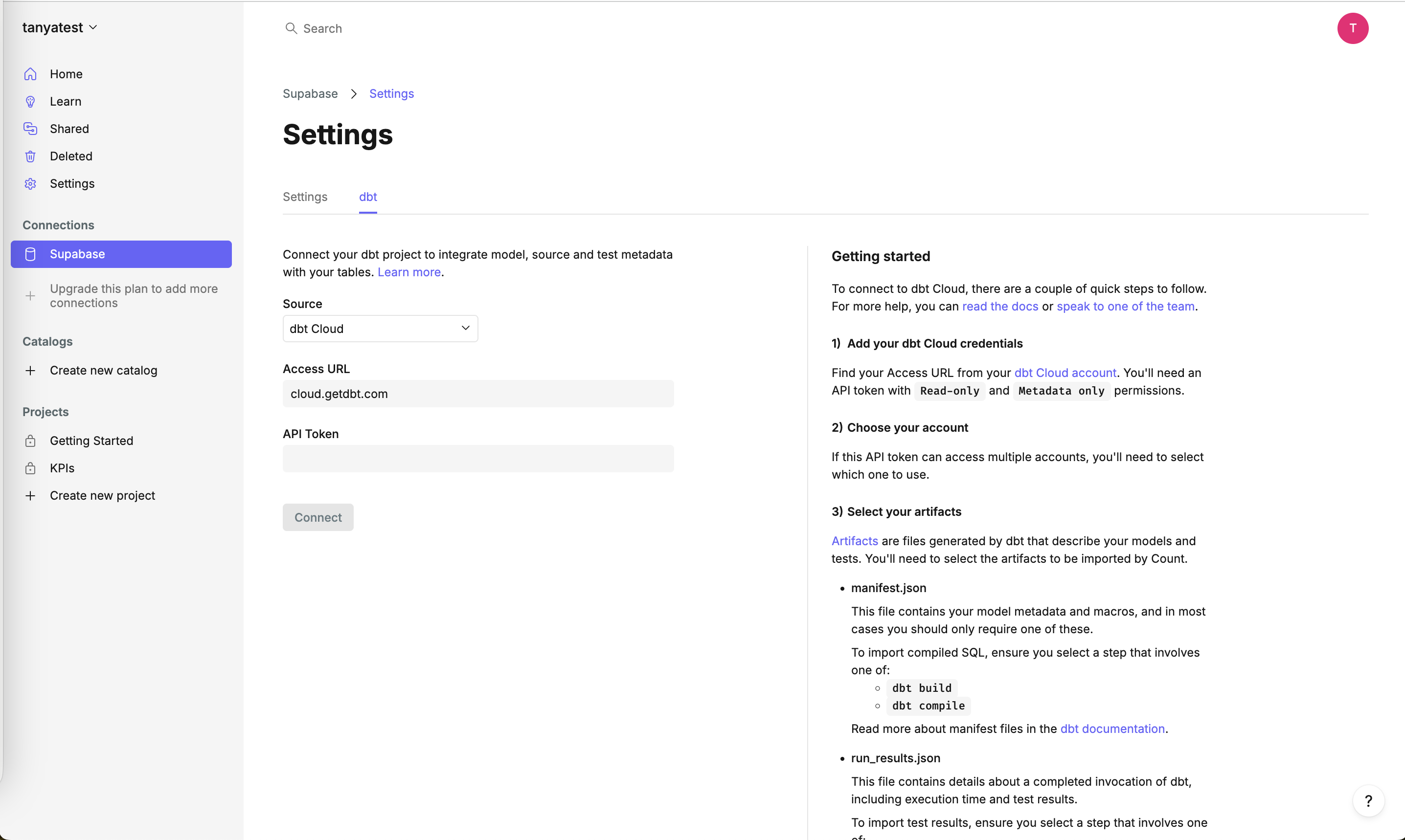
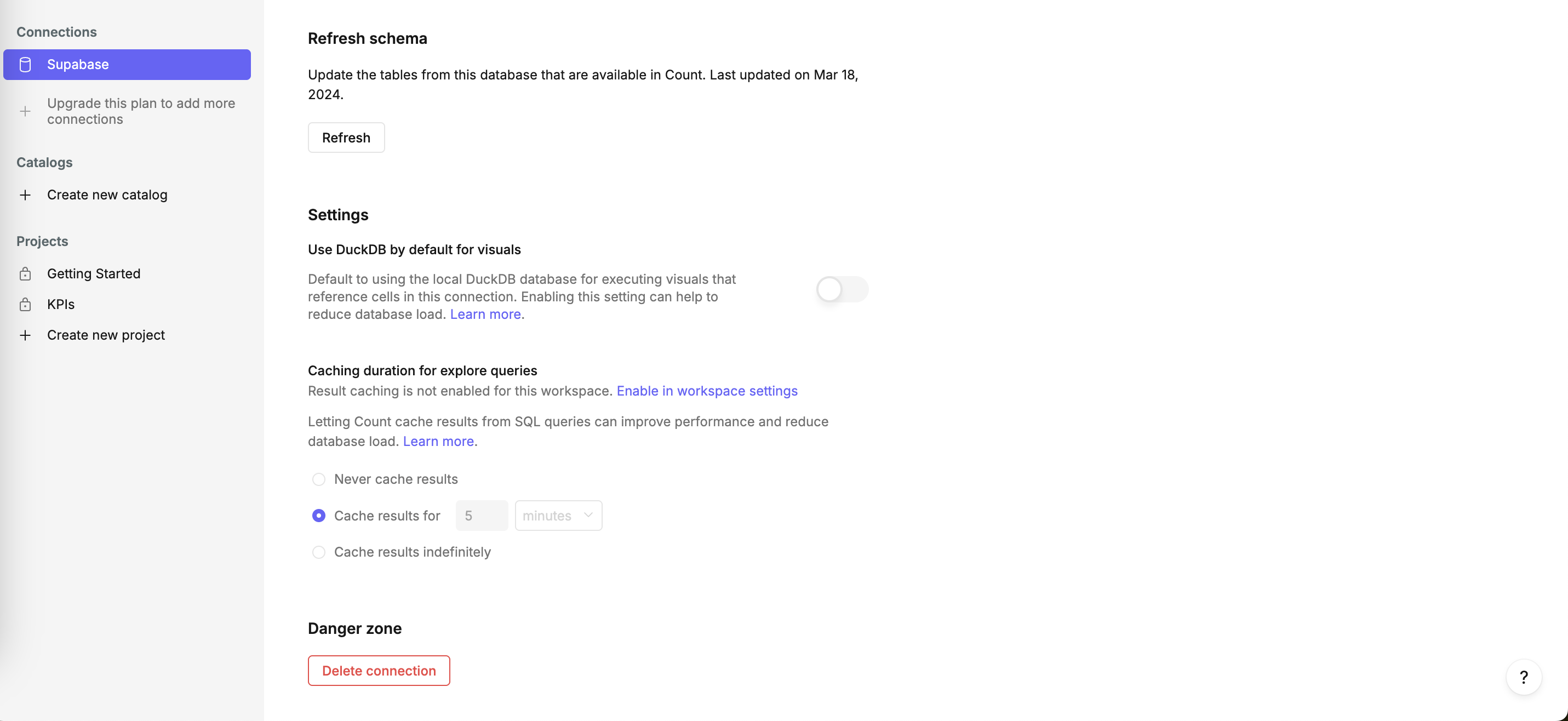
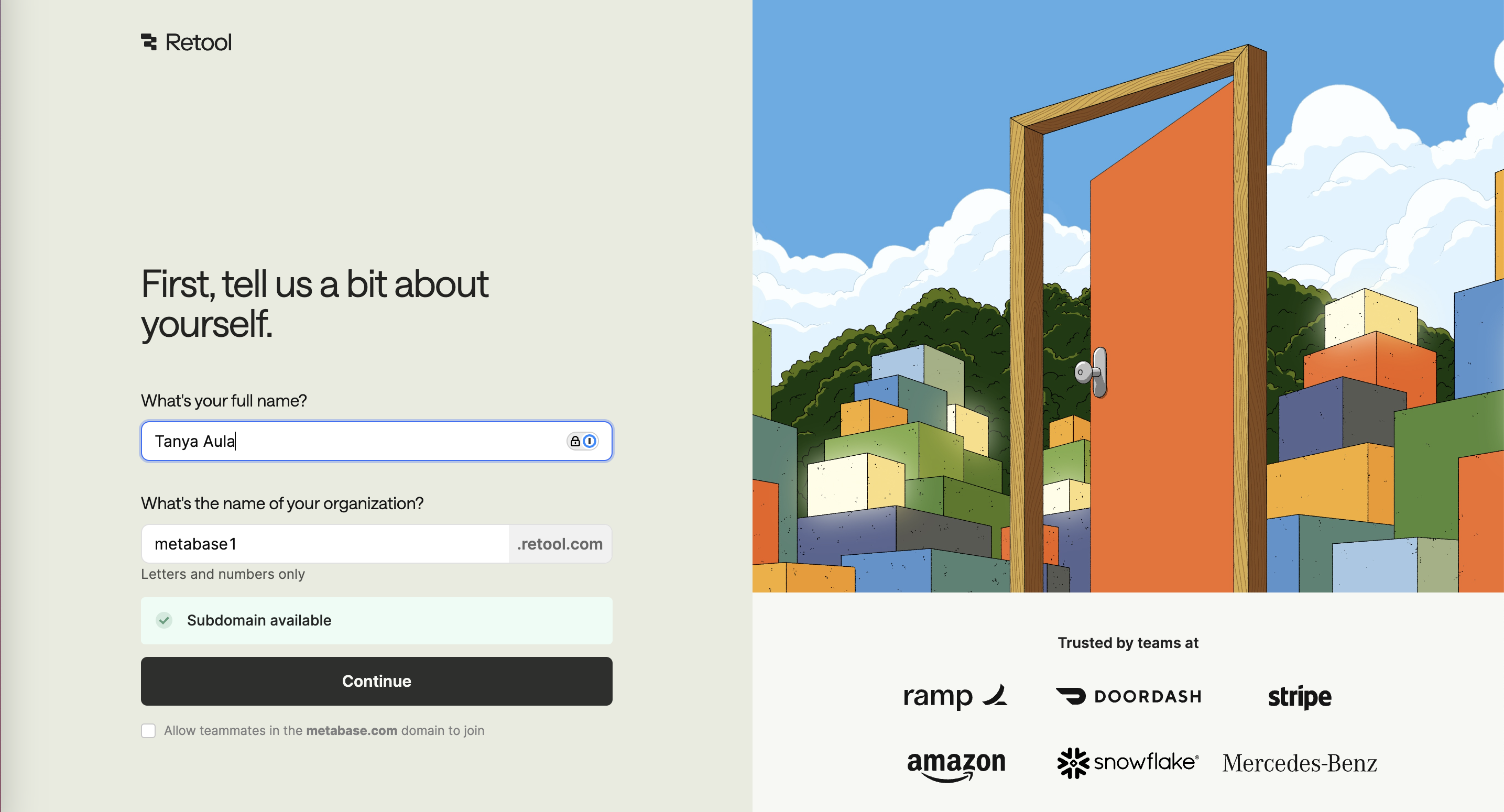
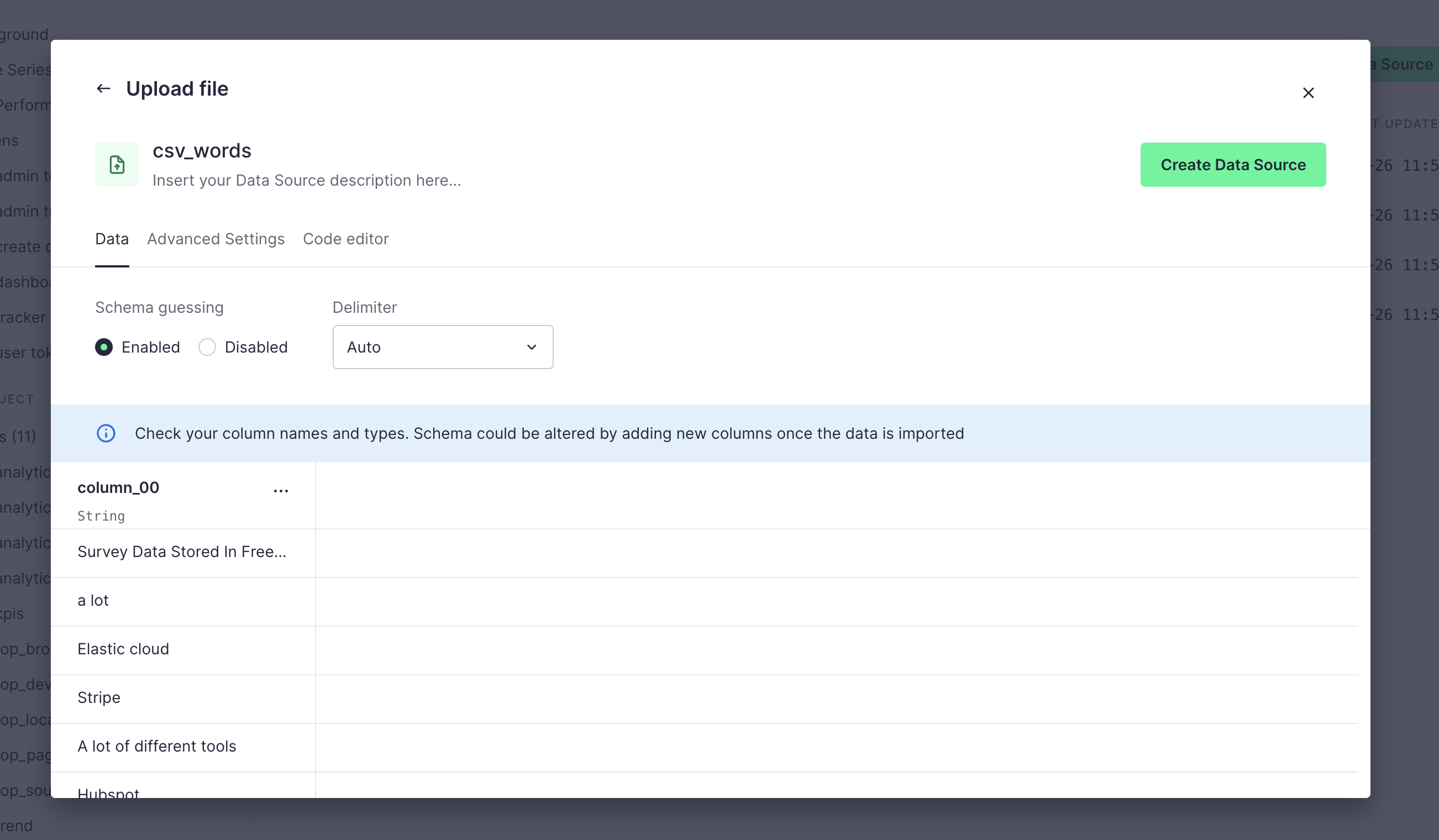
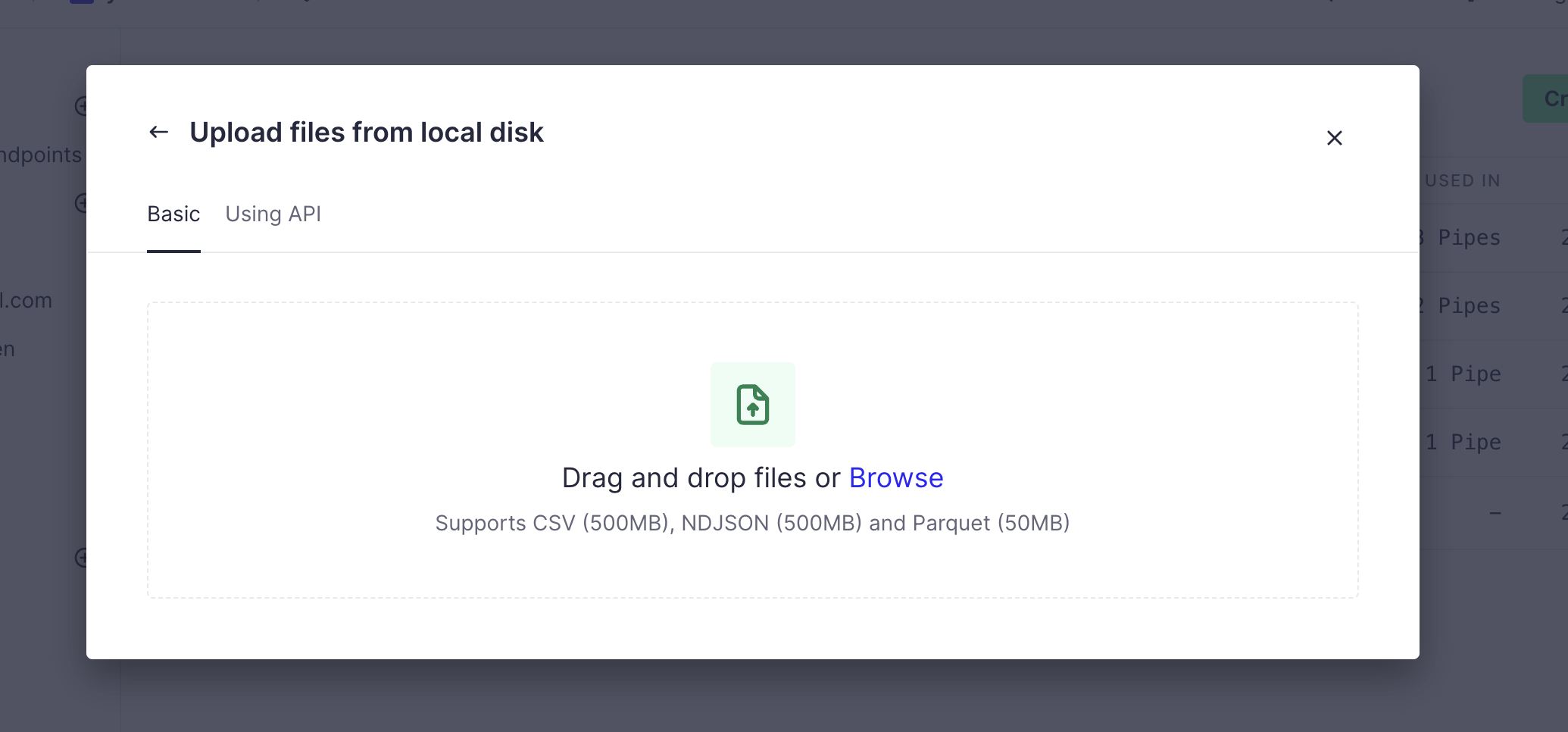
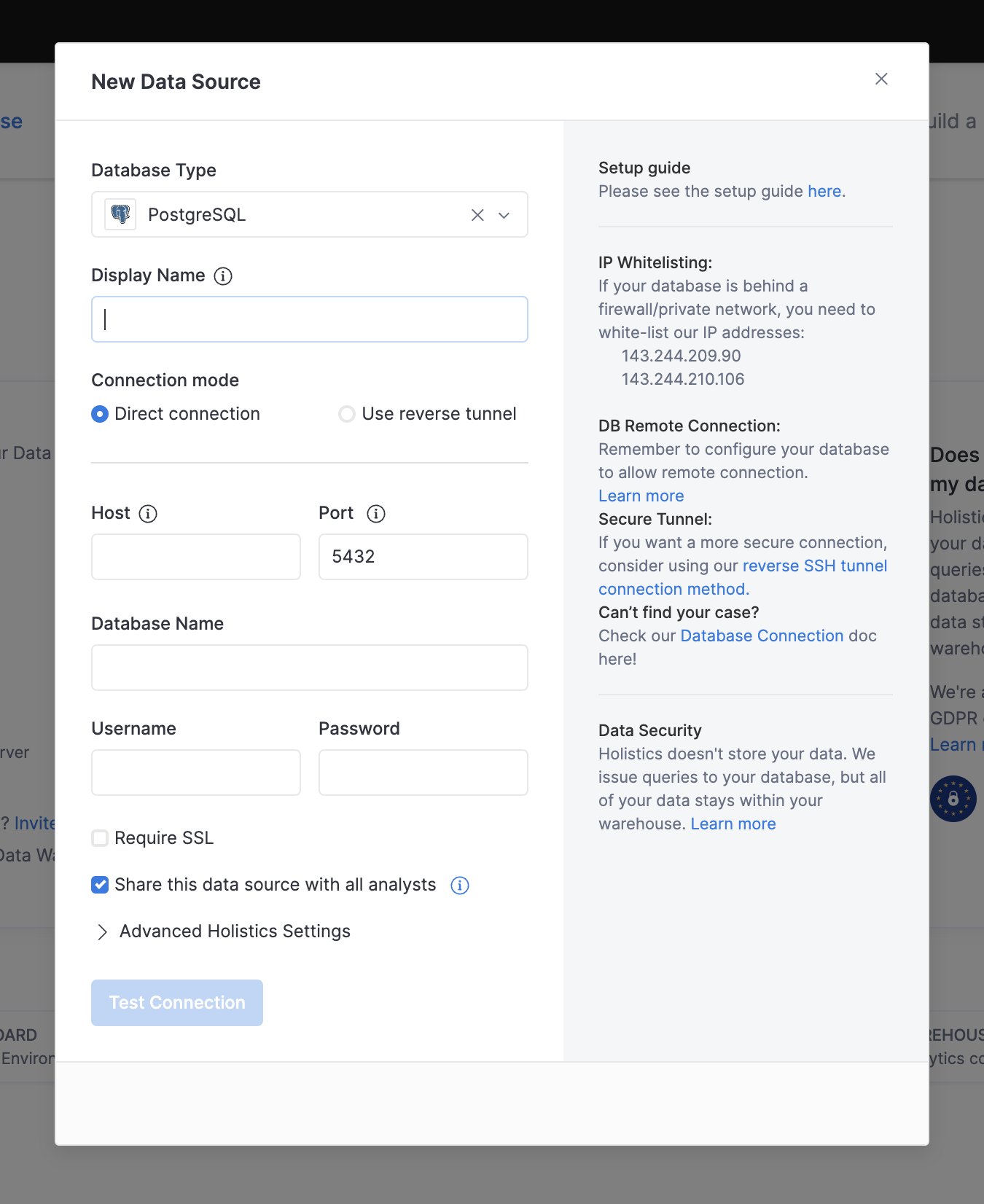
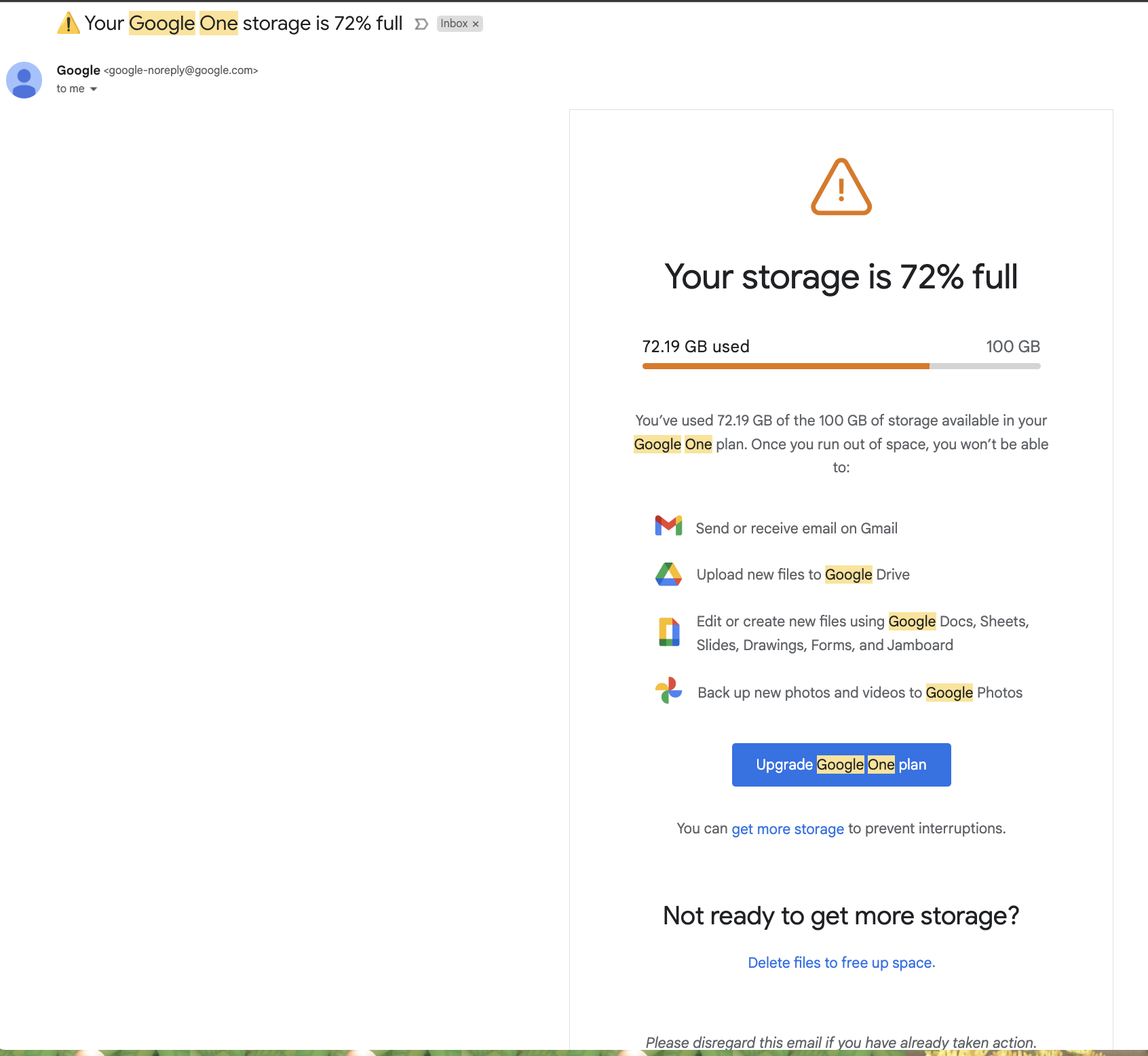
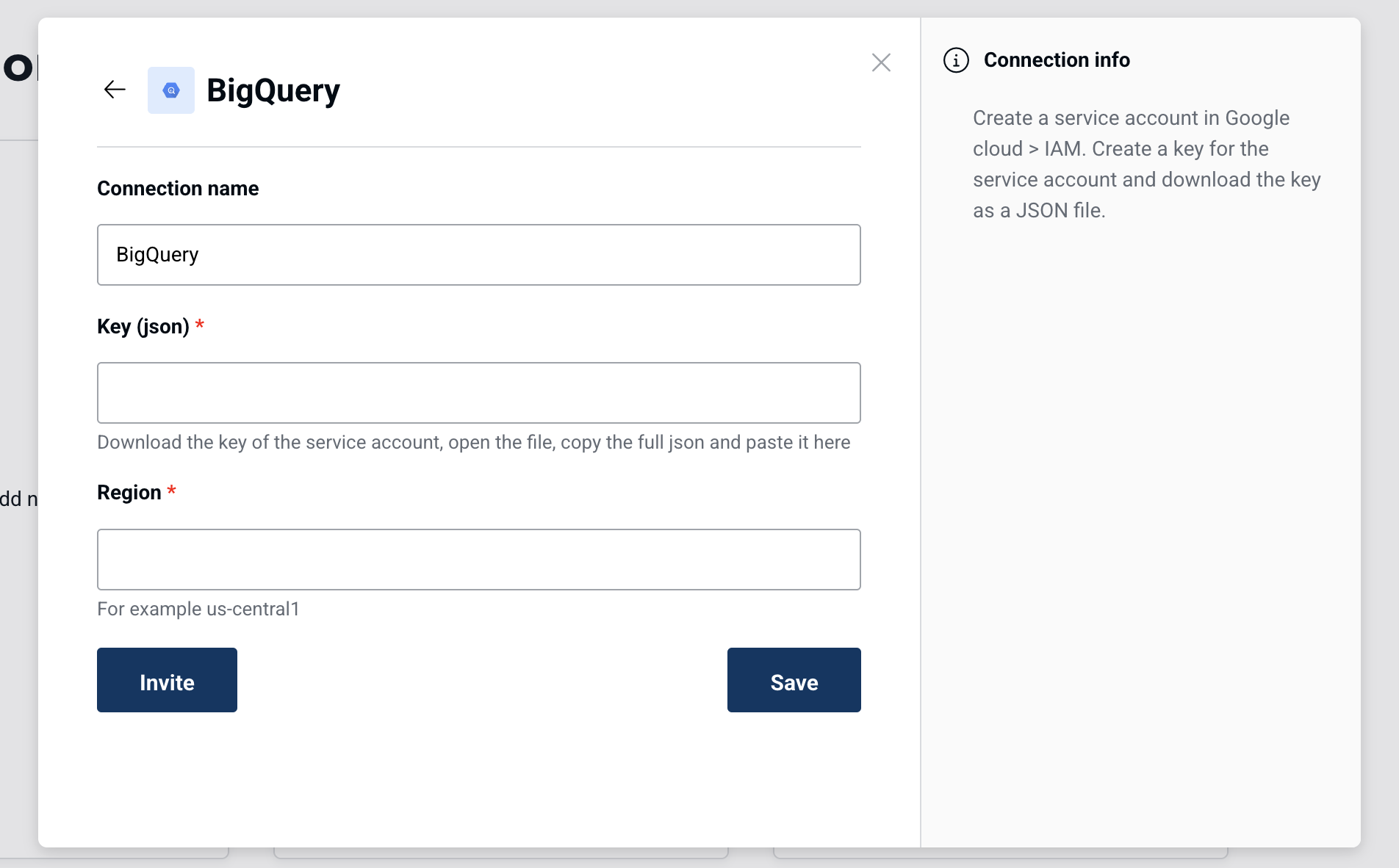
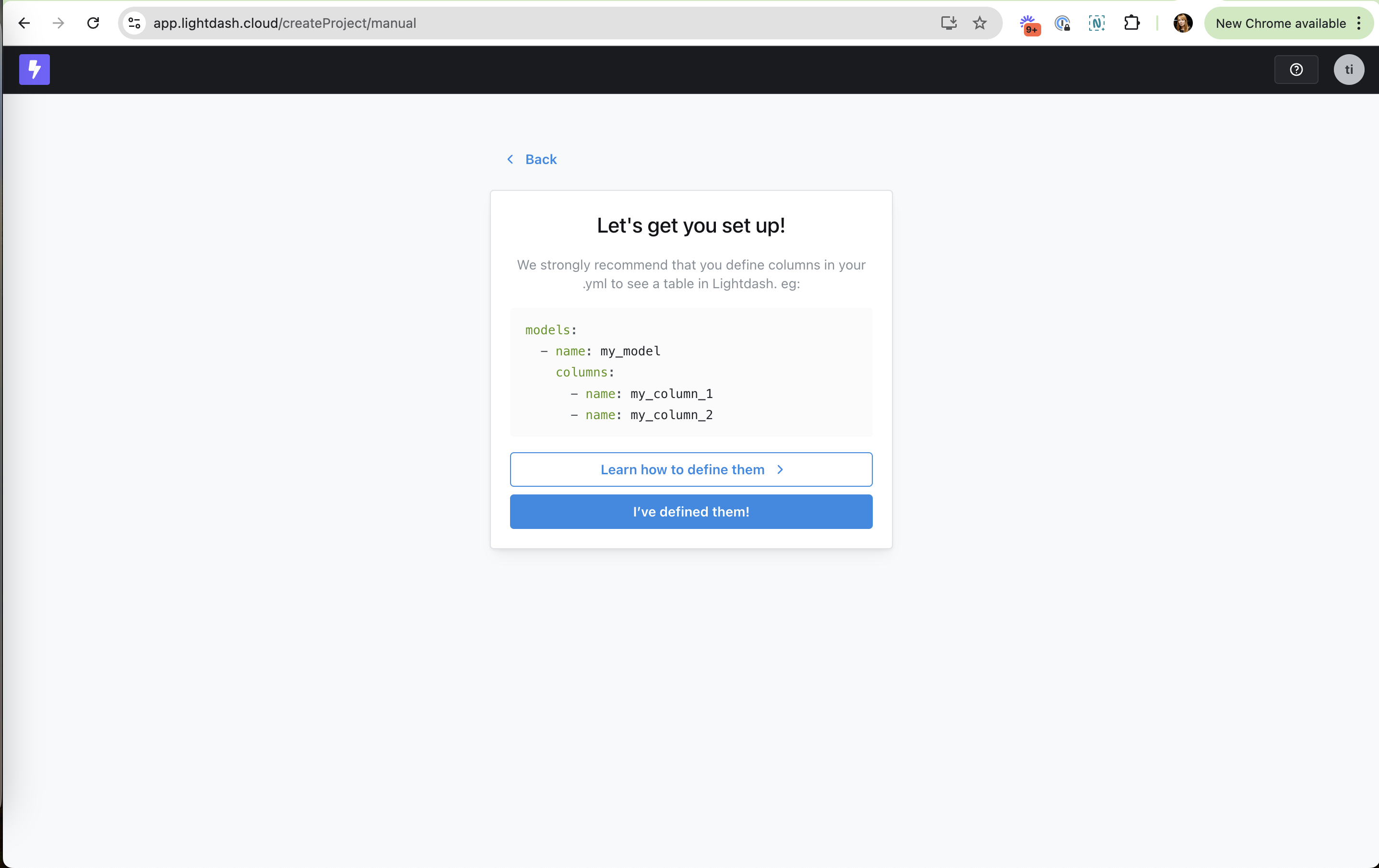
Error prevention is Nielsen's fifth heuristic: good error messages matter, but it is better to stop problems from happening. On this site it covers inline validation, guided input and early warnings: a live "Subdomain available" check, a Connect button disabled until the form is complete, a placeholder that shows what a good prompt looks like, a danger zone set apart in red.
NN/g splits errors into slips (you meant to do one thing and did another, often on autopilot) and mistakes (your mental model was wrong). Slips are prevented with constraints, good defaults and forgiving input formats; mistakes with clear previews, conventions and warnings before commit. On forms, Luke Wroblewski's 2009 study with Etre (22 participants) found that inline validation raised success rates by 22%, cut errors by 22% and cut completion time by 42% compared with validating on submit. The authors called those numbers indicative given the small sample.
In onboarding and setup flows, an error caught late is expensive: a wrong connection string or schema discovered after import means starting over, and many people do not come back.
How to use it
- Validate fields as people finish them (availability, format, connection test) instead of after Submit.
- Disable or hide actions that cannot work yet, and say what is missing.
- Add a test or preview step before irreversible actions like importing data, sending invites or deleting a connection.
Watch out
- Confirmation dialogs on every action train people to click through without reading, so save them for destructive steps.
- "I've done it!" buttons that move on without checking feel helpful but push the error to a later, costlier step.