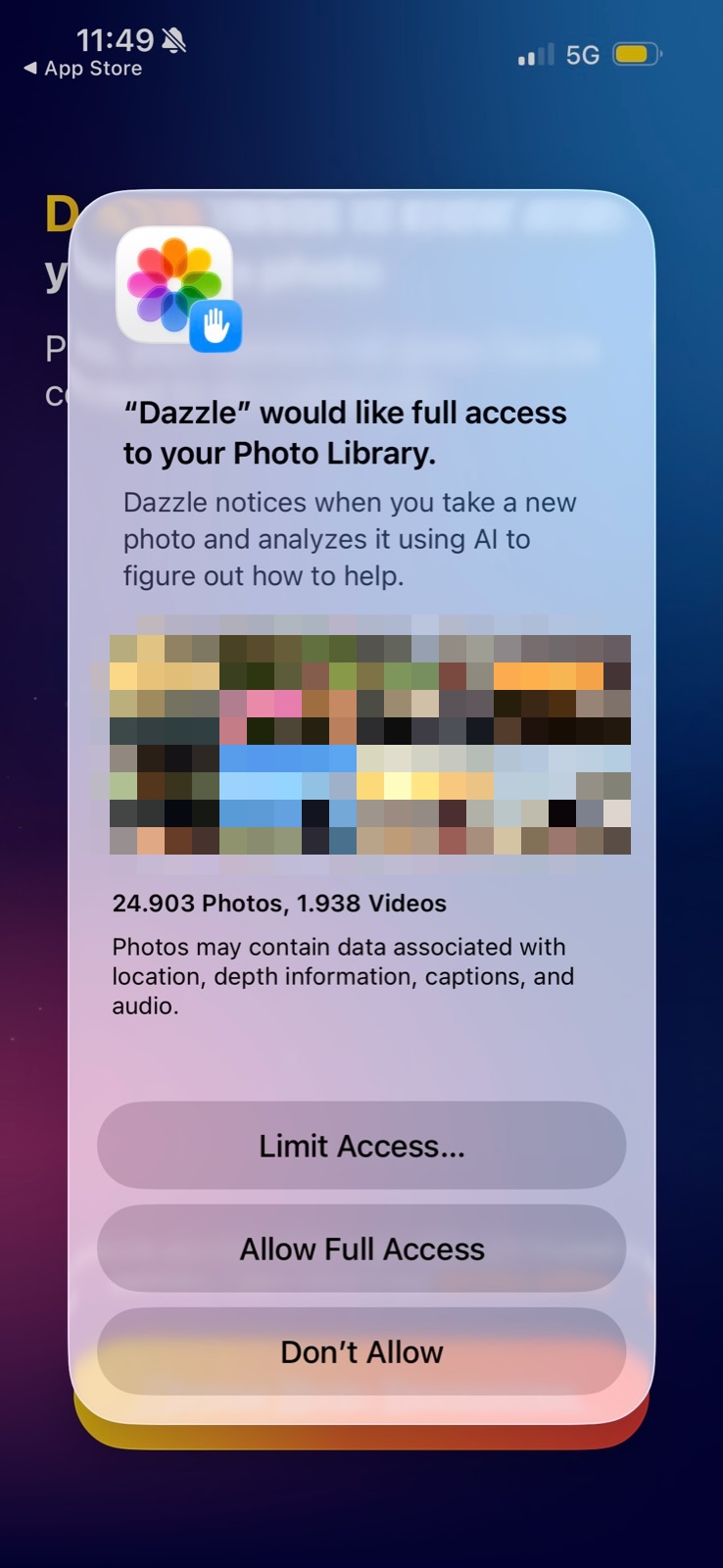
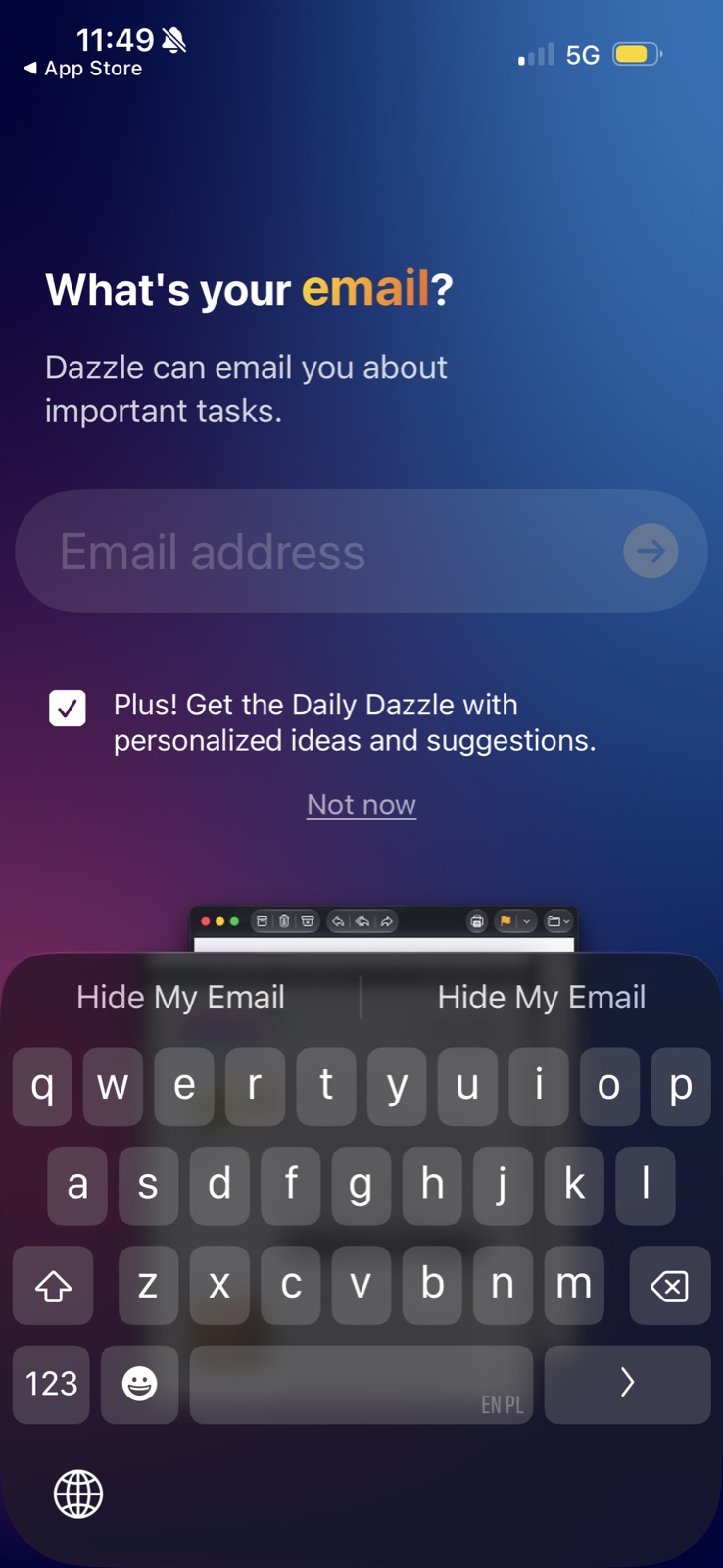
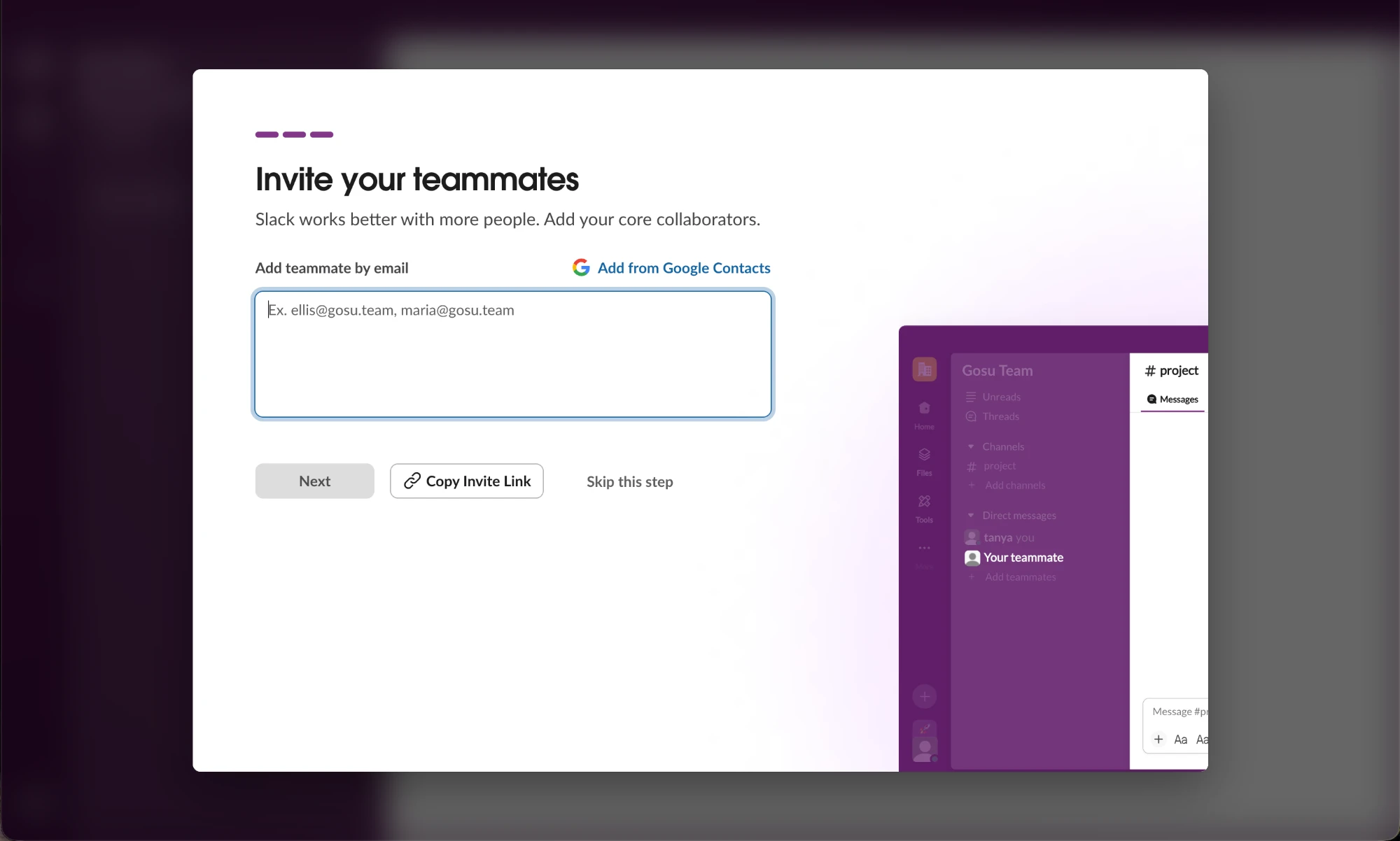
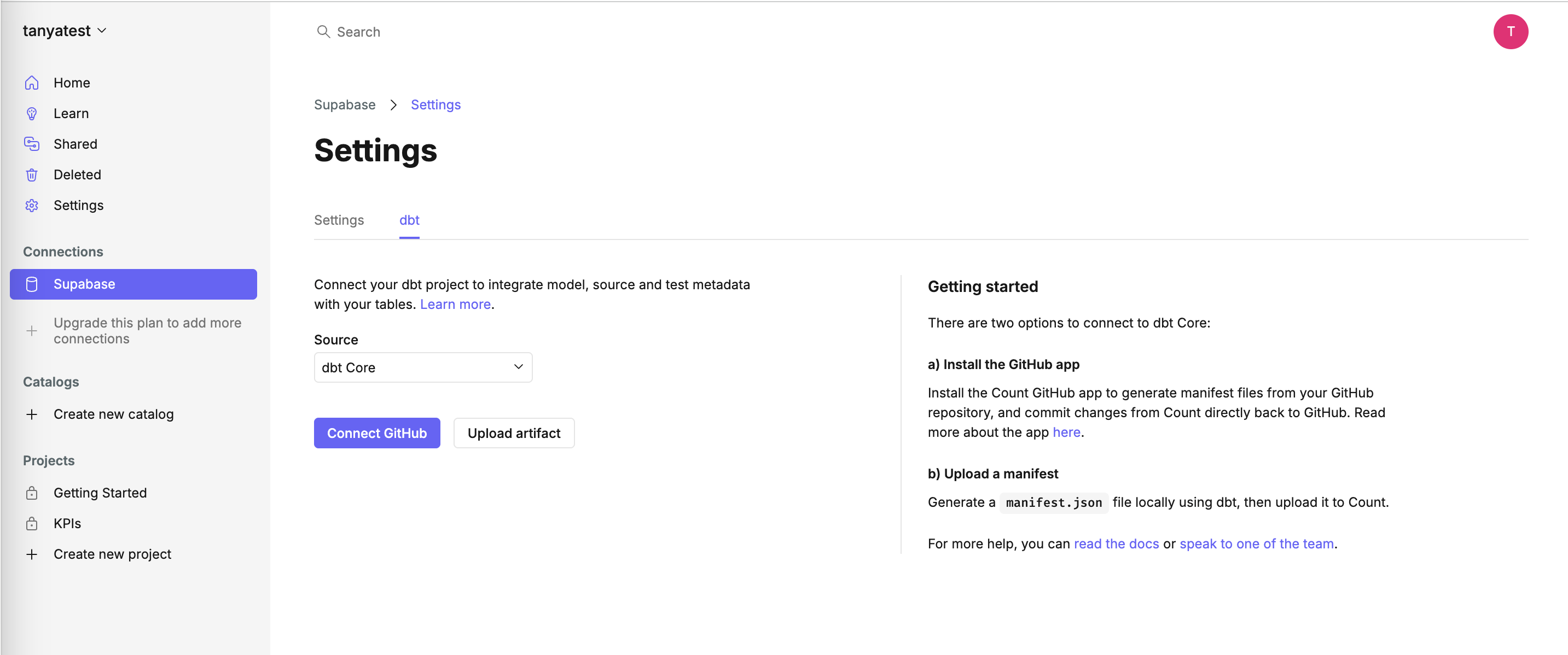
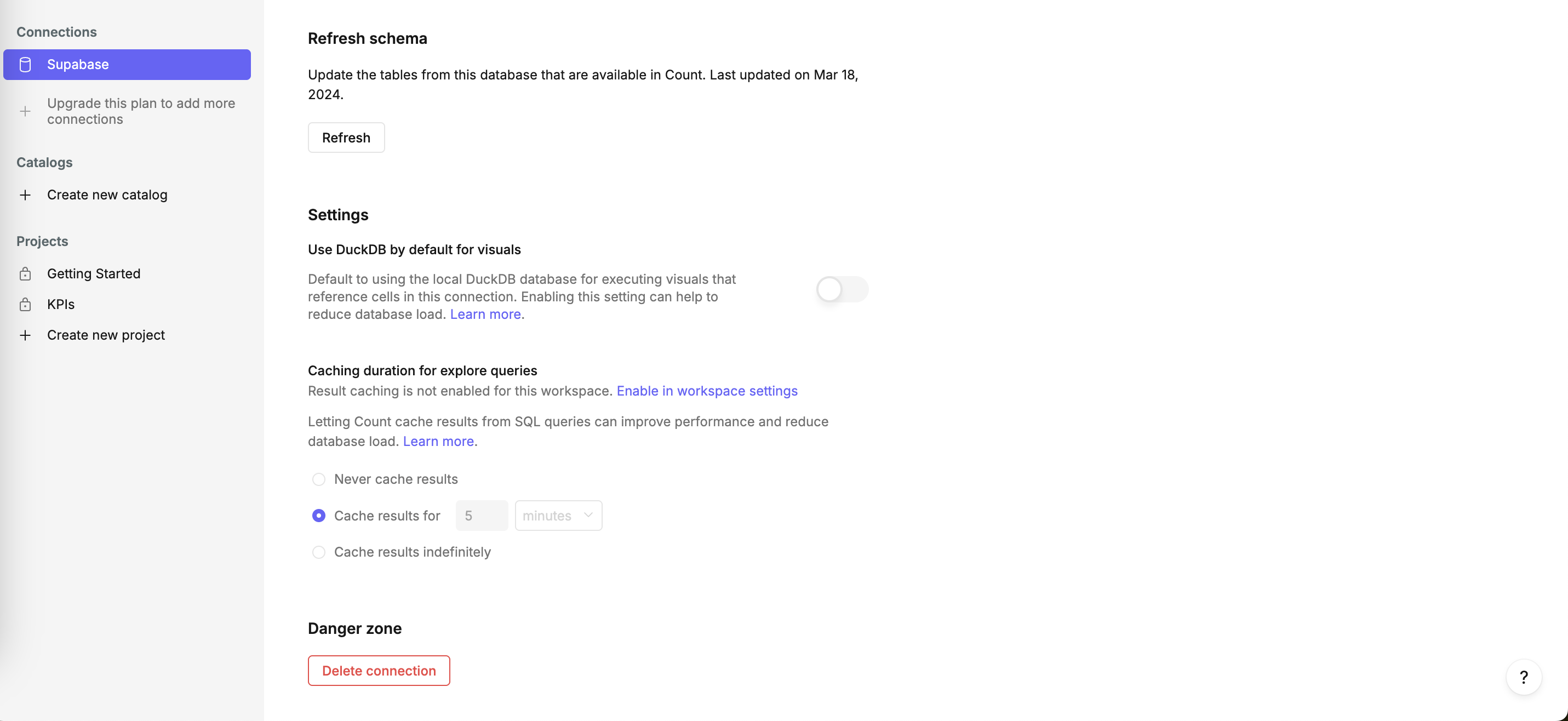
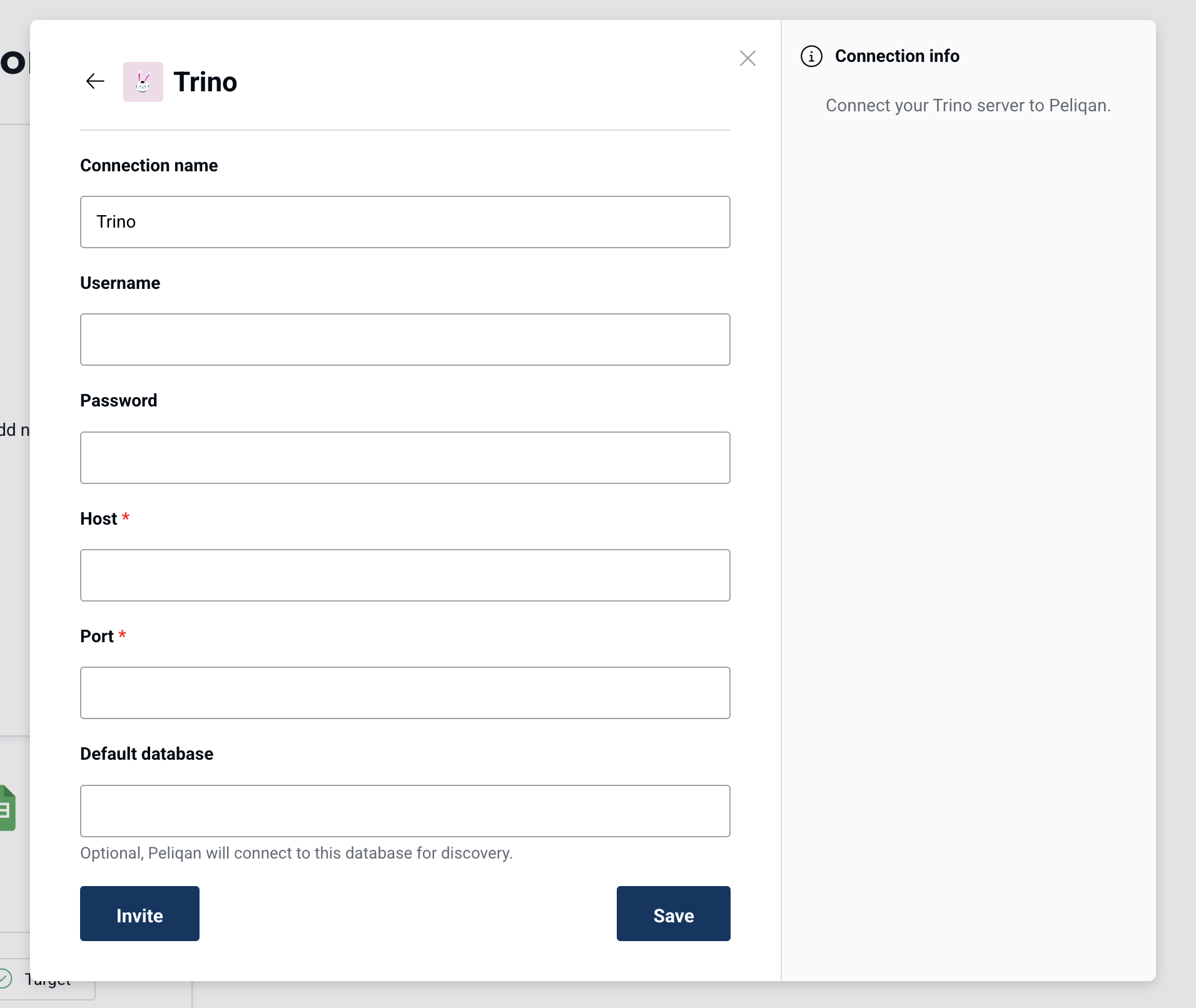
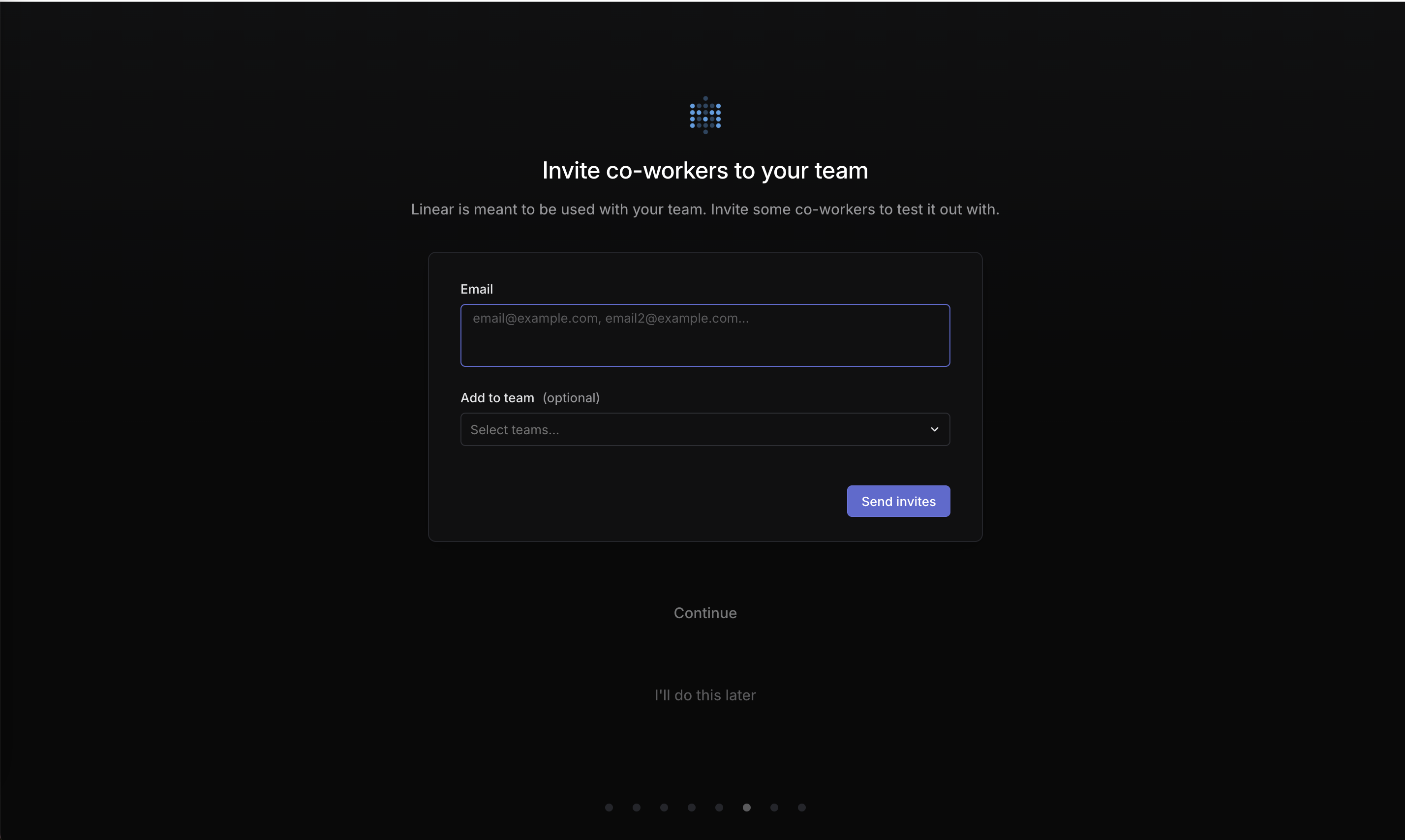
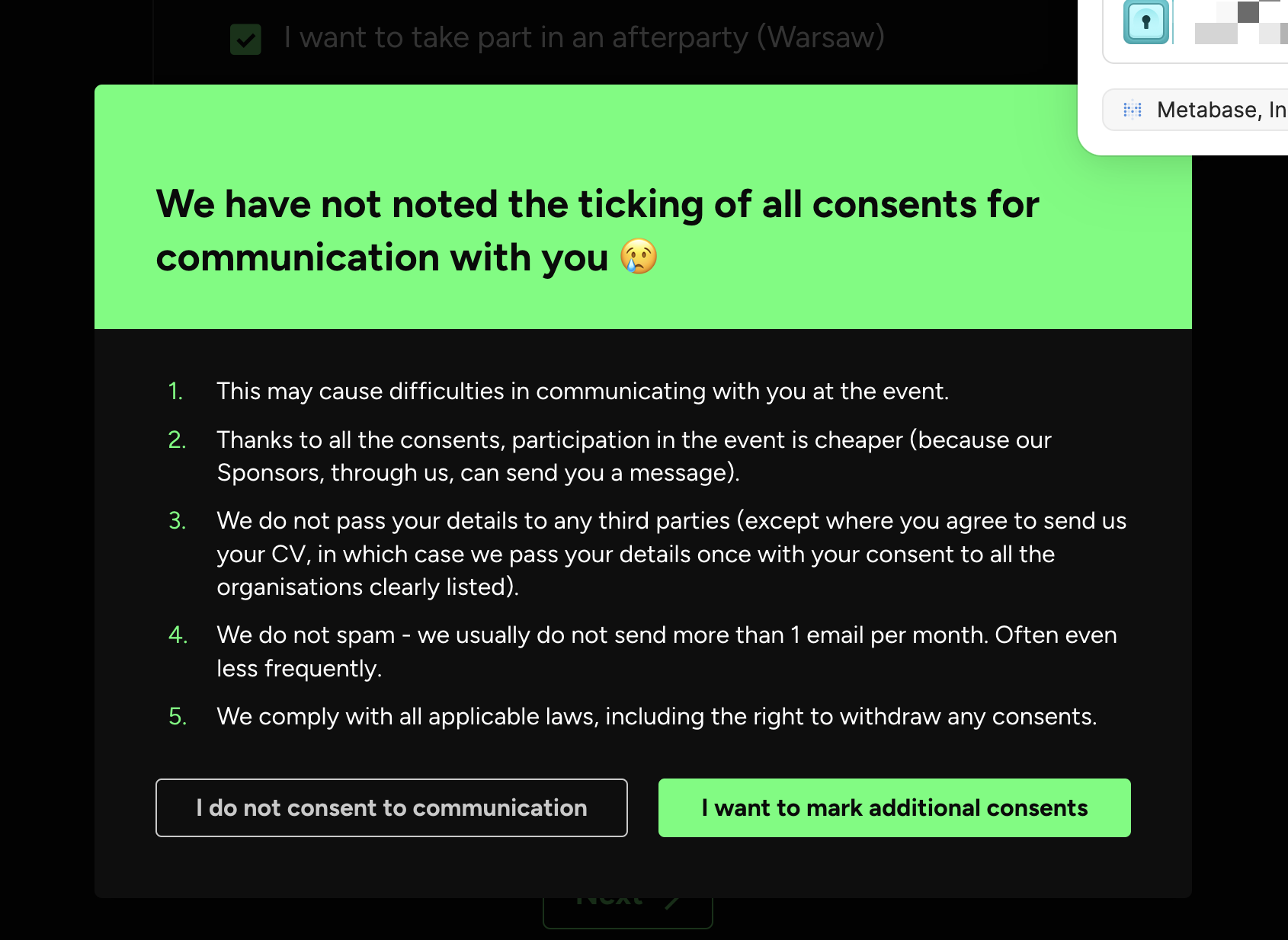
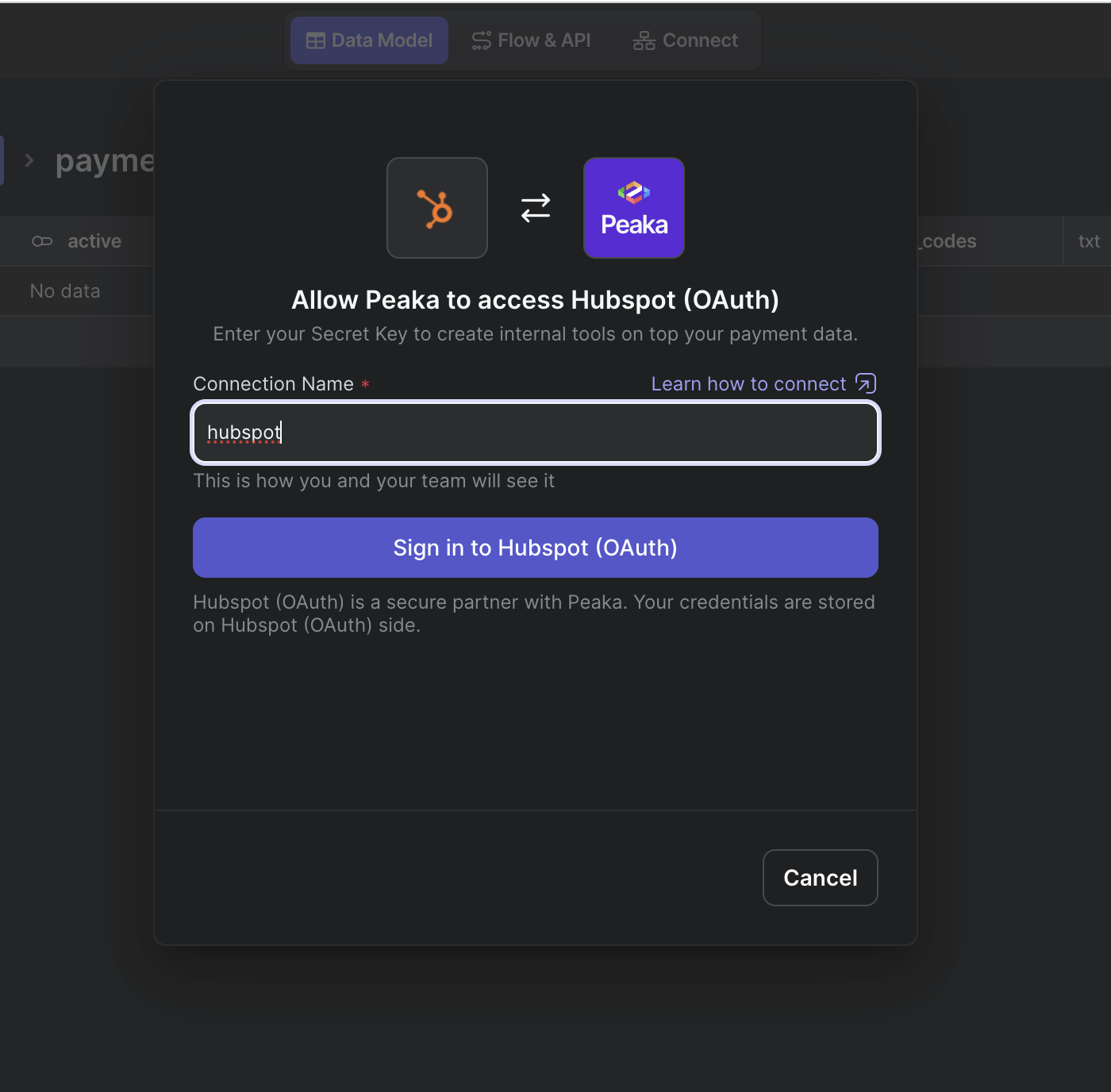
Reason-giving means attaching a "because" to an ask: why the app wants photo access, why it wants your email, why you should invite teammates. On this site good examples are one-line reasons placed right before the ask, such as "Linear is meant to be used with your team" before an invite step, or a field description that says what the data is used for.
The classic study is Langer, Blank and Chanowitz (1978). In their photocopier experiment, 120 people at a copier were asked to let someone go first. For a small favor, 60% agreed with no reason given, 93% with an empty one ("because I have to make copies") and 94% with a real one ("because I'm in a rush"). When the favor was bigger, the empty reason did no better than none (24% each) and only the real reason helped (42%). The study was small and the empty-reason result held only for the trivial favor, so the popular "any reason works" takeaway is overstated; the safer lesson is that real, specific reasons help. Apple's Human Interface Guidelines apply the same idea to permission prompts: write a clear, specific purpose string, and avoid vague or reason-free copy like "Turn on microphone access".
In onboarding, permission and data asks are where products lose people. A concrete reason, given in context, turns an unexplained demand into a trade the user can judge.
How to use it
- Before every permission prompt or optional field, add one line that says what the product will do with it ("Dazzle notices new photos and turns them into tasks").
- Lead with the user's benefit, not the company's ("so your team sees updates" rather than "to grow your workspace").
- Ask at the moment the reason is obvious, for example camera access when the user taps Scan, not on first launch.
Watch out
- Placebo reasons ("for a better experience") may get a tap on small asks but read as evasive on big ones, and Apple flags them in review.
- A reason that misstates what the data is used for is deception, not persuasion.