Behavioral effect

Anchoring

The first number or option people see becomes a reference point that pulls later judgments of price and value toward it.

Anchoring Three steps of a classic experiment. A random wheel stops on 10 or 65. Everyone then gets the same question about African countries in the UN. People who saw 10 guessed 25%, people who saw 65 guessed 45%. A random number pulled the guesses toward it. 1 · Random wheel 2 · Same question 3 · Median guess 10 65 What share of African countries are in the UN? 25% after the wheel showed 10 45% after the wheel showed 65 A random number pulled the guesses toward it Tversky and Kahneman, 1974
Tversky and Kahneman (1974): after a random wheel showed 10 or 65, median guesses for the same question were 25% and 45%.

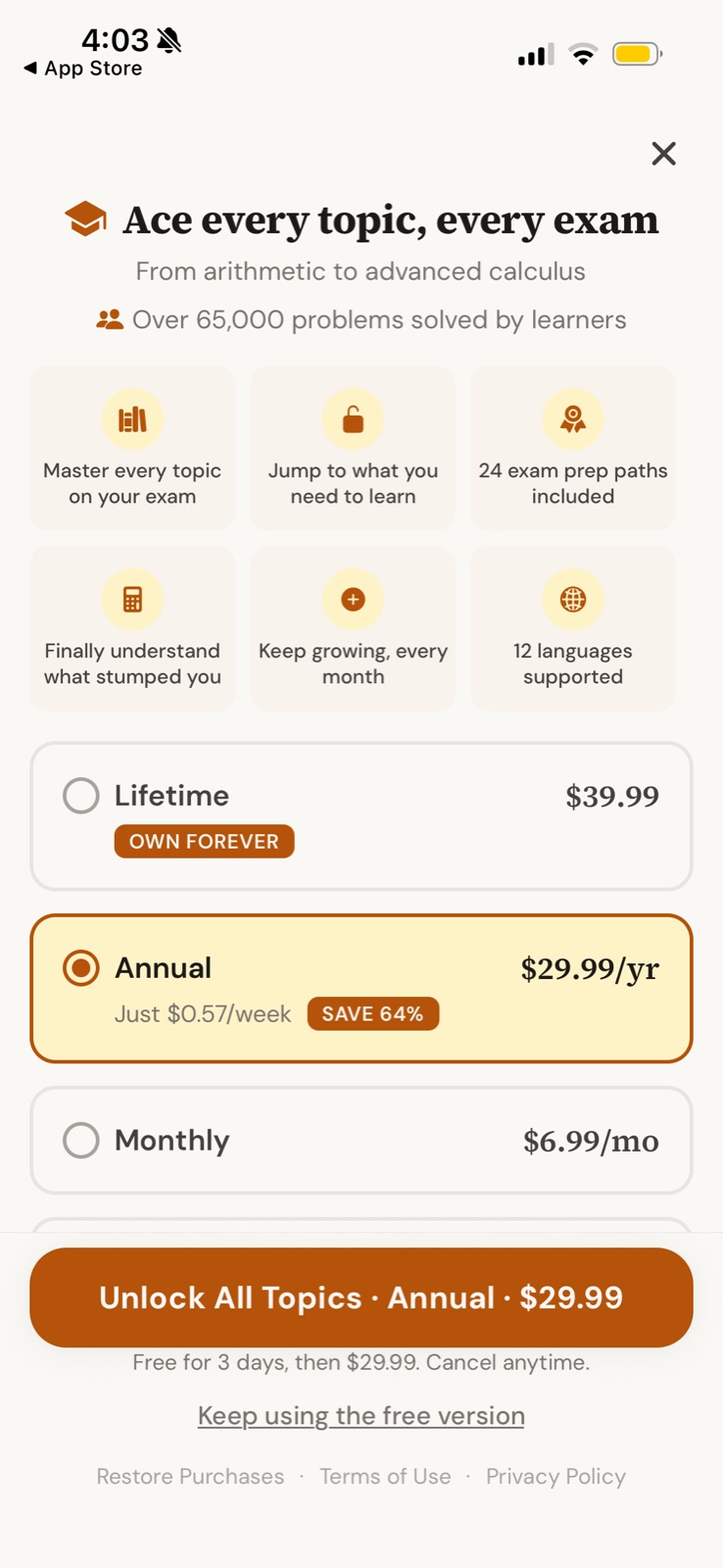
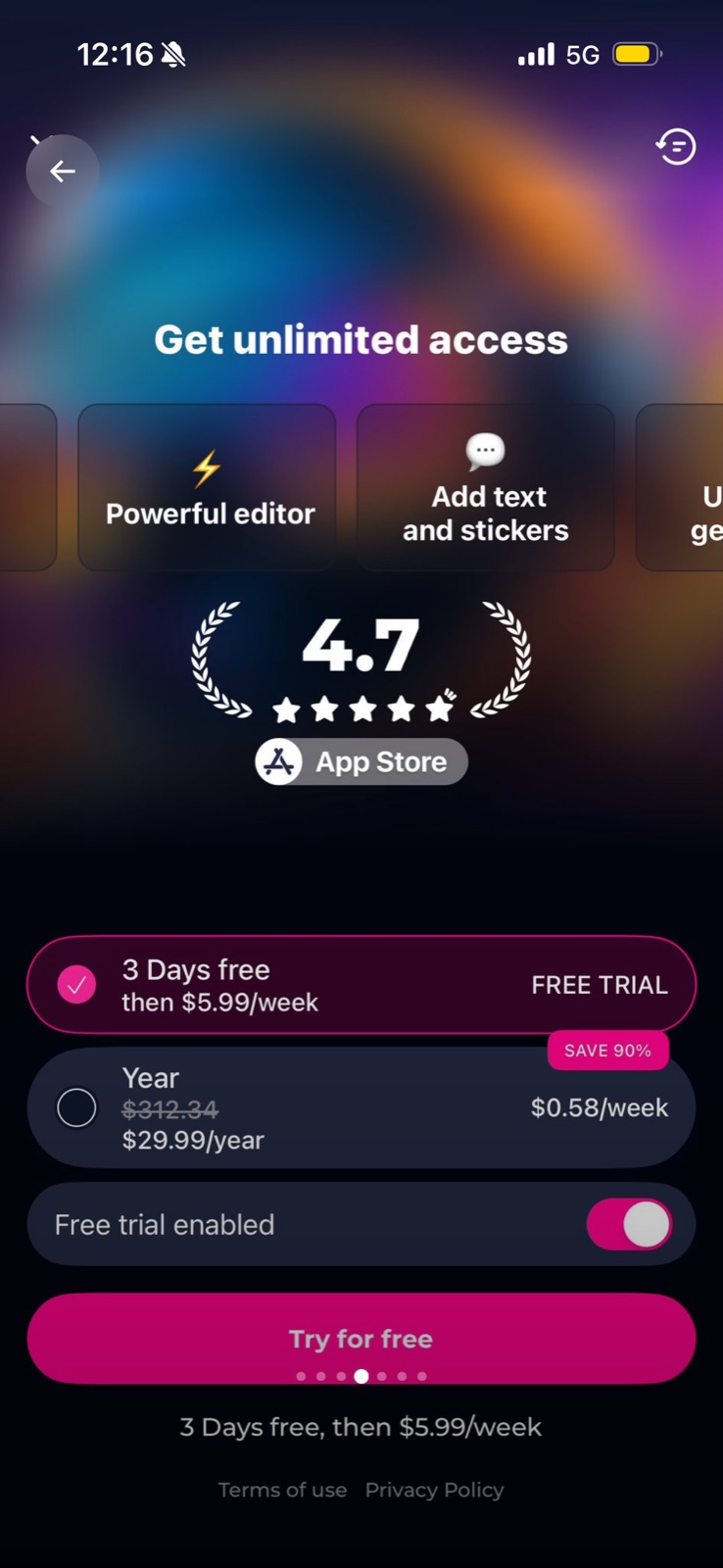
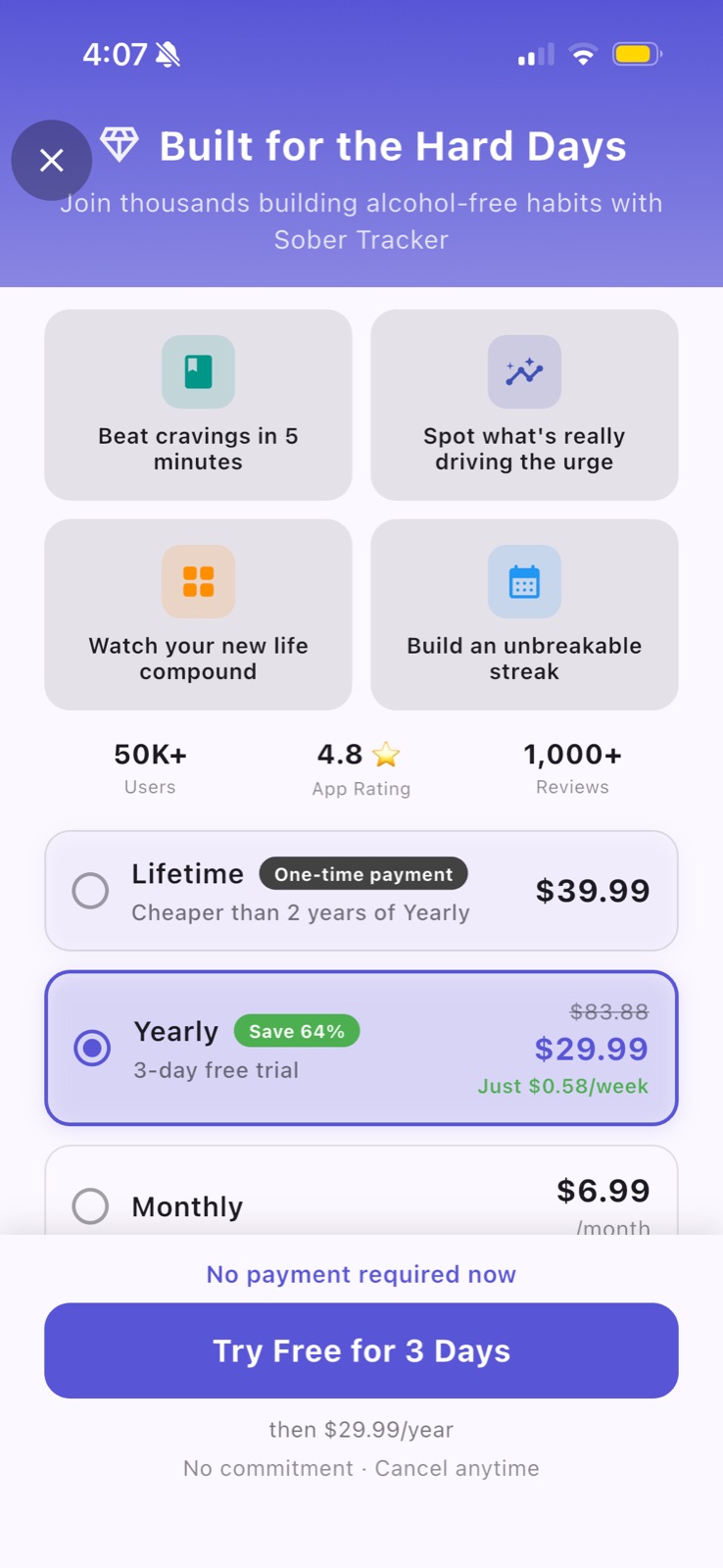
Anchoring is the tendency to judge a value relative to whatever reference point came first, even when that reference is arbitrary. On paywalls it shows up as struck-through "regular" prices, "Save 64%" badges, yearly plans restated as a weekly amount, and tiers placed next to each other so one looks reasonable by comparison.

Amos Tversky and Daniel Kahneman (Science, 1974) showed that a number from a spun wheel (10 or 65) shifted people's estimates of the share of African countries in the UN, with median answers of 25% and 45%. Anchoring is one of the better-replicated effects in psychology: the Many Labs project (Klein et al., 2014) reproduced it strongly across 36 labs. A related price frame is John Gourville's "pennies-a-day" study (1998): restating a cost as a small daily amount made people evaluate it more favorably, because it invites comparison with trivial everyday spending.

Every price screen has an anchor whether you choose it or not. The question is whether the reference point is honest and whether it makes the saving easy to see. A weak anchor (10% off with odd cents) can make an offer feel smaller than it is.

How to use it

  • Show the plan you want people to compare against first or alongside, so the recommended plan is judged relative to it.
  • Express savings in a form people can feel: a dollar amount or months free for large savings, a per-week figure for small recurring charges.
  • Use only real reference prices, such as the actual monthly rate multiplied out, so the anchor survives scrutiny.

Watch out

  • Inflated "original" prices that nobody ever paid are deceptive and, in many markets, illegal.
  • Stacking three or four price frames on one plan reads as pressure and can make users distrust all of them.
Related

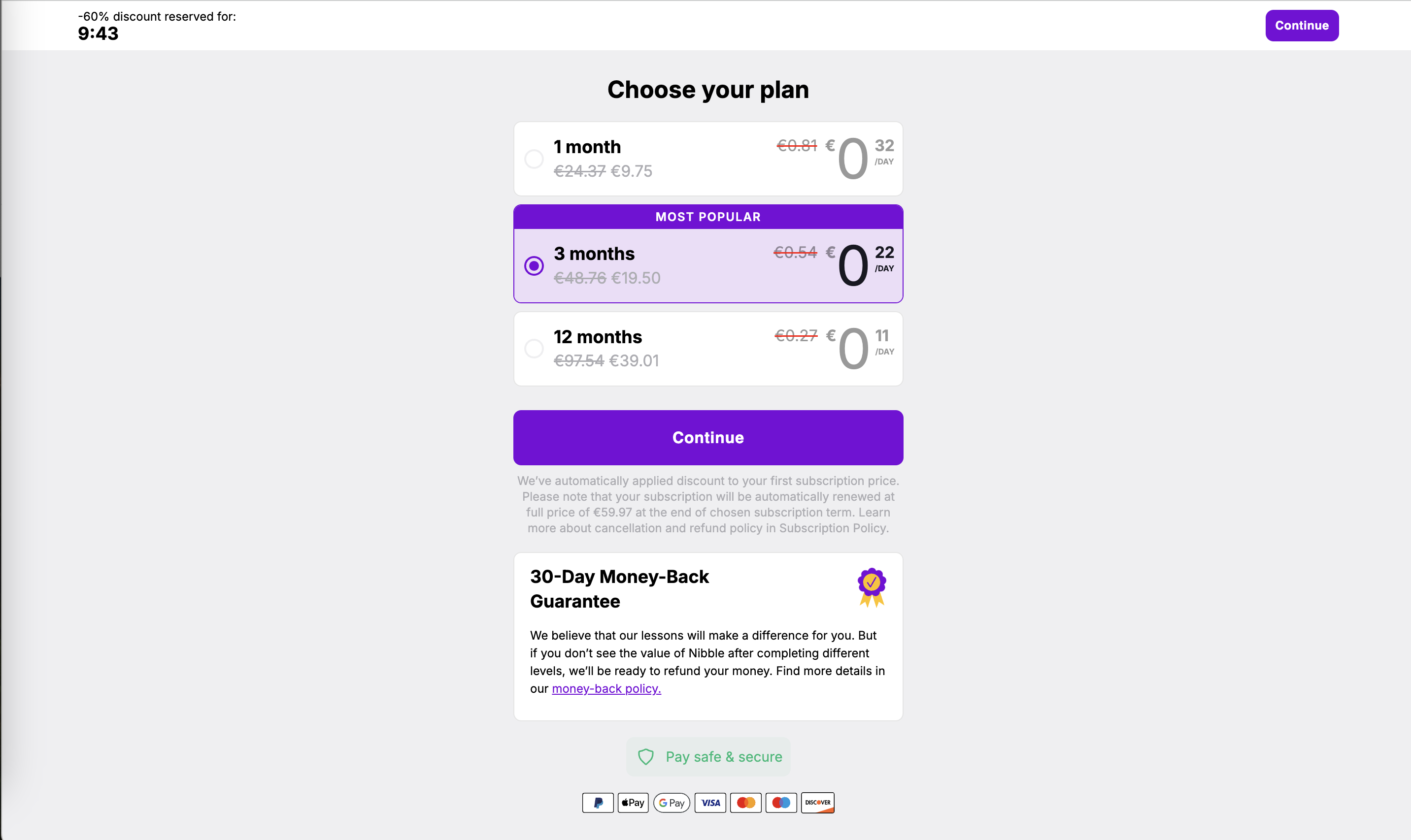
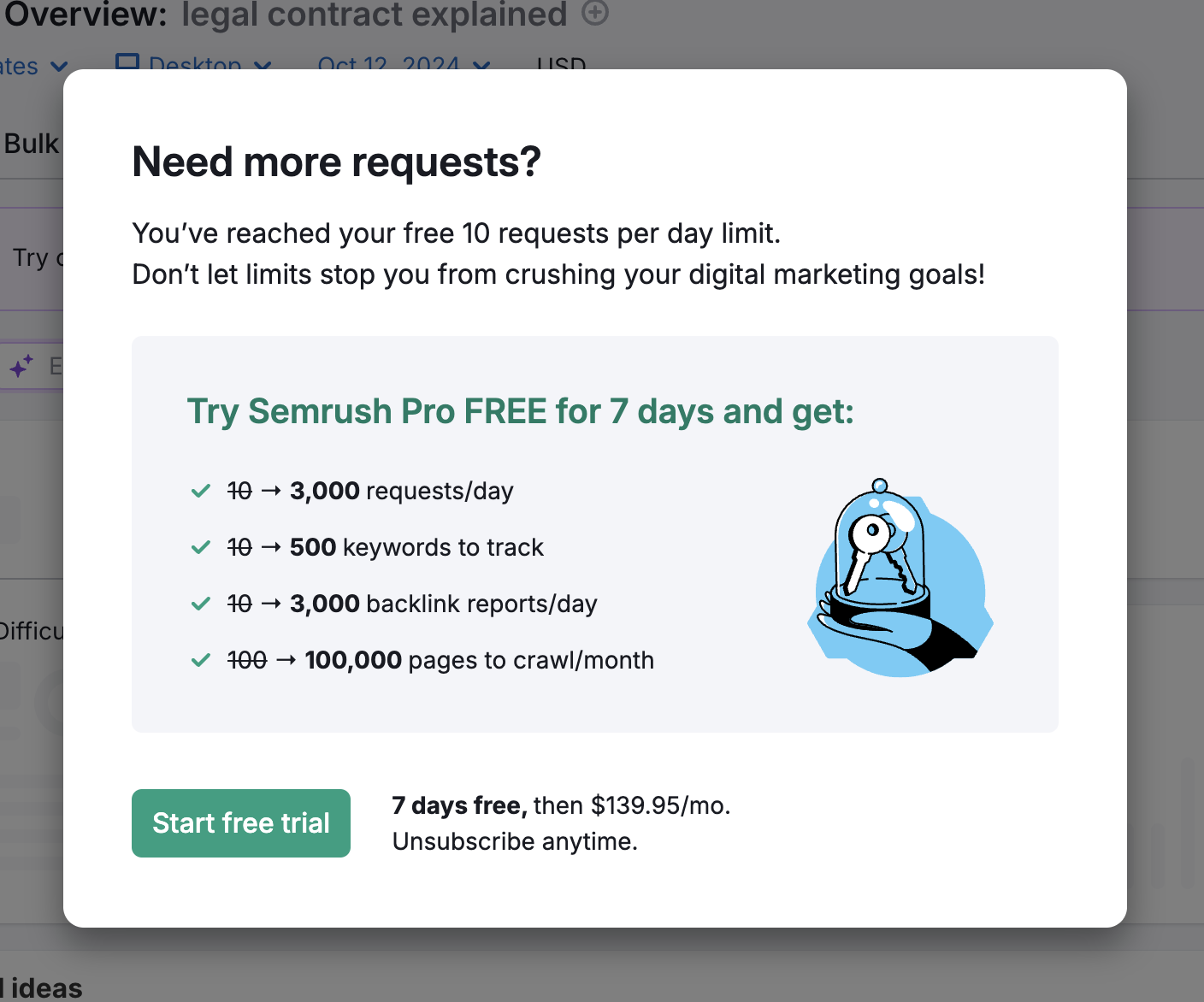
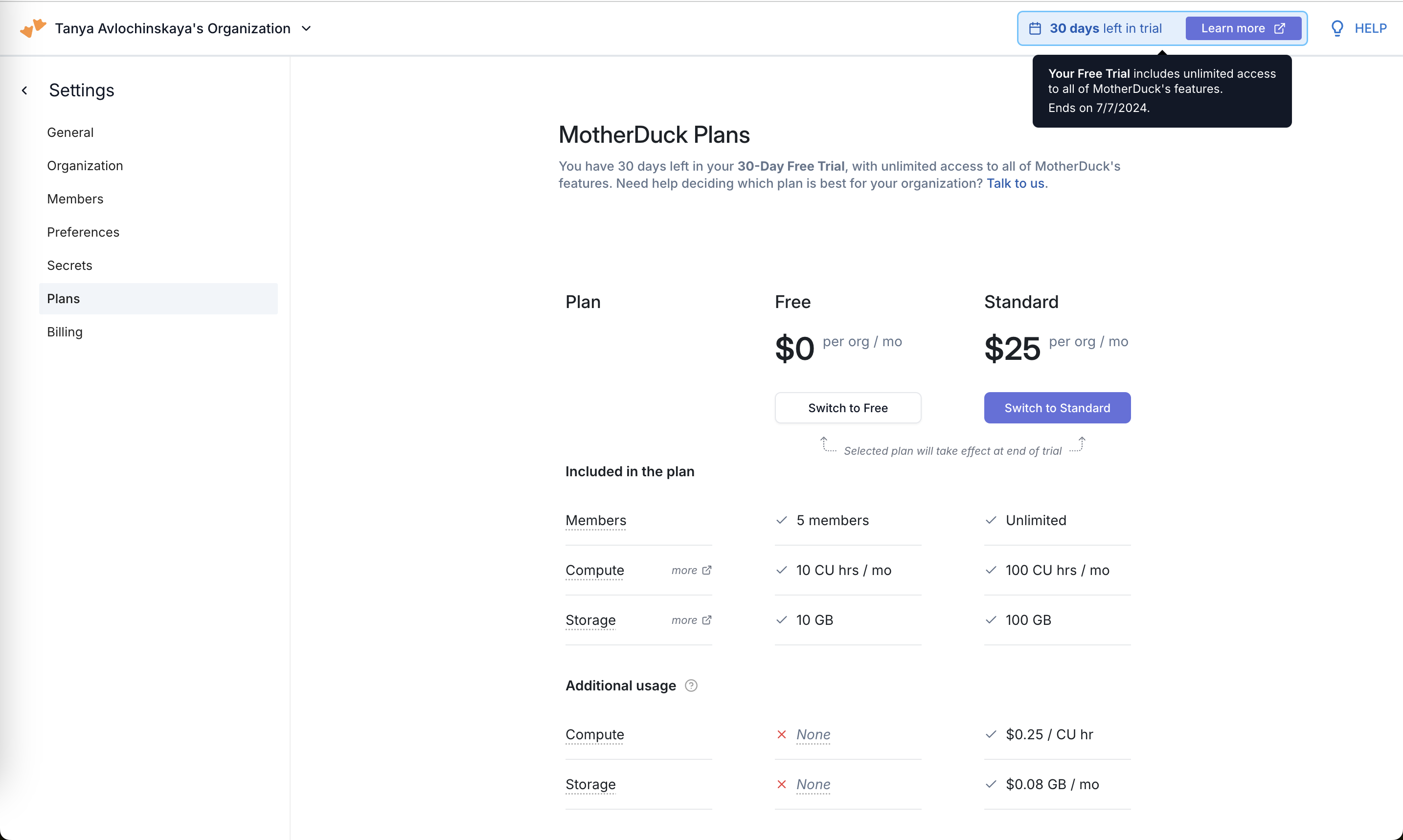
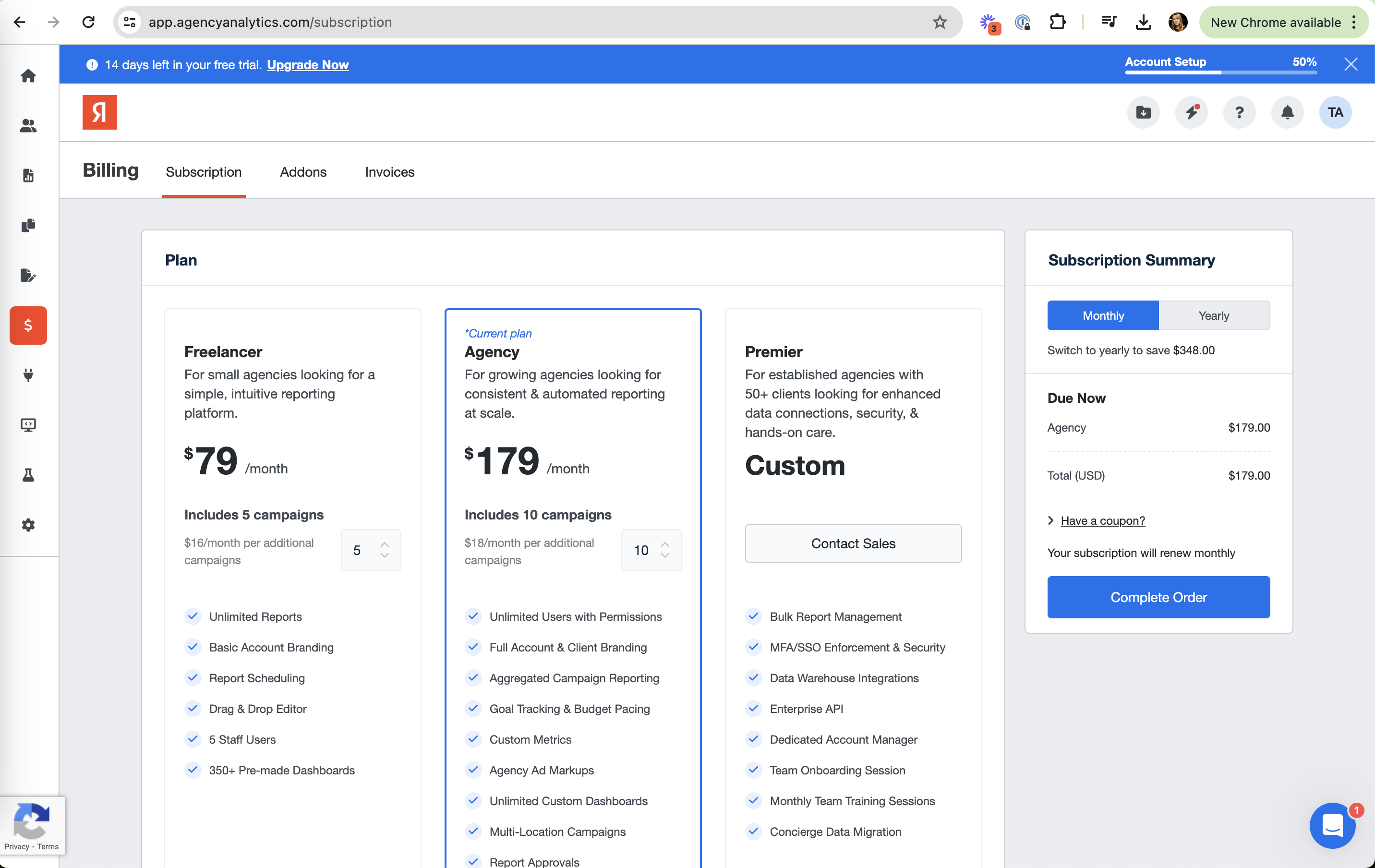
Anchoring in real products 19 working · 1 not

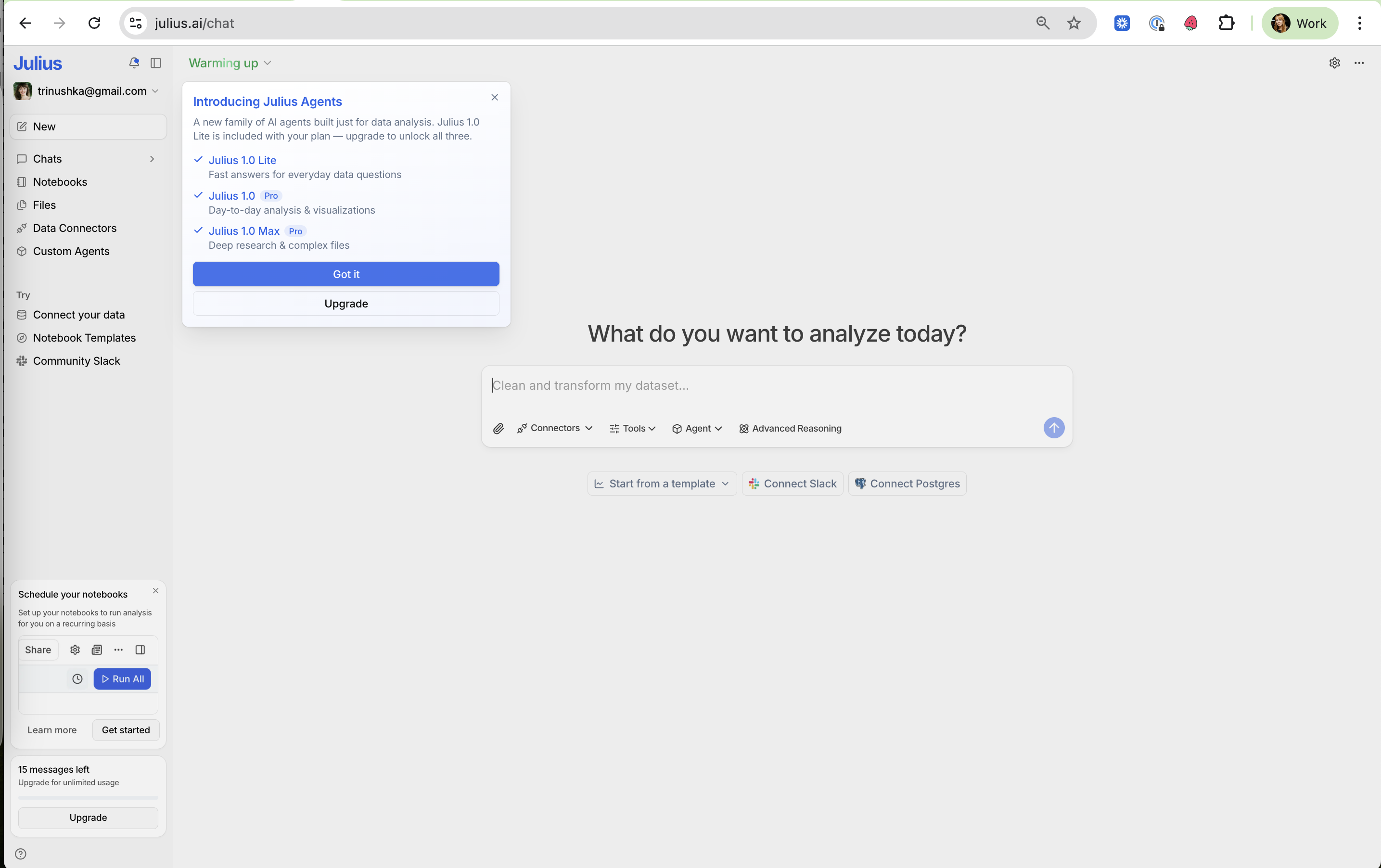
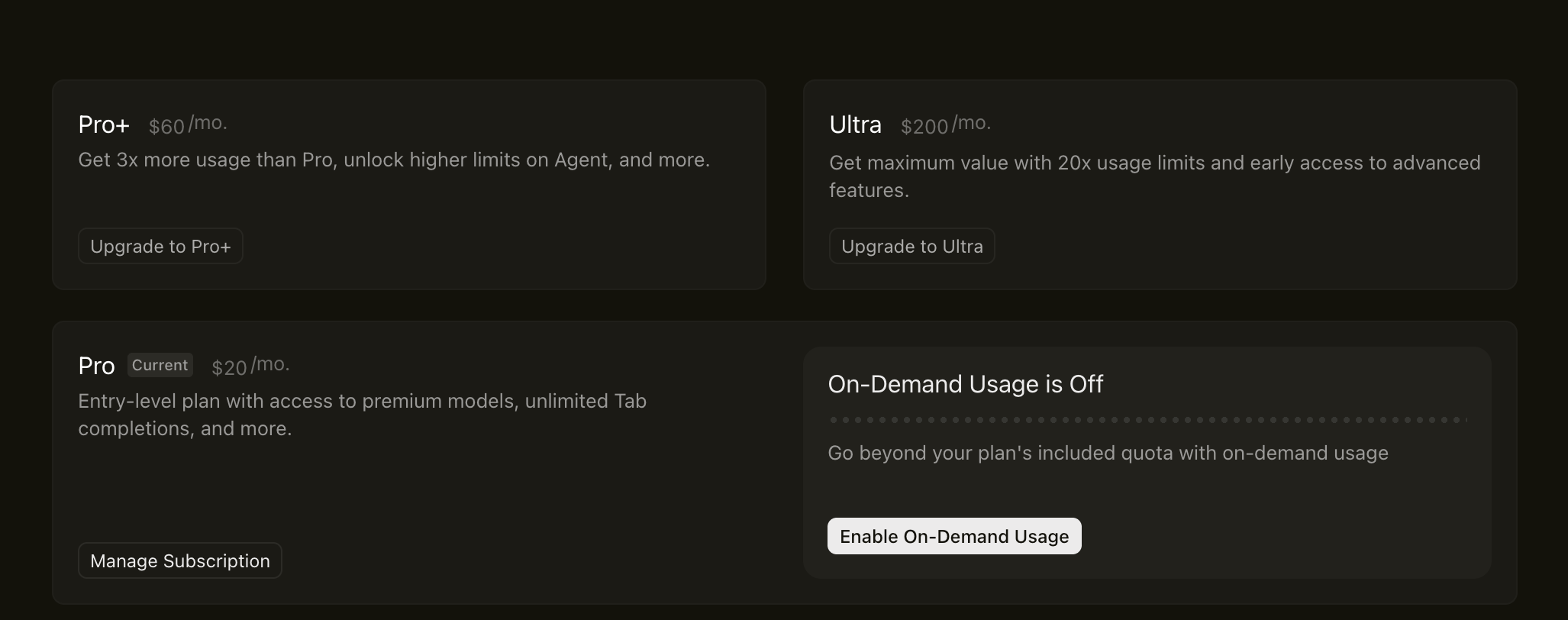
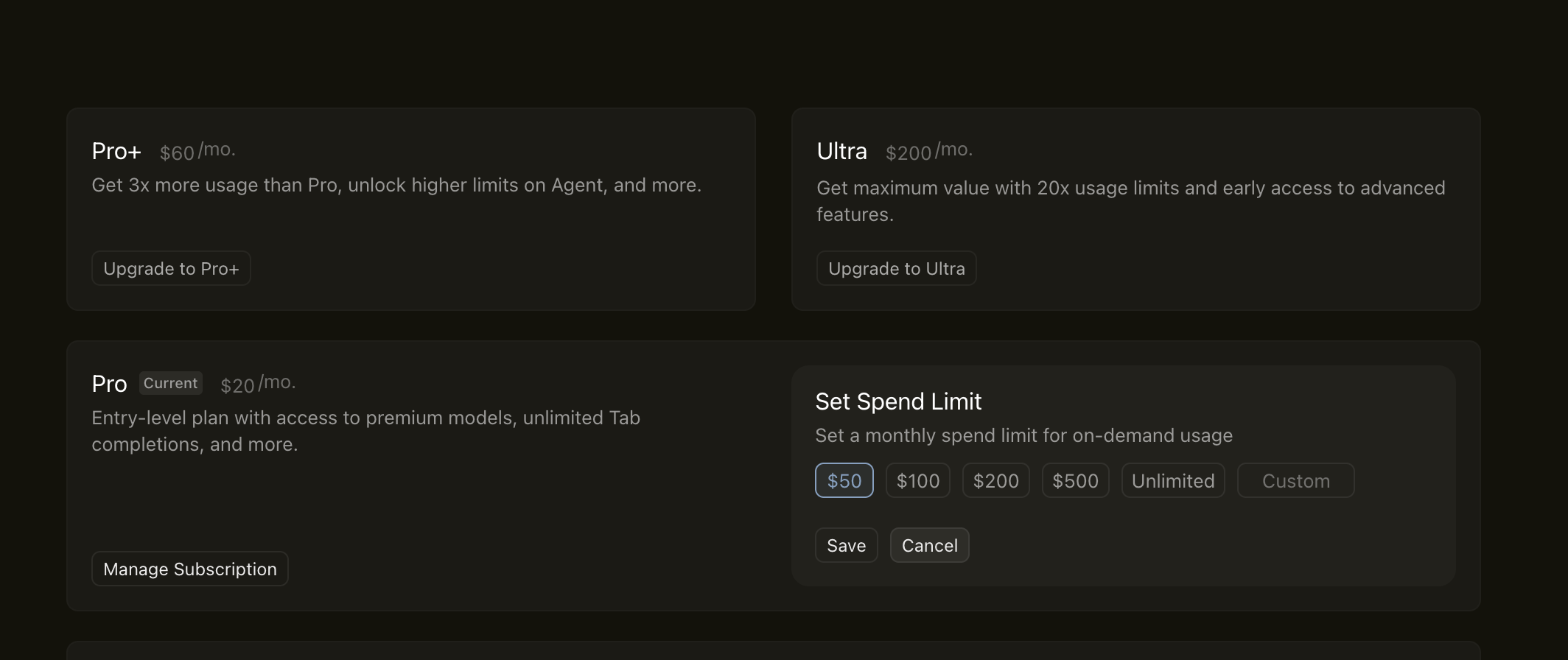
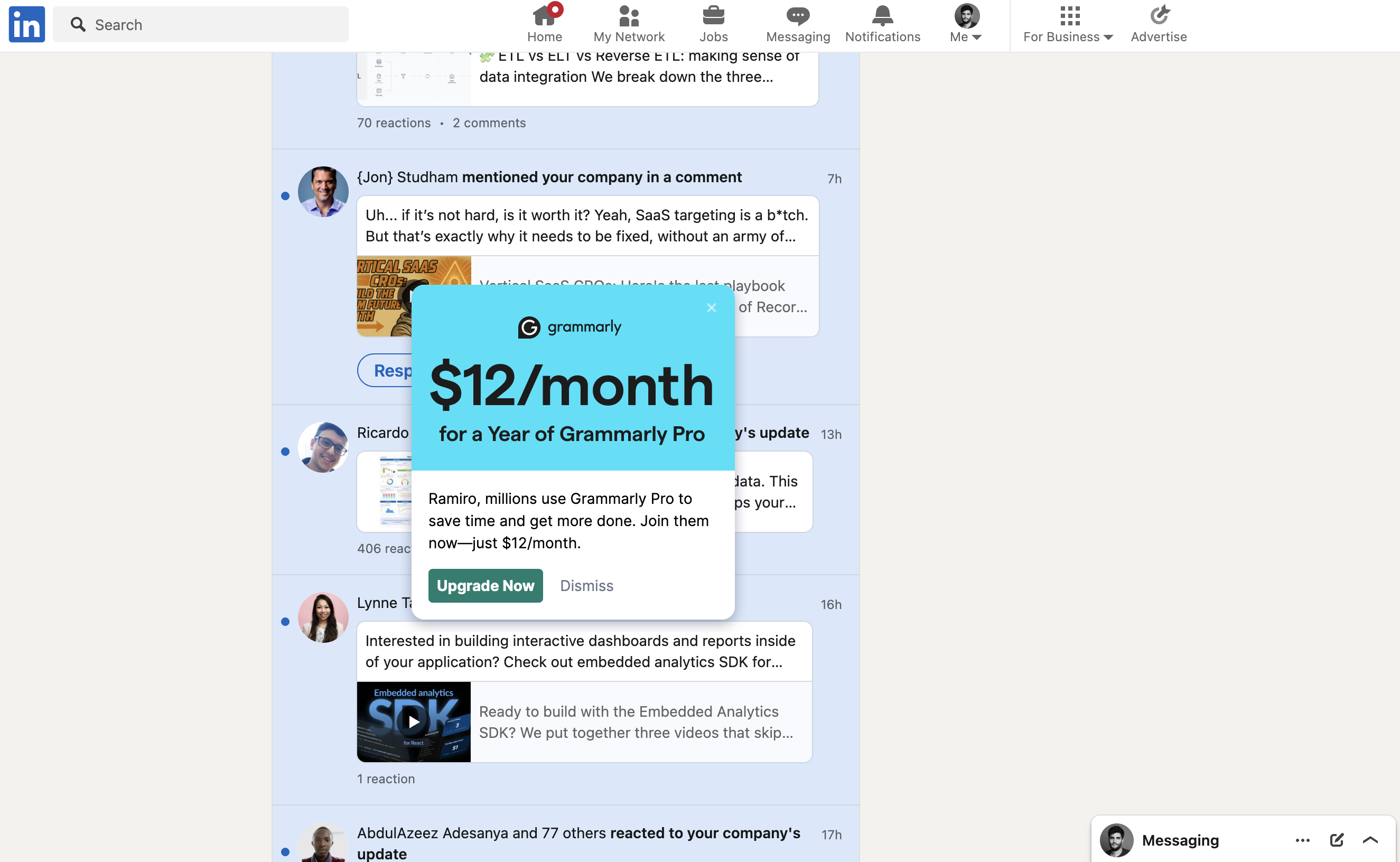
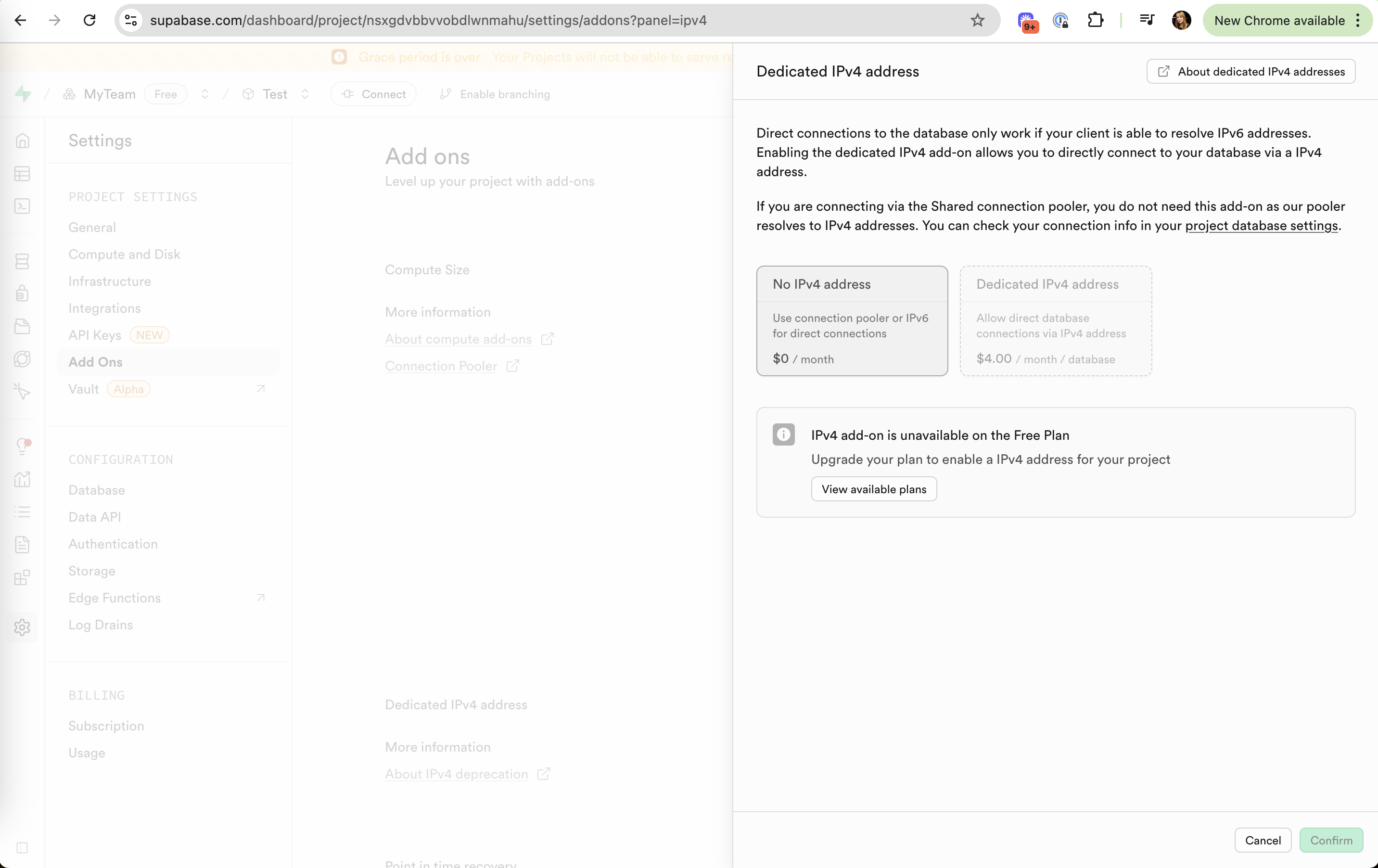
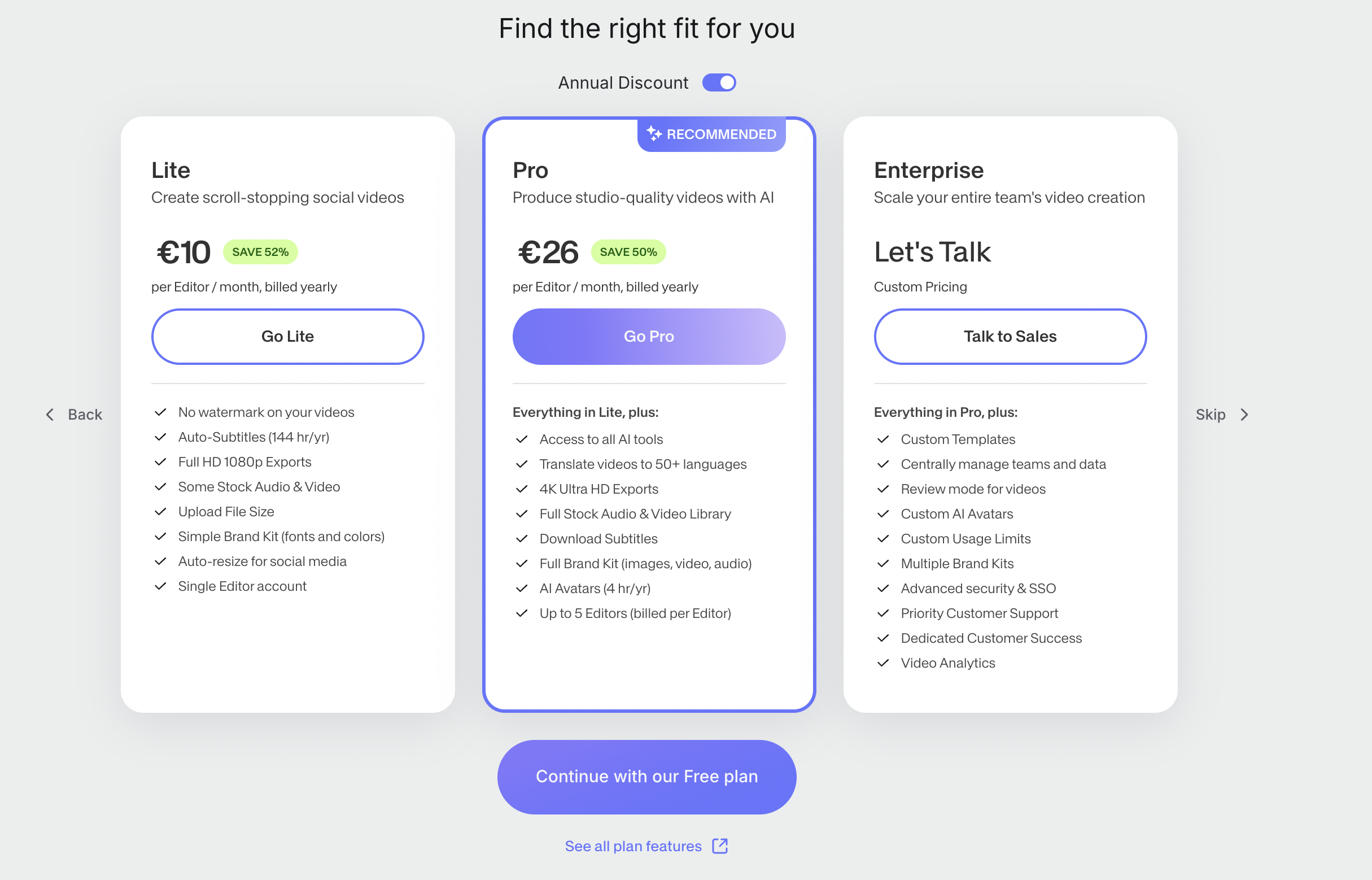
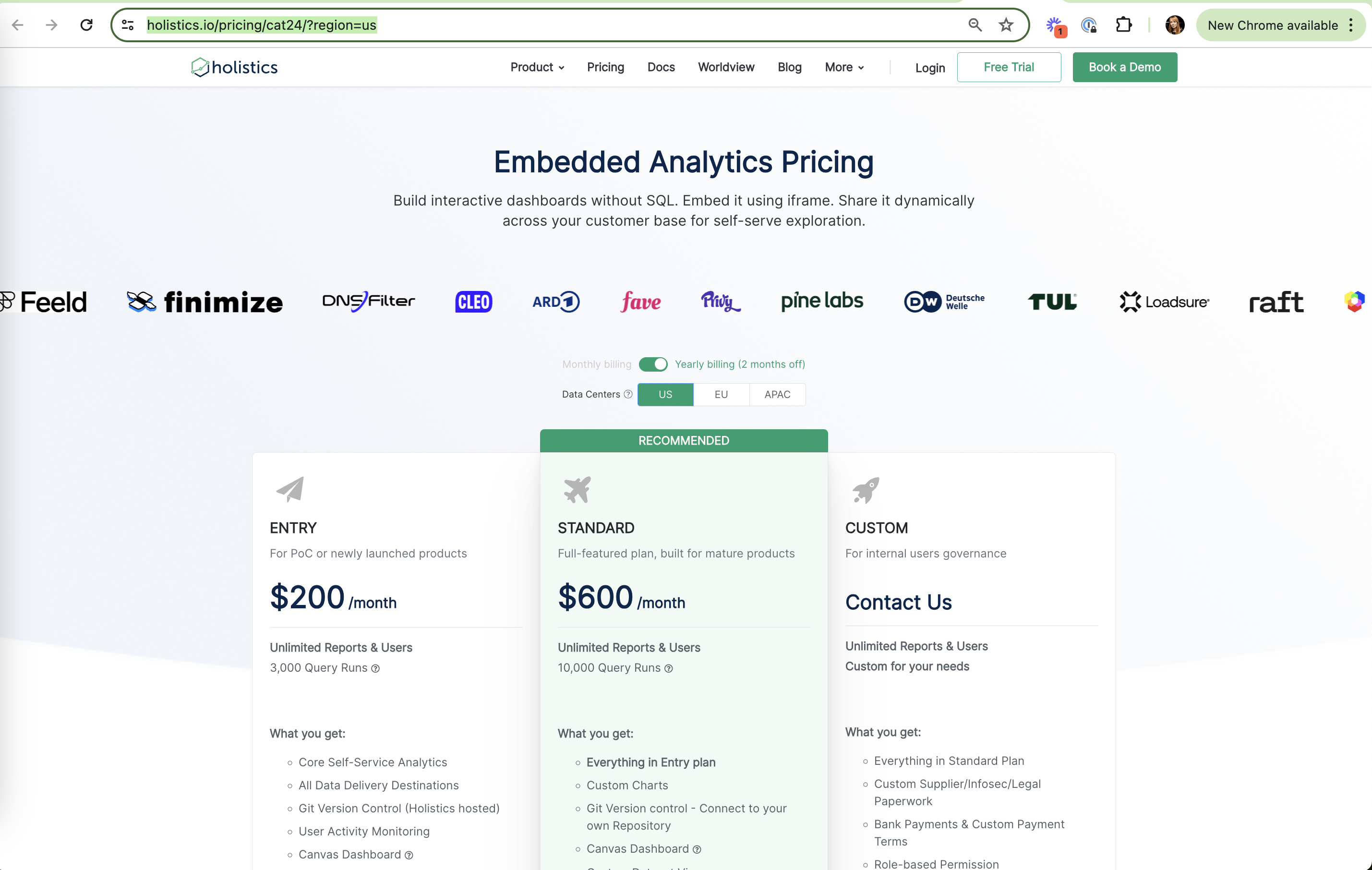
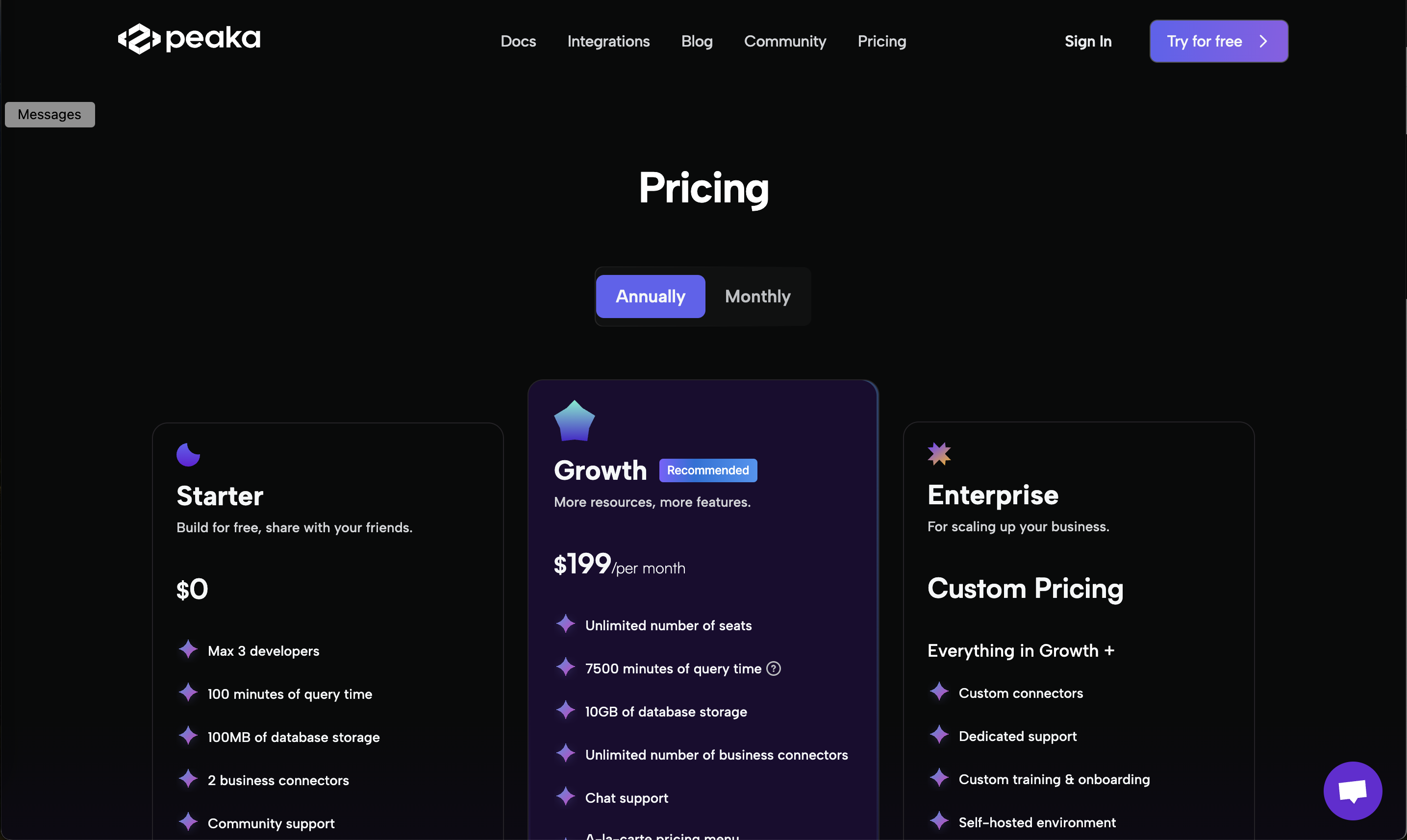
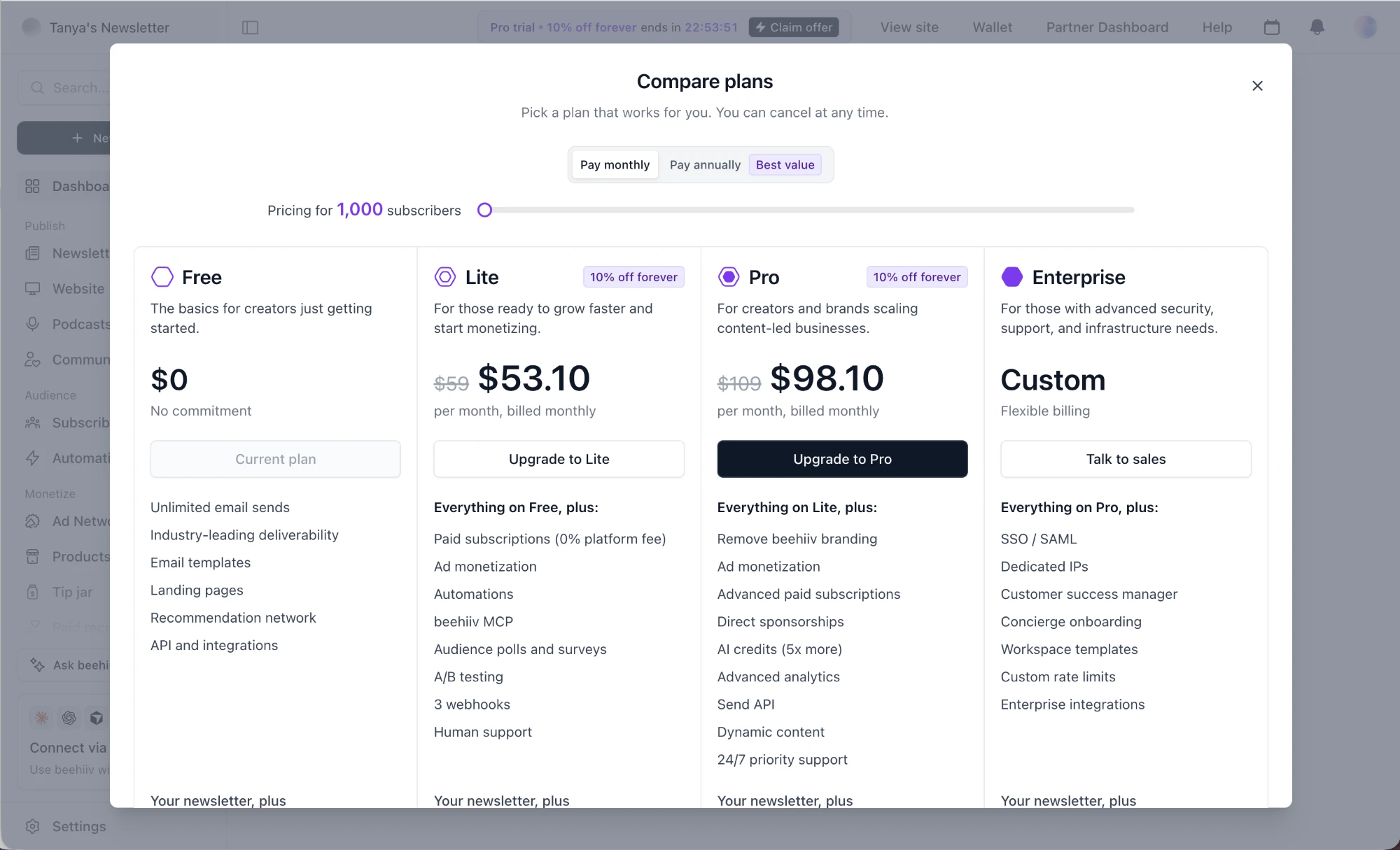
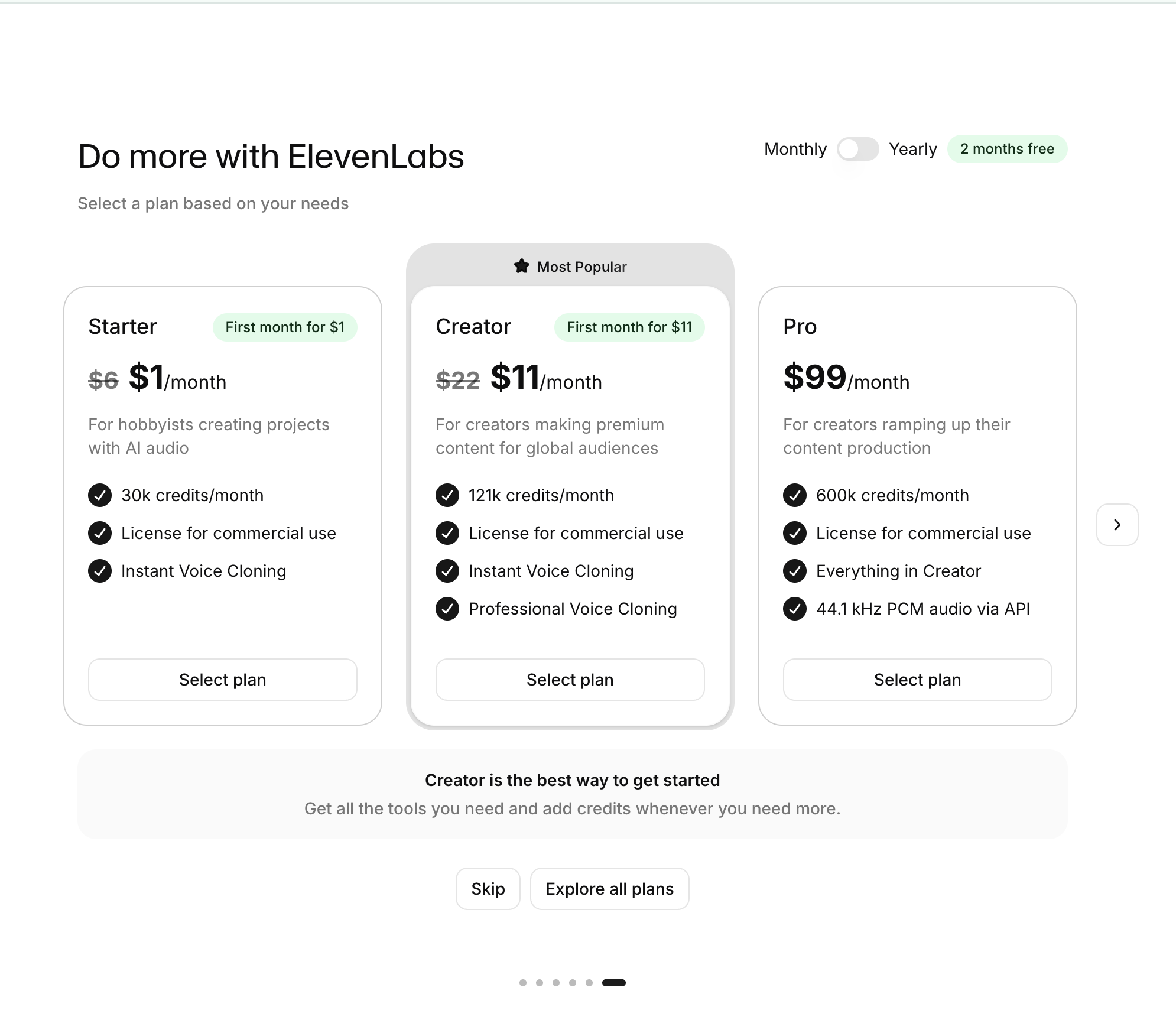
ElevenLabs: Struck-through full price ElevenLabs (working) Struck-through full price $6 → $1 and $22 → $11 anchor on the regular price. Sober Tracker: Yearly preselected Sober Tracker (working) Yearly preselected Struck-through $83.88, "Save 64%" and "Just $0.58/week" stack three price frames. Math Zen: Annual preselected Math Zen (working) Annual preselected "Just $0.57/week" and "Save 64%" reframe the yearly charge. Photo editor app: Yearly anchored to weekly Photo editor app (working) Yearly anchored to weekly $312.34 struck through and "SAVE 90%" make $29.99/year look like a steal. Julius: Tiers shown as a family Julius (working) Tiers shown as a family Lite, 1.0 and Max are listed with one-line jobs, and the Pro tags show which two you don't have. Cursor: $200 tier as the anchor Cursor (working) $200 tier as the anchor Ultra's "20x usage limits" makes $60 Pro+ look like the modest step up. Cursor: Big numbers nearby Cursor (working) Big numbers nearby $500 and Unlimited make $50 or $100 feel small. Grammarly: Price as the headline Grammarly (working) Price as the headline "$12/month" in huge type anchors on a small monthly number. Supabase: $0 vs $4.00 side by side Supabase (working) $0 vs $4.00 side by side Two option cards show the free path and the paid one with "/ month / database" pricing. Canva: Old price struck through Canva (working) Old price struck through "50 zł 25 zł for the next 3 months" shows the saving in local currency. Synthesia: Savings badges Synthesia (working) Savings badges "SAVE 52%" next to EUR 10 frames the price as a deal. Nibble: Price per day Nibble (working) Price per day The giant "0.22 /day" makes €19.50 upfront feel like nothing. Nibble: Strikethrough anchors Nibble (working) Strikethrough anchors Crossed-out €48.76 next to €19.50 makes the deal look huge. Semrush: Before and after quotas Semrush (working) Before and after quotas Strikethrough "10 → 3,000" for every limit makes the jump concrete. MotherDuck: Free vs Standard, two columns MotherDuck (working) Free vs Standard, two columns Members, compute and storage limits side by side with $0 vs $25 makes the jump easy to read. AgencyAnalytics: Custom tier as a ceiling AgencyAnalytics (working) Custom tier as a ceiling Premier "Custom" with Contact Sales gives large agencies somewhere to go. Holistics: Recommended middle tier Holistics (working) Recommended middle tier "RECOMMENDED" on $600 Standard between $200 Entry and Contact Us. Peaka: Recommended, raised card Peaka (working) Recommended, raised card Growth is taller, darker and tagged "Recommended". Peaka: Same unit across tiers Peaka (working) Same unit across tiers 100 vs 7500 "minutes of query time" makes the gap easy to compare. beehiiv: 10% feels small beehiiv (not working) 10% feels small $59 → $53.10 is a weak anchor; the odd cents read as computed, not generous.