Cancel screen that shows what you lose
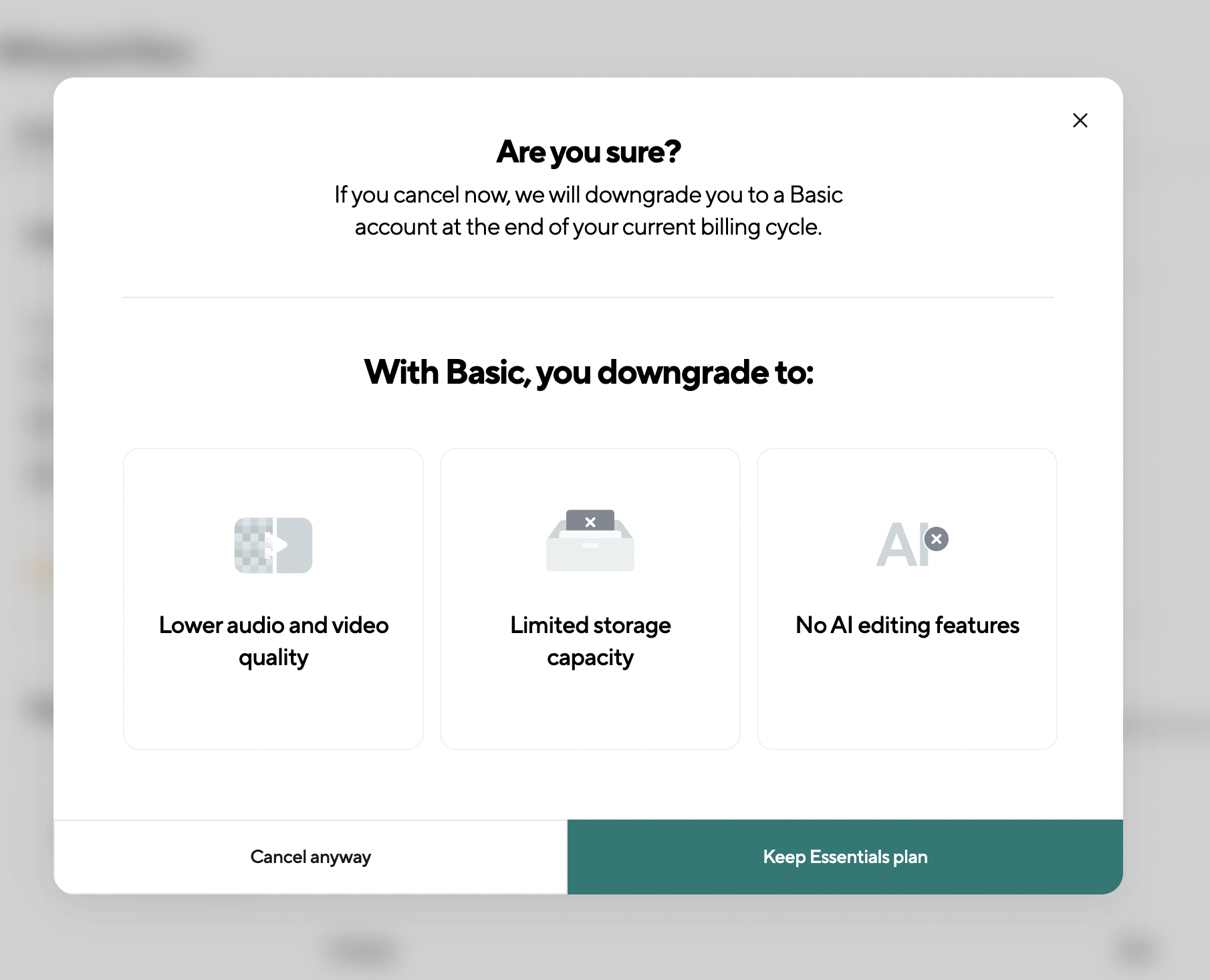
Podcastle's cancel modal explains the downgrade timing and lists three losses, while keeping "Cancel anyway" easy to find.
Are you sure?
A single modal shows when the downgrade happens and three features you'll lose.
-
1
Timing made clear (working)
"Downgrade you to a Basic account at the end of your current billing cycle" answers the first worry.
-
2
Basic vs Essentials (not working)
The heading talks about Basic, the button about Essentials, so plan names need decoding.
-
3
Concrete losses (working)
Each card names one thing you lose, like "Lower audio and video quality", with a crossed-out icon.
-
4
Losses aren't personal (not working)
"Limited storage capacity" doesn't say how much you use now, so the loss feels generic.
-
5
Cancel is not hidden (working)
"Cancel anyway" is the same size as the keep option, which avoids a dark pattern.
- 6
Takeaways from Podcastle
- On the cancel screen, say exactly when the downgrade happens.
- List concrete losses, and use the user's own usage numbers if you have them.
- Make keeping the plan the primary action but leave cancel equally easy to click.