
Tote Alternatives: 5 Apps for Your Screenshots and Saves
Tote calls itself an AI second brain for everything worth remembering: share a screenshot, reel or link and it pulls out the details and files it by type. It does that well. People look for something else when they want a longer track record, would rather not sign in, or want their screenshots to stay on their phone. Here are five alternatives and where each one beats it.
By Tanya Aulachynskaya, maker of Nutstash · Updated 2026-11-19. Ratings, prices and privacy labels checked against each app’s US App Store listing.
Tote in short: detail cards for everything you save
Tote, from Just Because Labs, takes screenshots, Reels, TikToks and links from any app’s Share menu or the Action Button. Its AI recognises more than 20 kinds of content and fills in what matters: ingredients, cook time and protein for a recipe; menu, hours and location for a restaurant; specs and price for a product; date, venue and tickets for an event. Everything is searchable by those details and can go into lists. It has 4.7 stars from 178 ratings on the US App Store.
WebsiteApp StorePrivacy policy
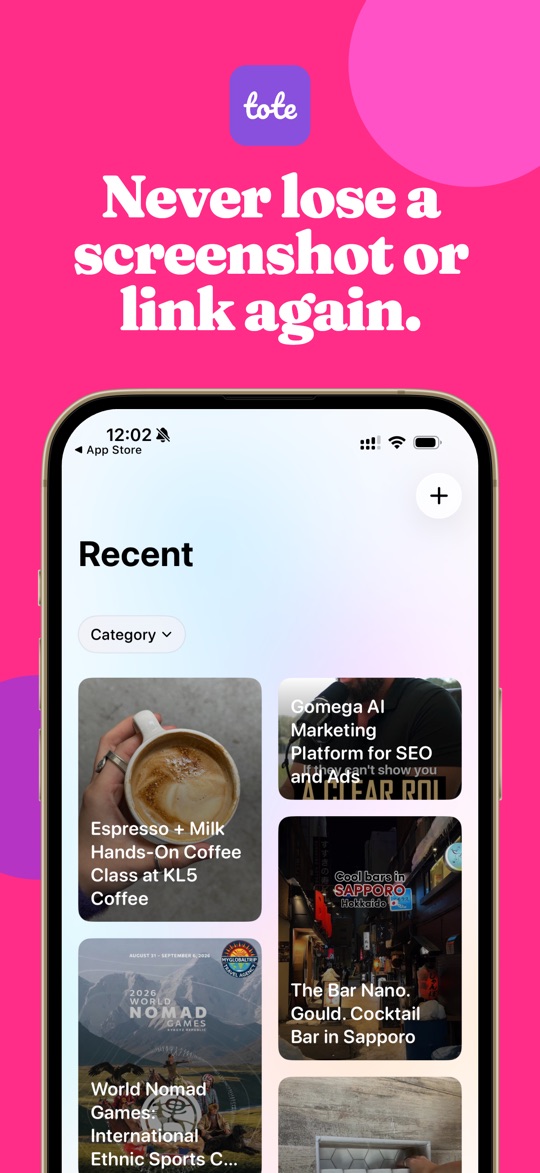
What Tote gets right
- Details extracted for you, so a saved restaurant shows its hours without a second search.
- Saves from almost any app, video links included.
- One simple paid plan: Tote Annual at $29.99 a year.
- In 9 languages.
Why people look elsewhere
- Your saves are processed off the phone. Tote’s privacy policy says it collects the screenshots you submit and works with “cloud hosting, analytics, and AI providers” that process data on its behalf.
- Sign in with Apple or Google.
- Its App Store privacy label lists identifiers as used to track you.
- Still pre-1.0 (version 0.7) and only on iOS 26.
- You share things in one at a time; the screenshots already in your camera roll stay unsorted unless you add them.
The alternatives at a glance
| App | Best for | Where your screenshots are processed | Price | App Store rating |
|---|---|---|---|---|
| Nutstash | Screenshots sorted into topics and to-try lists, privately | On your phone. Never uploaded | Free for your 20 newest. Pro $7.99/mo or $34.99/yr | New in November 2026 |
| Tote | Searchable cards with details pulled out of each save | Its servers and AI vendors | Free. Tote Annual $29.99 | 4.7 from 178 |
| Albo | Saving reels, TikToks and links as well as screenshots | Not stated in its privacy policy; App Store label lists photos linked to you | Free. Pro $4.99/mo; yearly plans $29.99–$49.99 | 4.9 from 2,084 |
| Captr | A daily to-do list built from your screenshots | Third-party AI and product-search providers | Free; no in-app purchases listed | 4.8 from 151 |
| Clutter | Tidying screenshots by hand into folders | On your phone, says the listing | Free. Pro $2.99 once | 4.8 from 109 |
| Google Photos | Backing up and auto-sorting a whole library | Google’s cloud, once backed up | Free up to 15 GB | 4.8 from 1.68 million |
1. Nutstash, if you want your camera roll sorted on the phone
Nutstash works from the screenshots you already have. It reads each one on your phone, files it into topics — films, books, recipes, places, skincare, outfits, kids — and turns each topic into a to-try list. You can still share links and pictures to it on iPhone, and bring in your Telegram Saved Messages. We make Nutstash, so read this entry with that in mind.
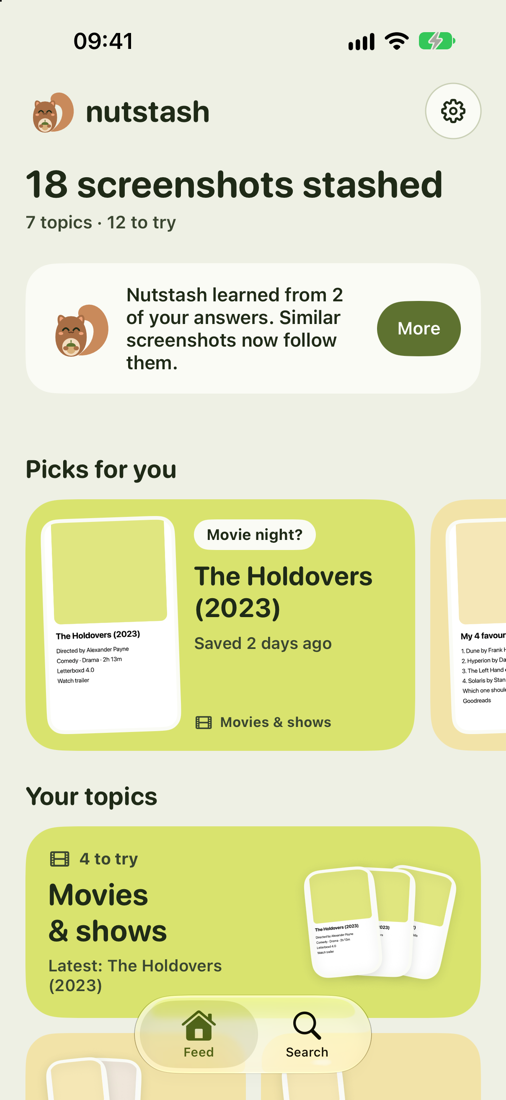
Where it beats Tote
- No servers, no sign-in. Tote processes saves with cloud and AI providers; Nutstash keeps everything on the phone.
- Sorts the backlog: every screenshot already in your camera roll, not just new shares.
- On Android as well as iPhone.
- Your screenshots never leave your phone. Reading, sorting and searching run on the device: Apple’s text recognition and Apple Intelligence on iPhone, Google’s on-device text recognition and Gemini Nano on Android. No account, no ads.
- It opens only your screenshots, never the rest of your photo library.
- A “Top 10 shows” screenshot becomes ten separate things to watch, and you swipe through each topic to tick off what you’ve watched, read, cooked or visited.
- Every word on every screenshot is searchable, in English, Polish, Russian and more.
Where Tote wins
- No detail cards with hours, ingredients or ticket links pulled from the web.
- Tote Annual is $29.99 a year; Nutstash Pro is $34.99.
- Brand new. It launched in November 2026, so there are no App Store ratings to go on yet.
- Needs iOS 26, and sorts best on iPhones with Apple Intelligence (iPhone 15 Pro and newer); other phones fall back to simpler keyword sorting.
- Free covers your 20 newest screenshots. Everything older needs Pro at $7.99 a month or $34.99 a year, after a 3-day trial.
2. Albo, the most popular app of its kind
Albo does what Tote does — share in a reel, TikTok, link or screenshot and it files it as a place, recipe, film, book or product — with a much longer history and a lot more on top: recipes out of videos, weekly meal plans with a shopping list, trip itineraries, a map of your places and shared collections.
WebsiteApp StorePrivacy policy
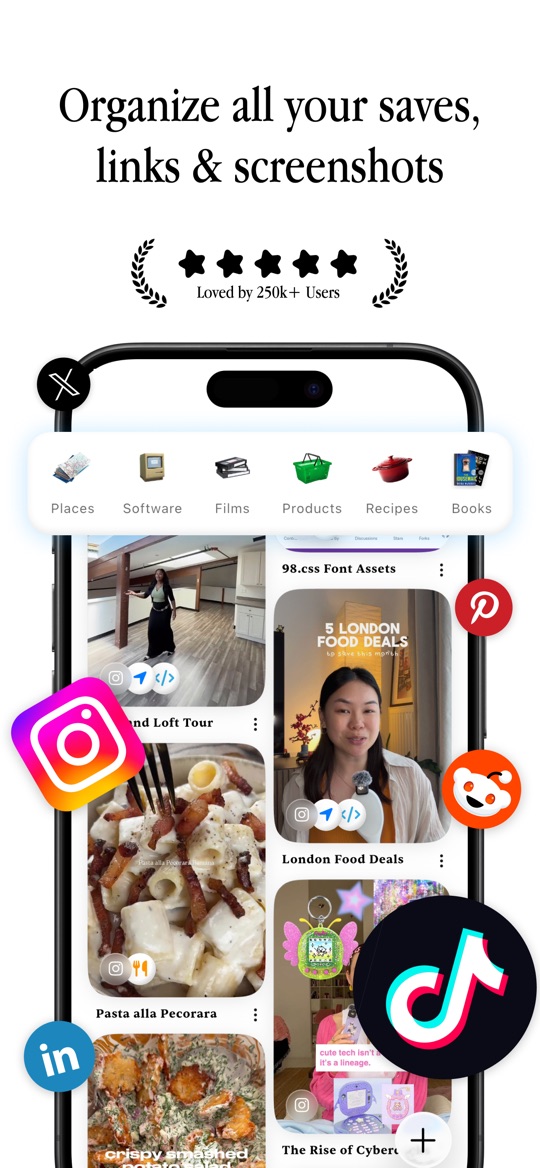
Good
- 4.9 stars from 2,084 ratings, more than ten times Tote’s.
- Meal plans, trips and a map, which Tote does not have.
- In 19 languages and on iOS 17, so it runs on older iPhones.
Not so good
- Its privacy policy does not say where saves are processed; its label lists identifiers and usage data as used to track you.
- Pro is $4.99 a month, and yearly plans are listed from $29.99 to $49.99.
- Far more app than you need if you only want things sorted.
3. Captr, if you want saves to come back to you
Captr reads every new screenshot and, each morning, shows them as a list to act on: open the original post, add an event to your calendar, set a reminder, buy the product. It suits people whose problem is not finding saves but forgetting them.
WebsiteApp StorePrivacy policy
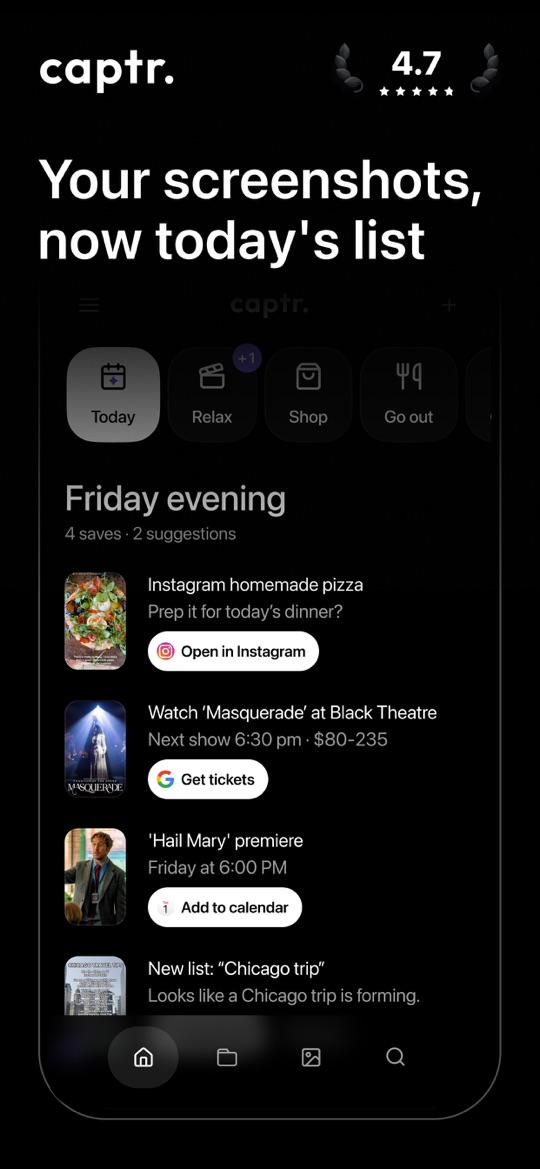
Good
- A daily list, so saves don’t sit unread.
- One-tap actions for calendar, reminders, directions and shopping.
- Free, with no in-app purchases listed on the App Store.
Not so good
- Its privacy policy says AI features run on third-party AI model providers and images go to product search providers.
- Sign in with Google or Apple.
- English only.
4. Clutter, for sorting by hand and paying once
Clutter skips the AI. You review screenshots one at a time — delete, keep for later, or move into a folder with tags and notes — and can save new ones to it from the Share button. Its listing says your photos are processed on the device and not uploaded.
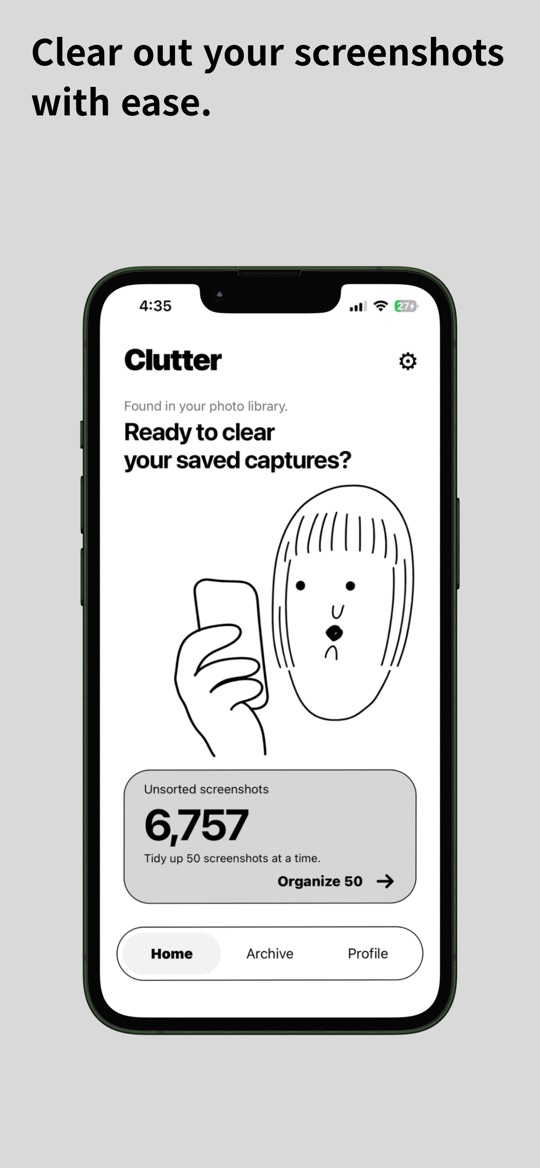
Good
- On-device, according to its App Store listing.
- Pro is $2.99 once, not a subscription.
- Runs on iOS 15 and later.
Not so good
- All the sorting is yours to do.
- Its App Store label lists data used to track you and for third-party advertising.
- A small one-person app.
5. Google Photos, if you back up everything anyway
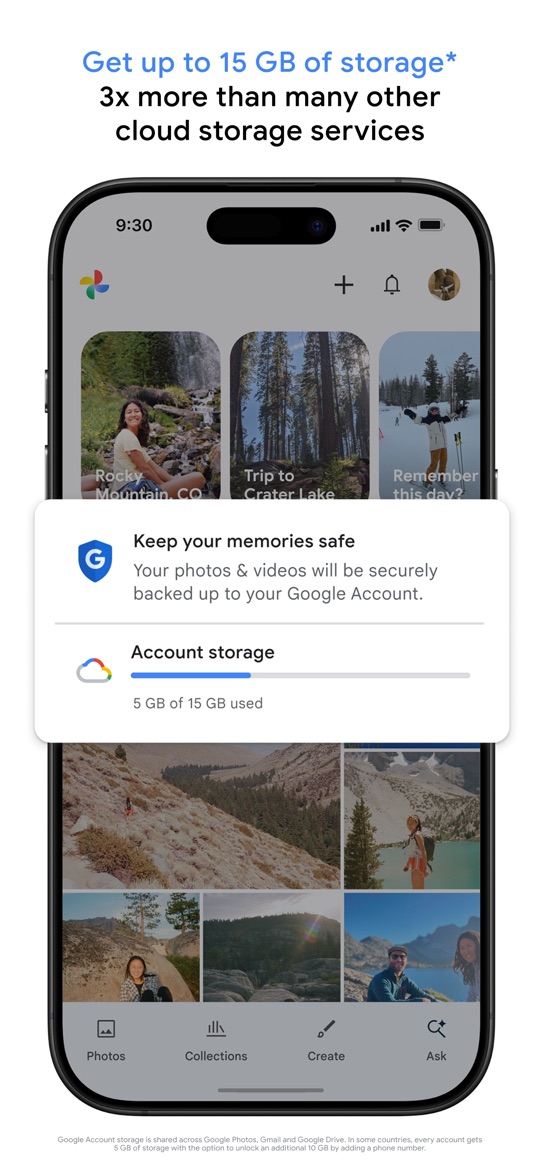
Google Photos, with about 1.68 million ratings, sorts backed-up screenshots and documents into albums such as receipts, IDs and event information, can archive screenshots out of your main grid, and searches your library by what the pictures show.
Good
- Free up to 15 GB, on iPhone, Android and the web.
- No sharing in one by one: every screenshot in the backup is sorted.
Not so good
- Your screenshots are stored in Google’s cloud.
- Albums, not to-try lists or detail cards.
How to choose
- You want detail cards and don’t mind cloud processing: stay with Tote.
- You want the screenshots already on your phone sorted, privately: Nutstash.
- You want the most established app, with meal plans and trips: Albo.
- You keep forgetting what you saved: Captr’s daily list.
- You would rather sort by hand and pay once: Clutter.
More comparisons: Albo alternatives, Captr alternatives and Dazzle alternatives.
Ratings, prices and privacy labels are from each app’s US App Store listing, checked on 2026-11-19. What happens to your screenshots is quoted from each developer’s own privacy policy; where a policy does not say, we say so rather than guess. Screenshots are each app’s own App Store images and belong to their publishers. Nutstash is our app, so weigh our verdicts accordingly.
Try Nutstash on your own screenshots
Nutstash sorts your screenshots into topics and to-try lists on your phone: films to watch, books to read, places and recipes. Nothing is uploaded, and your 20 newest screenshots are sorted for free.


Questions
How much does Tote cost?
Tote is free to download, and the US App Store lists one in-app purchase, Tote Annual at $29.99 a year. Captr lists none, Clutter’s Pro is a one-off $2.99, Albo Pro is $4.99 a month or $29.99 to $49.99 a year, and Nutstash Pro is $7.99 a month or $34.99 a year, with your 20 newest screenshots sorted free.
Does Tote keep my screenshots private?
Tote’s privacy policy says it collects the screenshots, links and notes you submit, analyses them to create summaries and tags, and works with cloud hosting, analytics and AI providers that process data on its behalf. If you want screenshots to stay on your phone, Nutstash does its reading and sorting on the device.
Can these apps sort screenshots I already have?
Tote, Albo and Captr work mainly with what you share or capture from now on. Nutstash goes through the screenshots already in your camera roll, and Clutter lets you work through them by hand. Google Photos sorts whatever is in your backup.